6. BASIC OPERATION
98
6.5.2 Layout Procedure
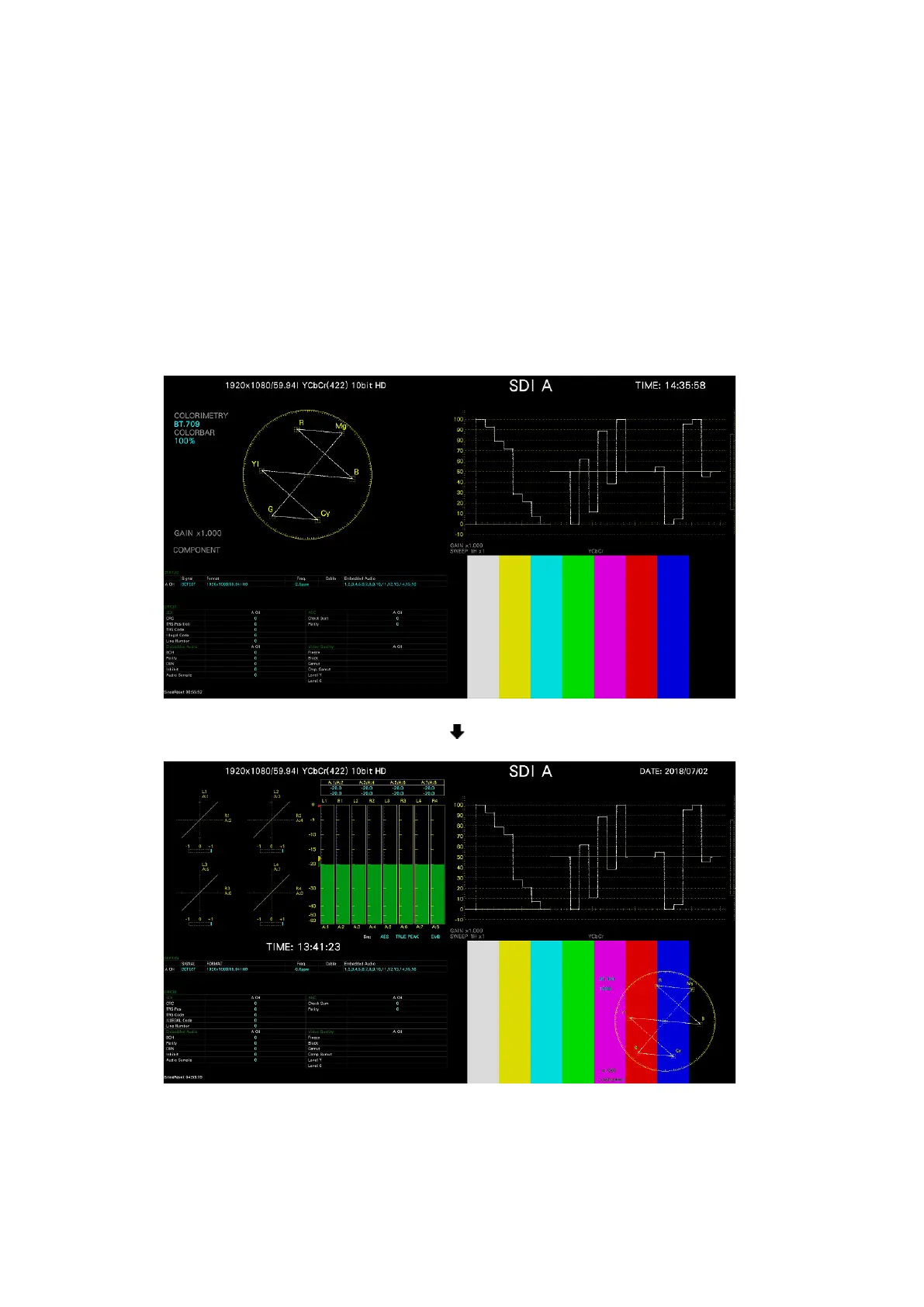
As an example, this section explains how to change the layout of a multi display (User 1) in
the following manner.
a) Display the layout screen
b) Change TIME in the upper right of the screen to DATE
c) Superimpose the vector on the picture
d) Add audio
e) Add TIME to the status
f) Apply the changes
Before change
After change
Figure 6-40 Arranging the multi display layout



 To Next Page