13. Picture Screen
285
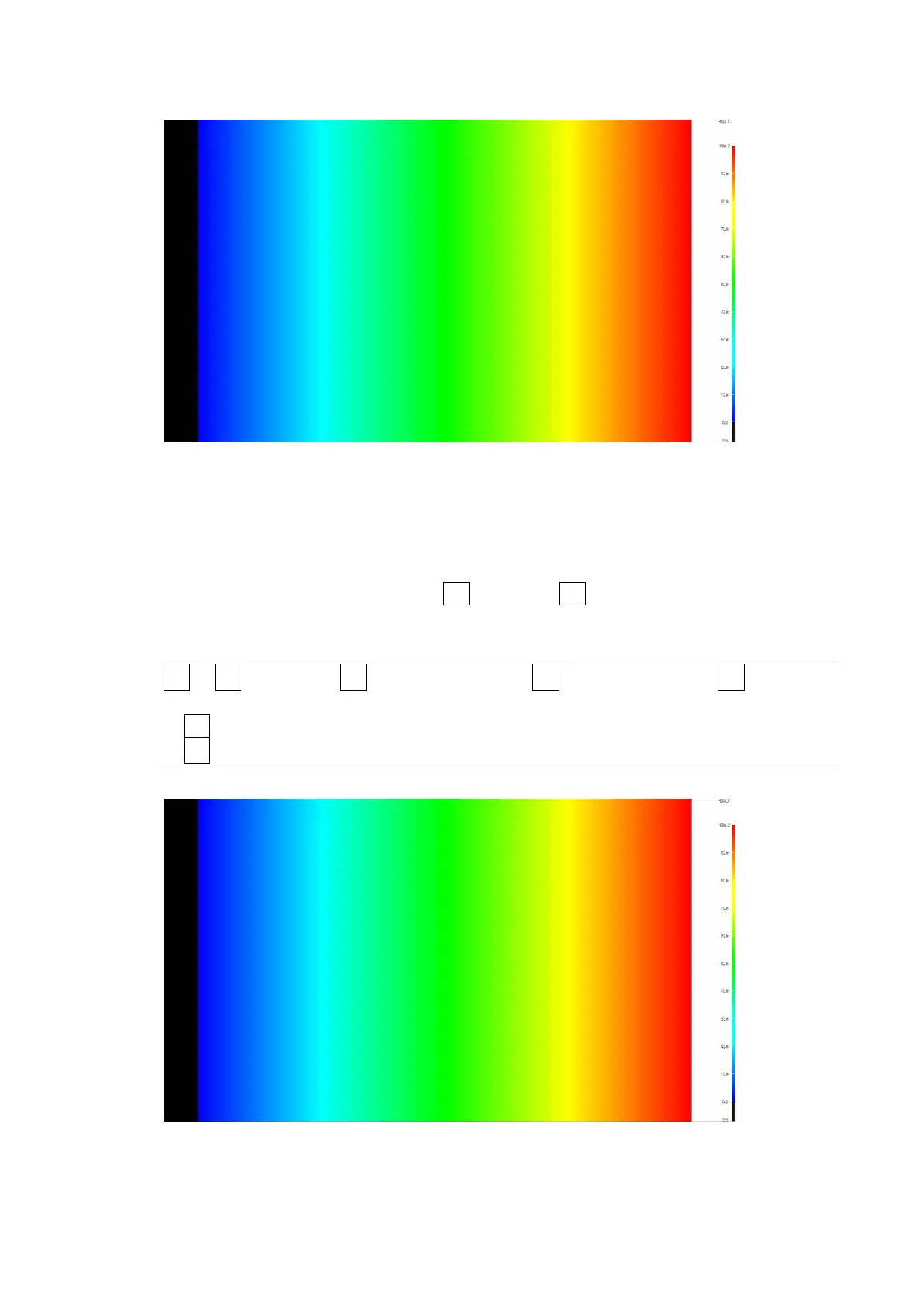
Gradation Display (0% = B, 50% = G, 100% = R)
Figure 13-28 Gradation display
13.7.2 Step Display Mode
To display picture luminance levels in steps, follow the procedure below.
In the step display mode, luminance levels are divided into 10 % steps and assigned to 12
different colors. For information about F•2 UPPER and F•3 LOWER, see section 13.7.1,
“Gradation Display Mode.”
Procedure
PIC → F•2 CINELITE → F•1 CINELITE DISPLAY → F•2 CINEZONE SETUP → F•1 CINEZONE
FORM and select STEP
→ F•2 UPPER
→ F•3 LOWER
CINEZONE FORM = GRADATE



 To Next Page