13. Picture Screen
252
13.3 Configuring the Display Settings
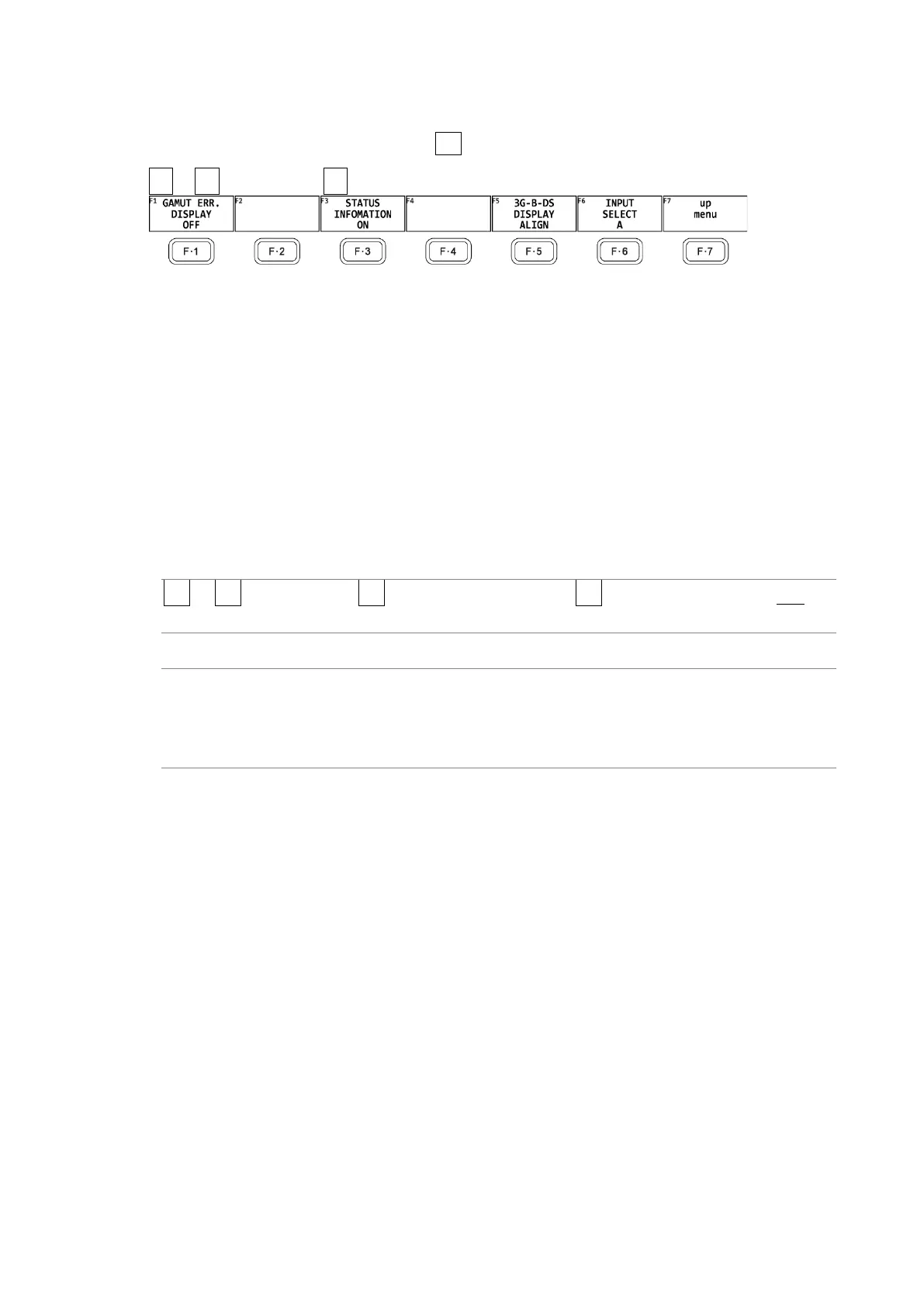
To configure the display settings, press F•3 INDICATION SETTING on the PIC CONFIG menu.
PIC → F•1 PIC CONFIG → F•3 INDICATION SETTING →
Figure 13-6 INDICATION SETTING menu
13.3.1 Displaying Gamut Errors
To display the locations of gamut errors and luminance errors on the picture, follow the
procedure below.
These errors are defined by the ranges that you specify by setting Gamut Upper and Gamut
Lower, Composite Upper and Composite Lower, and Luminance Upper and Luminance Lower
in the status menu. If Gamut Error, Composite Gamut Error, or Level Error is set to OFF, the
corresponding errors are not displayed.
[See also] Gamut Upper/Lower, Composite Upper/Lower → 16.2.3, “Error Setup 3”
Luminance Upper/Lower → 16.2.4, “Error Setup 4”
Procedure
PIC → F•1 PIC CONFIG → F•3 INDICATION SETTING → F•1 GAMUT ERR. DISPLAY: OFF /
WHITE / RED / MESH
Settings
OFF: Gamut errors are not displayed.
WHITE: The picture intensity is halved, and gamut error are marked in white.
RED: The picture intensity is halved, and gamut error are marked in red.
MESH: Gamut errors are marked with a mesh pattern.



 To Next Page