10. Video Signal Waveform Display
193
10.5 Configuring the Sweep Settings
To configure the sweep settings, press F•3 SWEEP on the WFM menu.
WFM → F•3 SWEEP →
Figure 10-15 SWEEP menu
10.5.1 Selecting the Sweep Method
To select the video signal waveform sweep method, follow the procedure below.
Procedure
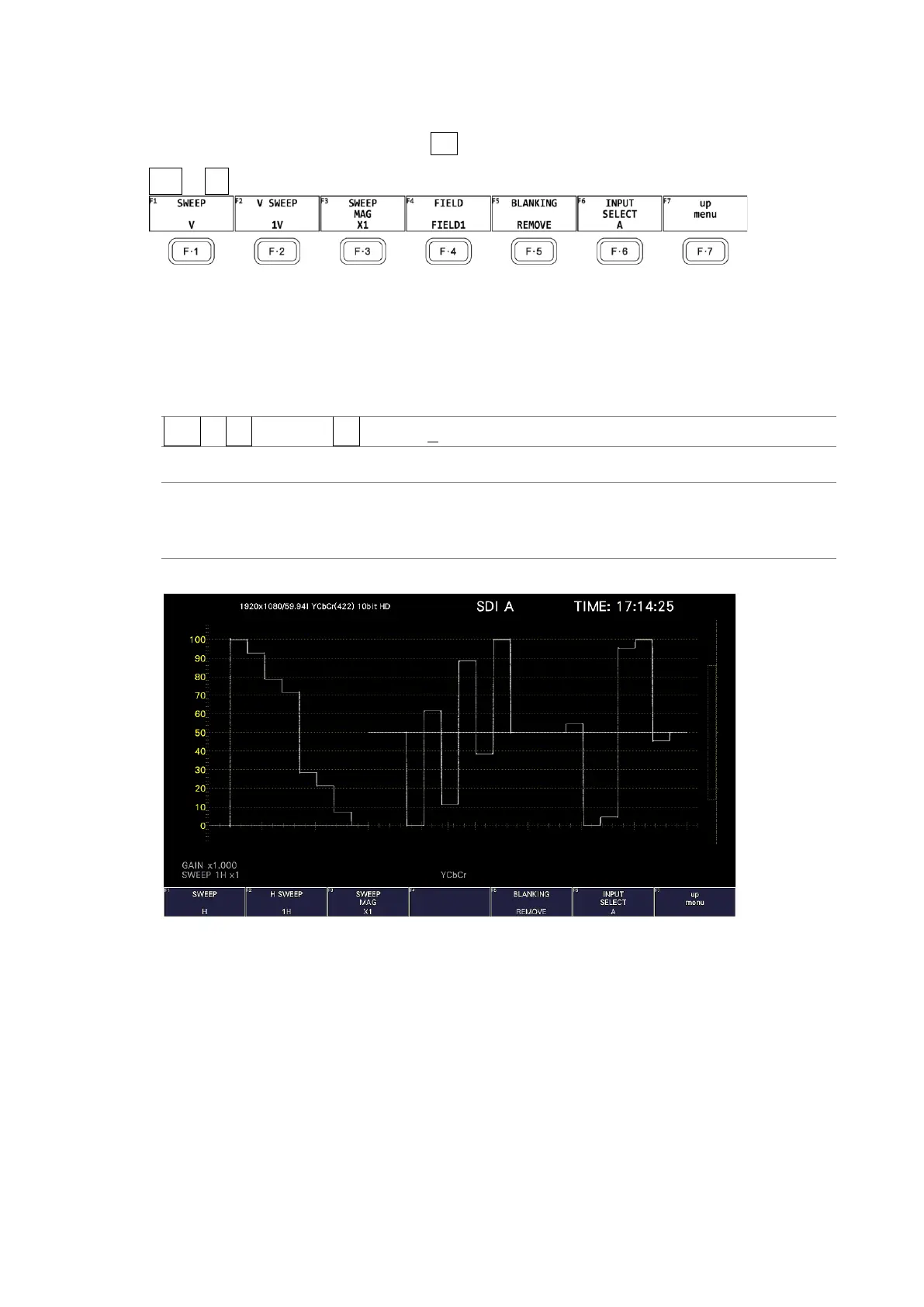
WFM → F•3 SWEEP → F•1 SWEEP: H / V
Settings
H: Lines are displayed.
V: Fields or frames are displayed. Because the sampled data is
downsampled, aliasing distortion occurs.
SWEEP = H



 To Next Page