10. Video Signal Waveform Display
180
10.2 Setting the Waveform Display Position
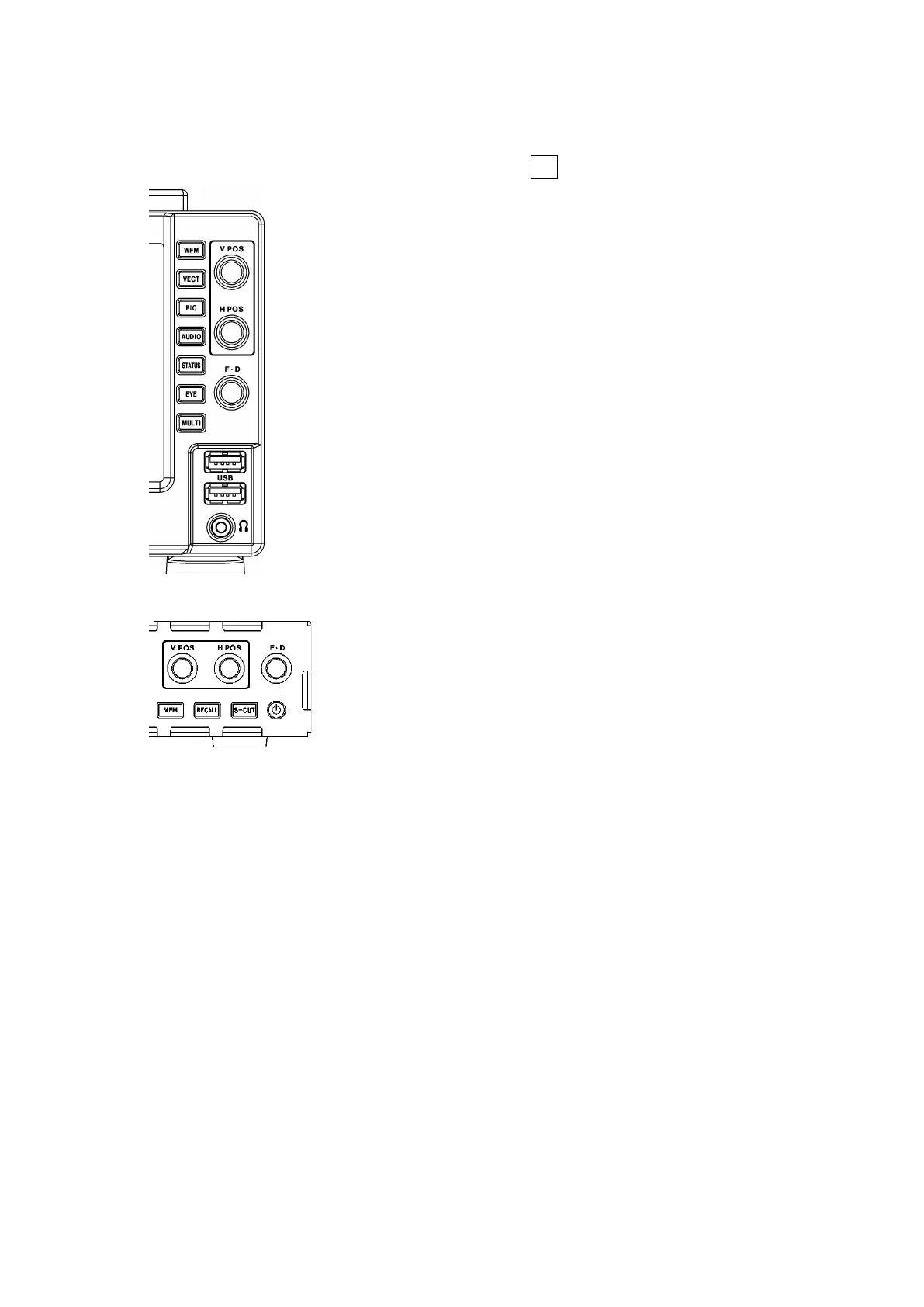
Use the V POS and H POS knobs to adjust the display position of video signal waveforms.
On the multi display, these are valid when you press F•2 MULTI WFM on the MULTI menu.
Figure 10-2 LV5300/LV5300A, LV5350 V POS and H POS knobs
Figure 10-3 LV7300 V POS and H POS knobs
• V POS Knob
This knob adjusts the vertical position of the video signal waveform.
Pressing the knob returns the waveform to its default position.
• H POS Knob
This knob adjusts the horizontal position of the video signal waveform.
Pressing the knob returns the waveform to its default position.



 To Next Page