17. Eye Pattern Display (LV5300/LV5300A/LV7300-SER02)
421
17.9.11 Resetting Cursors
To reset the cursor positions, follow the procedure below.
Procedure
EYE → F•4 CURSOR → F•6 CURSOR RESET
17.9.12 Selecting the Display Mode
To select the eye pattern display mode, follow the procedure below.
If the eye pattern and jitter are displayed simultaneously, the setting specified here also
applies to the jitter.
Procedure
EYE → F•5 TRIGGER: RUN / STOP
Settings
RUN: The input signal is automatically updated and displayed.
STOP: The input signal is displayed statically. This is convenient for cursor
measurement.
Even if STOP is selected, if you change the measurement conditions, such
as switching to jitter, the mode switches to RUN.
17.9.13 Selecting the 2-Screen Display Mode
To select the eye pattern’s 2-screen display mode, follow the procedure below.
Procedure
EYE → F•7 DISPLAY MODE: SINGLE / DUAL
Settings
SINGLE: Displays the eye pattern of the selected filter in a single screen
DUAL: Displays the timing filter and eye pattern of the selected filter in two
screens
17.10 Configuring the Jitter Display Settings
To configure the jitter display settings, press F•1 EYE/JITTER INTEN/CONFIG on the EYE
menu.
This menu appears when F•1 EYE/JITTER INTEN/CONFIG → F•1 EYE/JITTER MODE is set to
JITTER.
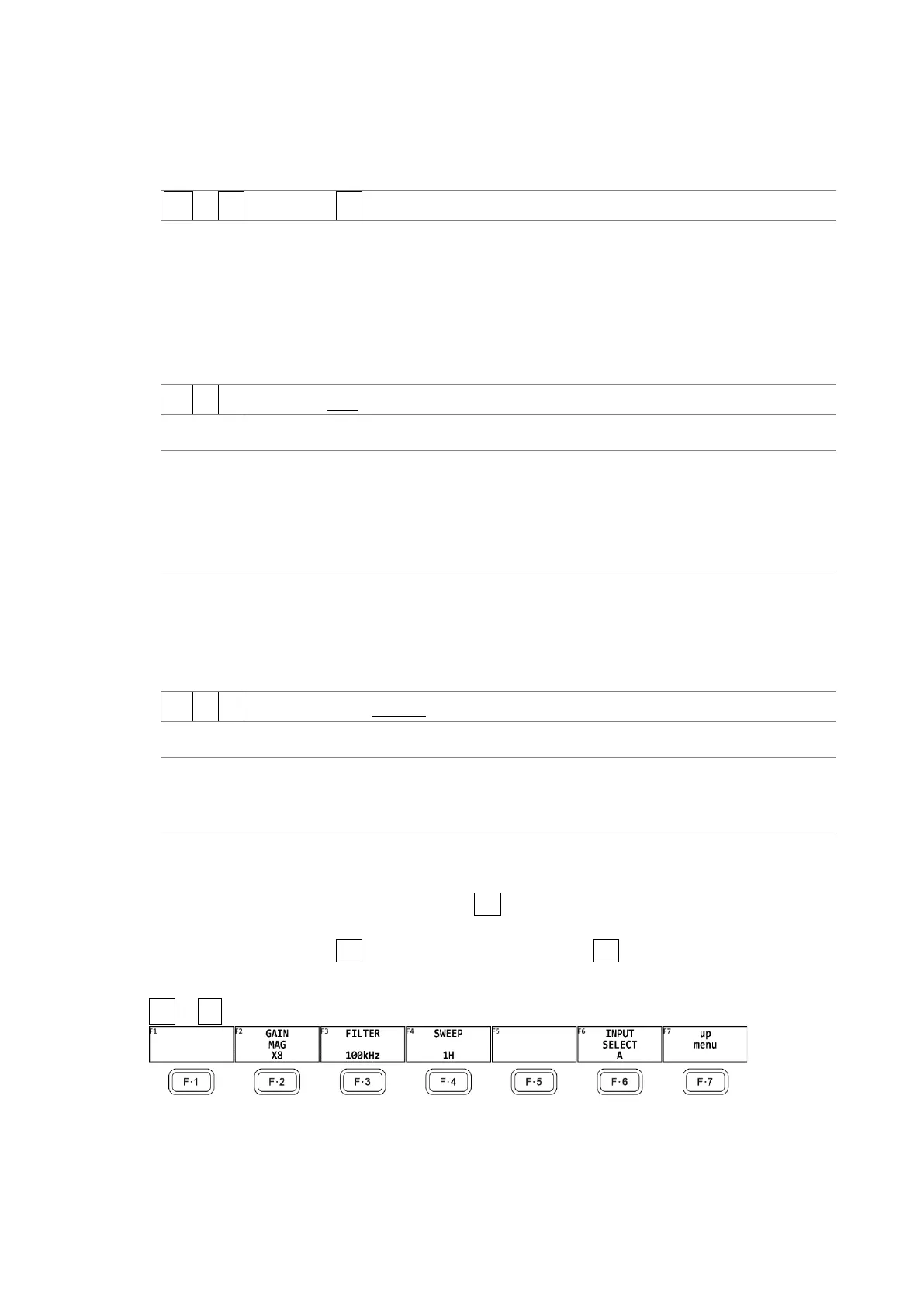
EYE → F•2 GAIN/FILTER/SWEEP →
Figure 17-25 GAIN/FILTER/SWEEP menu



 To Next Page