9. PRESET FEATURE
176
9.3 Deleting Presets
To delete a preset, follow the procedure below.
1. Press MEM.
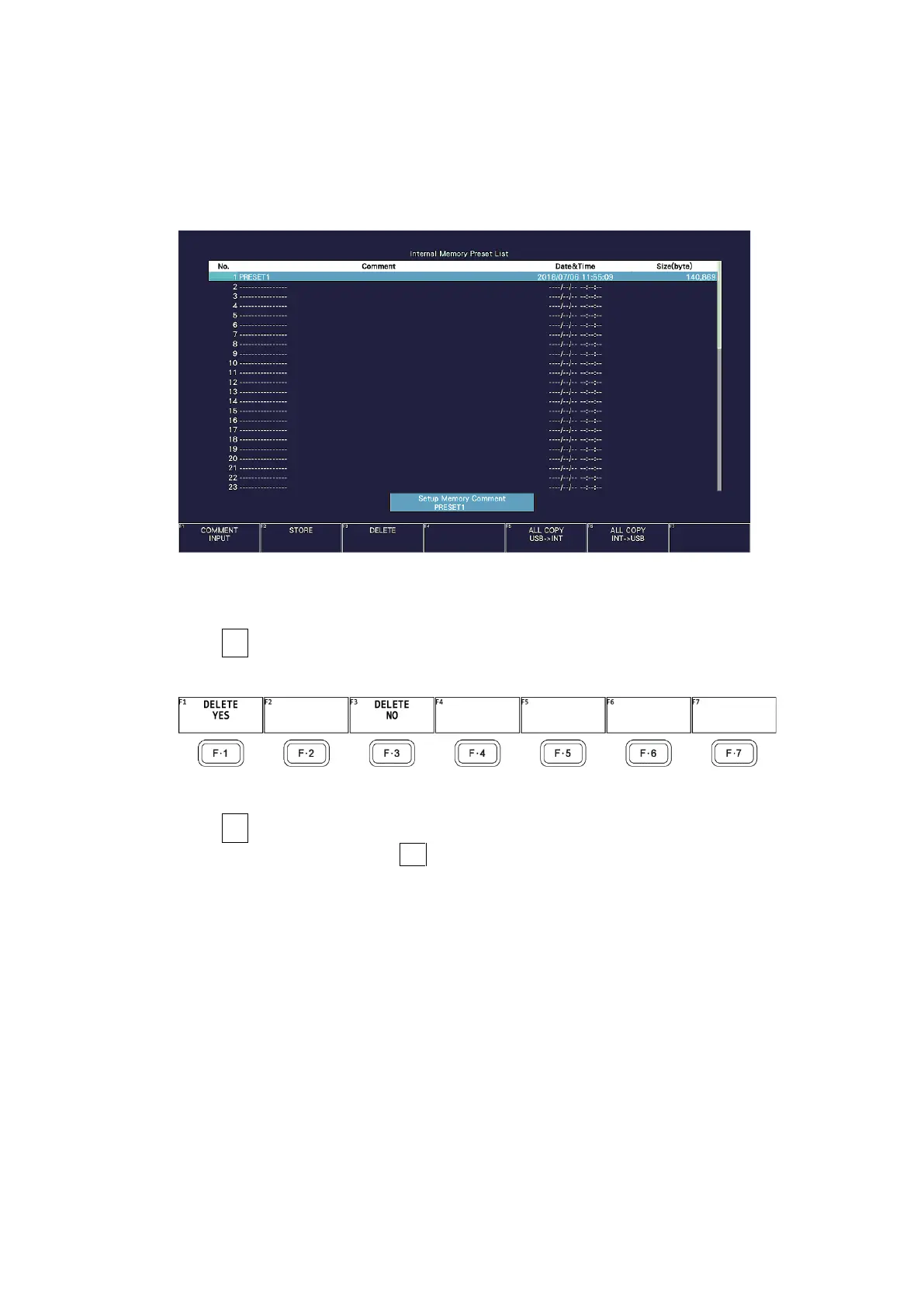
The preset registration screen appears.
Figure 9-5 Preset registration screen
2. Turn the function dial (F•D) to select the file that you want to delete.
3. Press F•3 DELETE.
The DELETE menu appears.
Figure 9-6 DELETE menu
4. Press F•1 DELETE YES.
To cancel the operation, press F•3 DELETE NO.



 To Next Page