17. Eye Pattern Display (LV5300/LV5300A/LV7300-SER02)
417
17.9.6 Turning Cursors On and Off
To configure the cursor settings, press F•4 CURSOR on the EYE menu.
EYE → F•4 CURSOR →
Figure 17-20 CURSOR menu
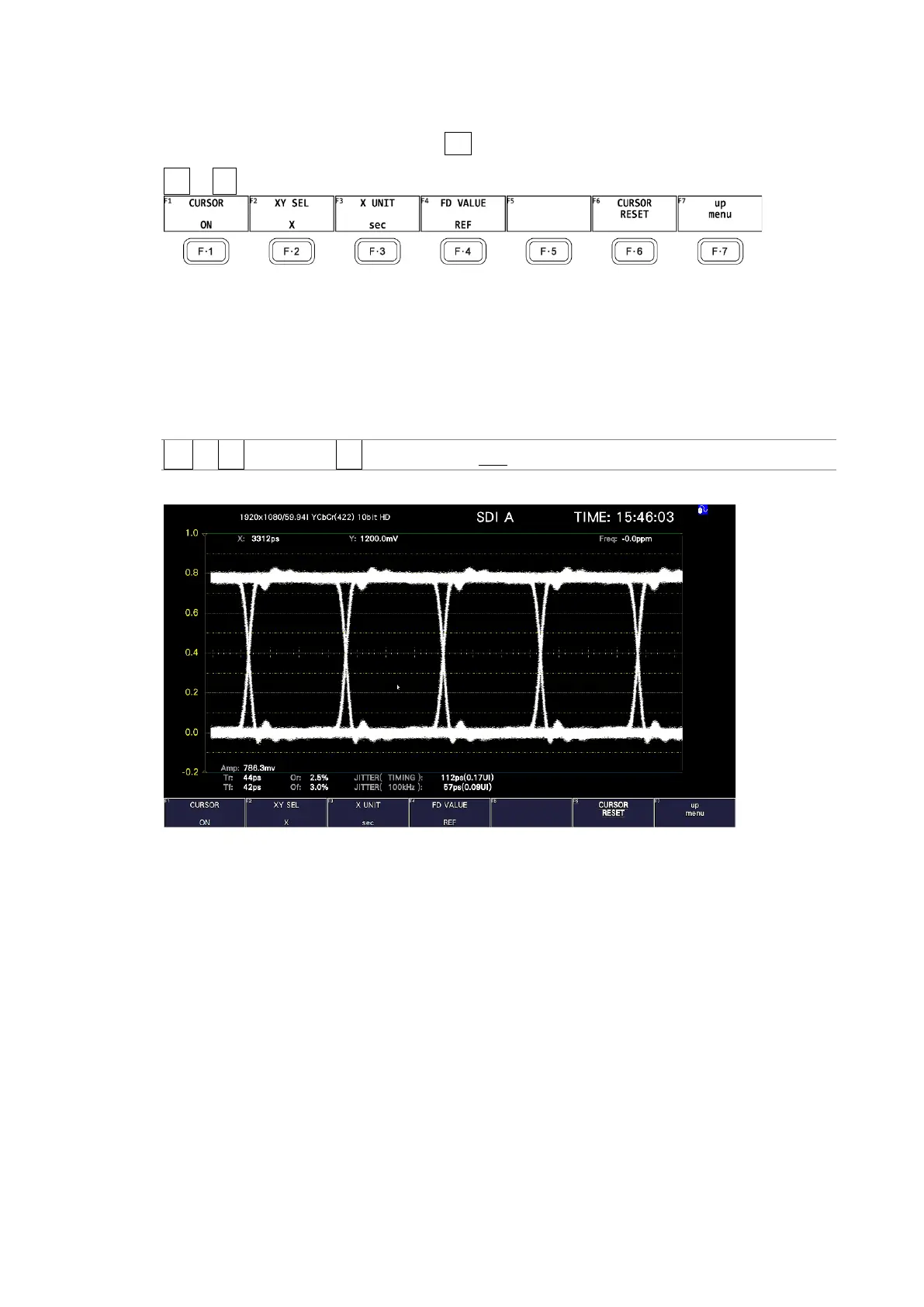
To turn cursors on and off, follow the procedure shown below.
When the cursors are turned on, the REF cursors are displayed in yellow (X) and light blue
(Y), and the DELTA cursors are displayed in purple (X) and green (Y). The values of DELTA-
REF appear as measured values in the upper part of the screen.
Procedure
EYE → F•4 CURSOR → F•1 CURSOR: ON / OFF
CURSOR = ON
Figure 17-21 Cursor display



 To Next Page