7. SYSTEM SETTINGS
144
• Mode Key Direct
In multi-screen display, you can select whether to switch the measurement screen with
the mode keys (WFM, VECT, PIC, AUDIO, STATUS, and EYE).
Single: Using the mode key switches the function menu and
measurement screen.
Multi/Single Common: Using the mode key switches only the function menu. The
measurement screen does not change from the multi-screen
display.
To display the function menu on the multi-screen display, hold
down MULTI for about 2 seconds.
• Auto Off
Set the length of time that must elapse without any key operations for the function menu
to disappear automatically.
If set to off, the menu will not disappear automatically, but for example, the measurement
menu can be temporarily hidden by pressing the MODE key again.
Even if set to a value other than off, some menus, such as the SYS menu, never
automatically disappear.
Off / 1 / 2 / 3 / 4 / 5 / 10 / 20 / 30 / 60 [sec]
• Recall
Select the menu to be displayed when recalling presets.
Recall Menu: The Recall menu is displayed.
Function Menu: The measurement menu is displayed.
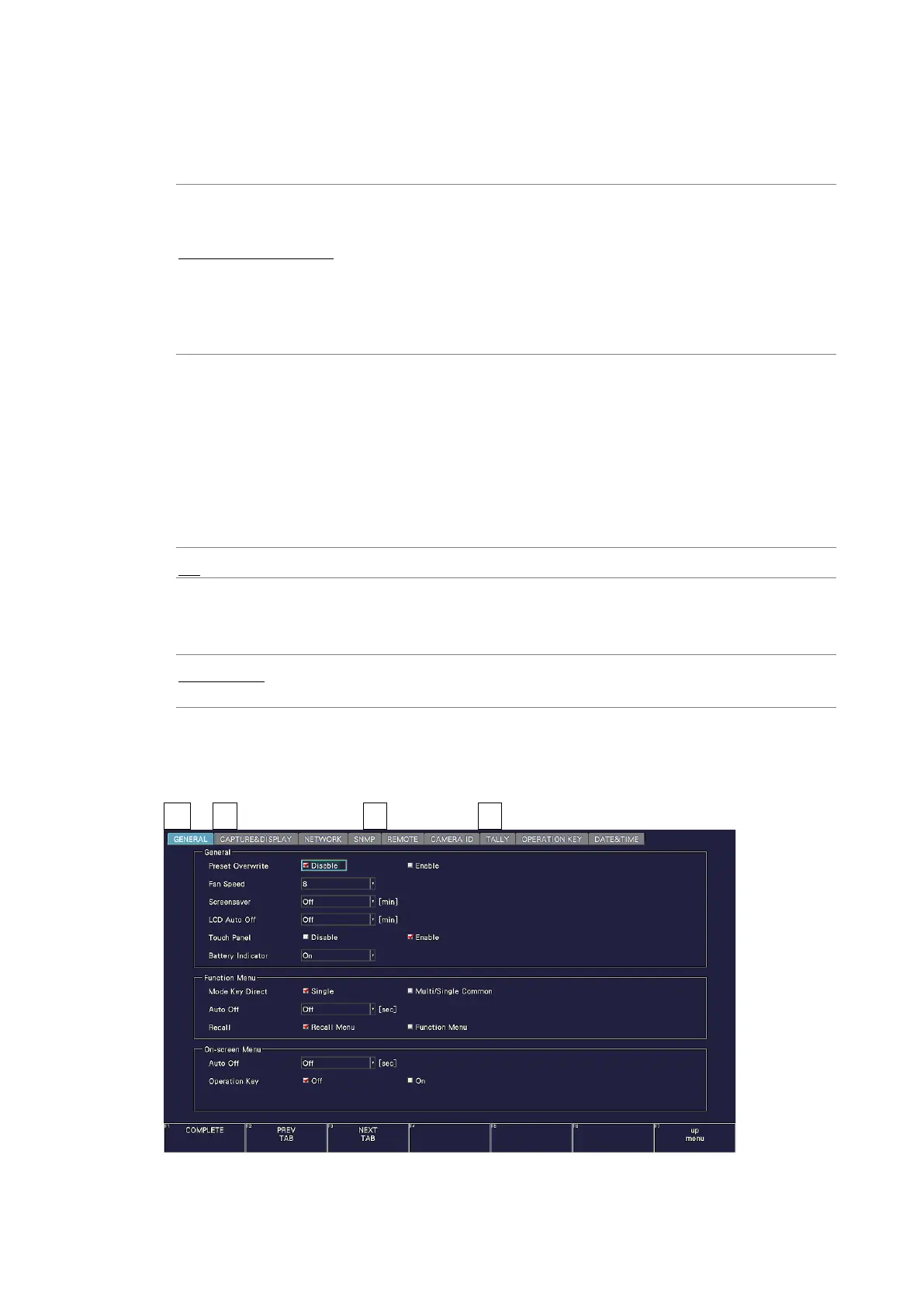
7.2.3 Configuring the On-screen Menu
Use On-screen Menu on the GENERAL tab to configure the on-screen menu.
SYS → F•2 SYSTEM SETUP → F•2 PREV TAB or F•3 NEXT TAB →
Figure 7-12 GENERAL tab



 To Next Page