13. Picture Screen
257
13.4 Configuring the Marker Settings
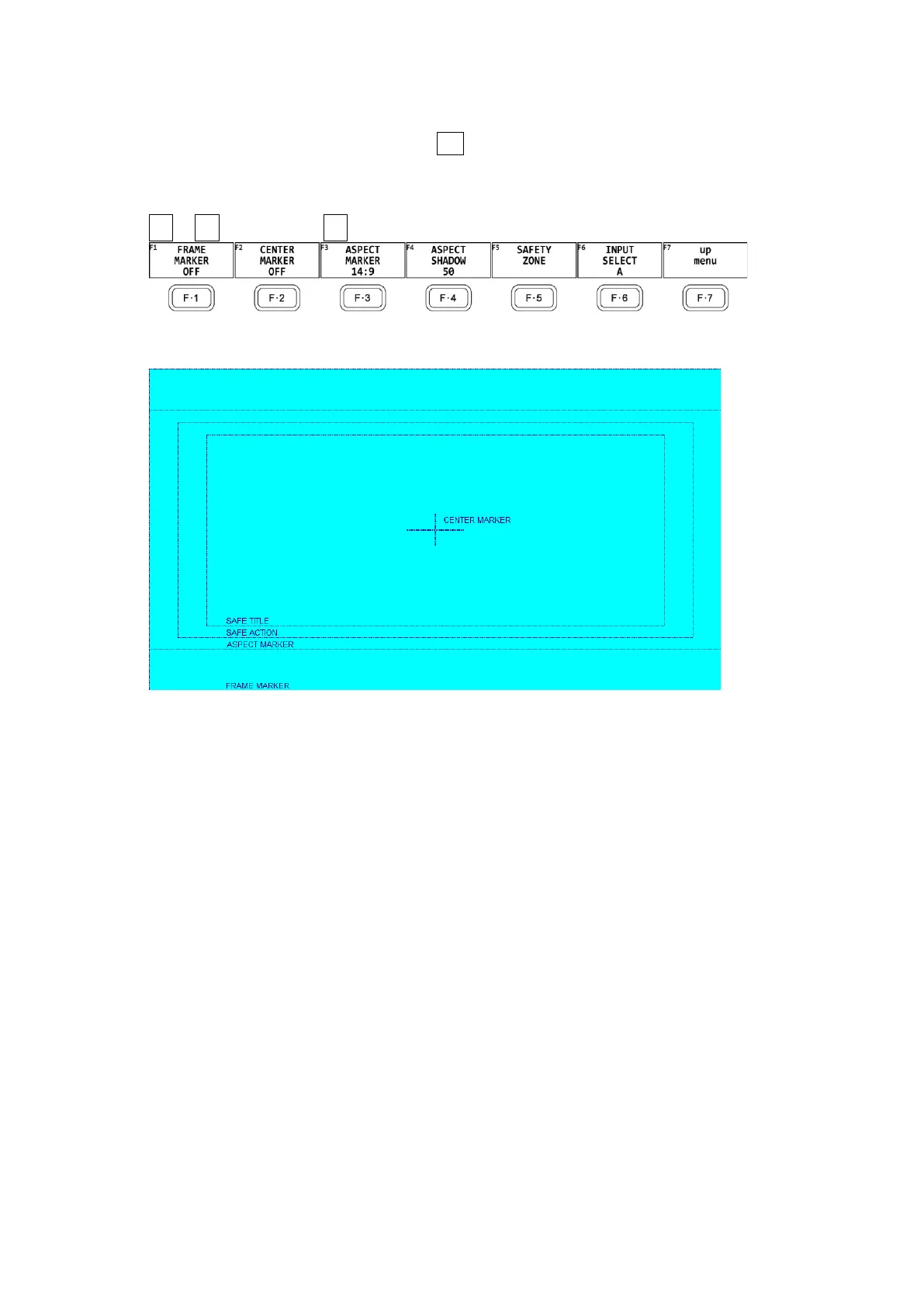
To configure the marker settings, press F•4 MARKER on the PIC CONFIG menu.
This menu item does not appear when PICTURE MODE is set to a value other than FIT.
[See also] PICTURE MODE → 13.1, “Selecting the Display Mode”
PIC → F•1 PIC CONFIG → F•4 MARKER →
Figure 13-10 MARKER menu
Figure 13-11 Horizontal marker display



 To Next Page