13. Picture Screen
253
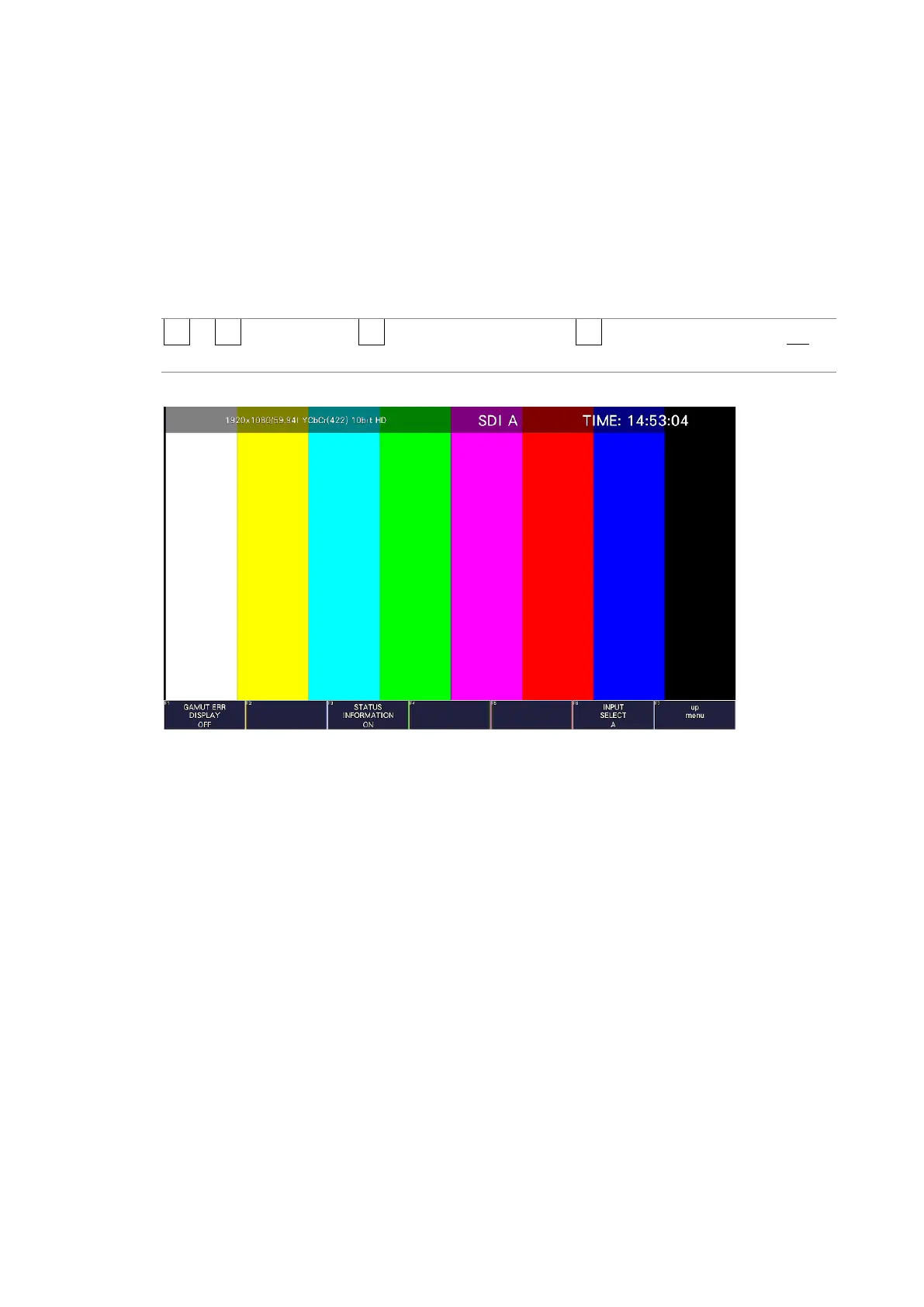
13.3.2 Turning the Information On and Off
To turn on and off the display of the following information that you arranged in the layout,
follow the procedure below.
This setting is valid on the display that appears when PIC is pressed. For multi display and
other displays, it is fixed to ON.
• Sub tab items (FORMAT, INPUT, TIME, DATE)
• Option tab options (Format, Input, Time)
Procedure
PIC → F•1 PIC CONFIG → F•3 INDICATION SETTING → F•3 STATUS IMFORMATION: ON /
OFF
STATUS INFO = ON
Figure 13-7 Turning the information on and off



 To Next Page