14. HDR Display (SER23)
300
14.1.2 Selecting the Scale Display
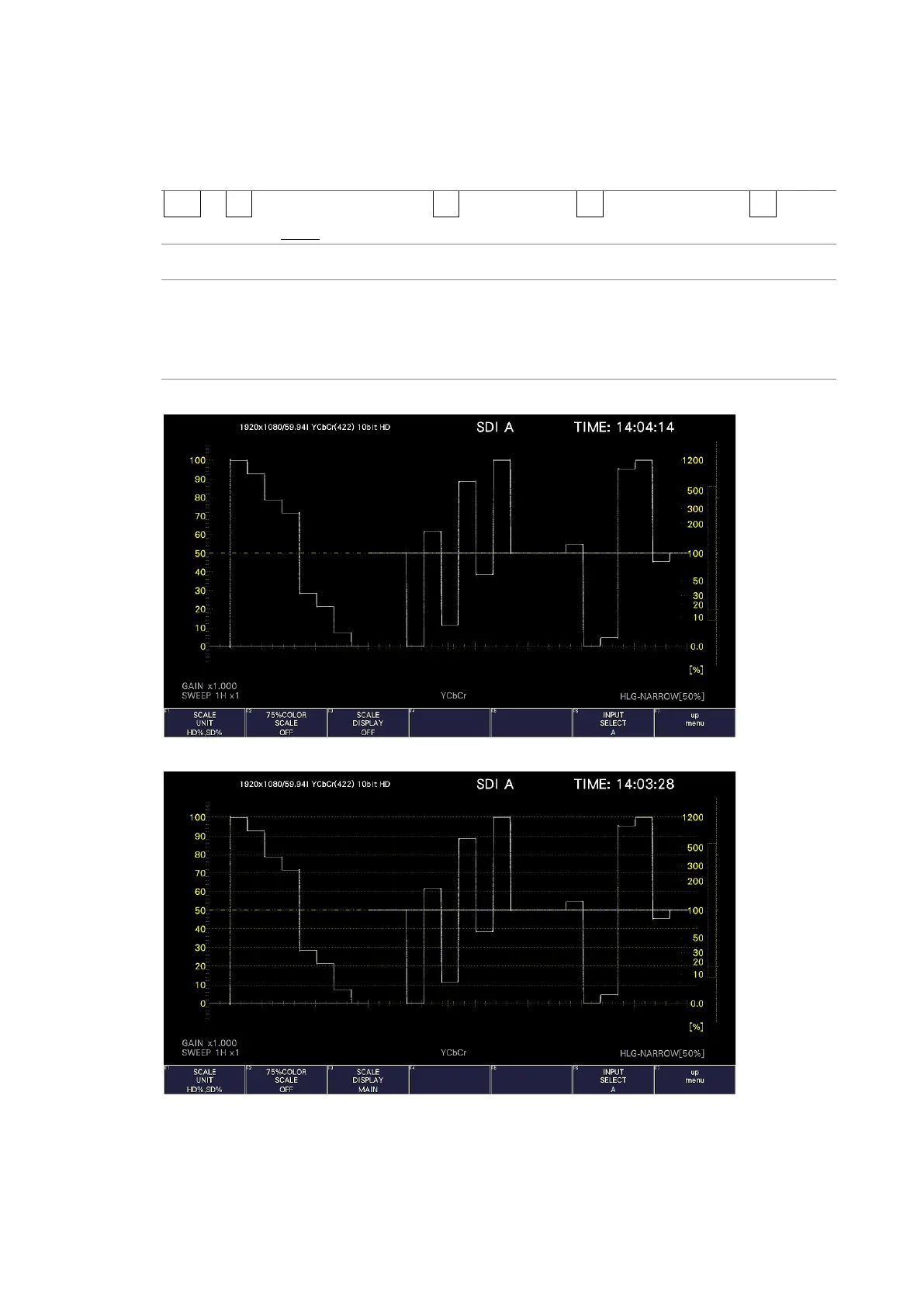
During HDR measurement, to select the scale display, follow the procedure below.
Procedure
WFM → F•1 WFM INTEN/CONFIG → F•5 WFM SCALE → F•3 SCALE SETTING → F•3 SCALE
DISPLAY: OFF / MAIN / HDR / BOTH
Settings
OFF: The scale display is turned off.
MAIN: The normal scale is displayed.
HDR: An HDR scale for HDR signals is displayed.
BOTH: The normal scale and an HDR scale for HDR signals are displayed.
SCALE DISPLAY = OFF
SCALE DISPLAY = MAIN



 To Next Page