13. Picture Screen
265
Settings
1: Language 1
2: Language 2
13.5.6 Displaying the Clear Screen Log
You can detect the clear screen commands that are embedded in the broadcasts of
programs with closed captions and display a log of these commands. In addition, using
specified timecodes, you can check whether closed captions in TV commercial materials are
displayed during the closed caption prohibited time.
Carry out the procedure below to display the clear screen command log.
Use the CS LOG menu to set the clear screen log.
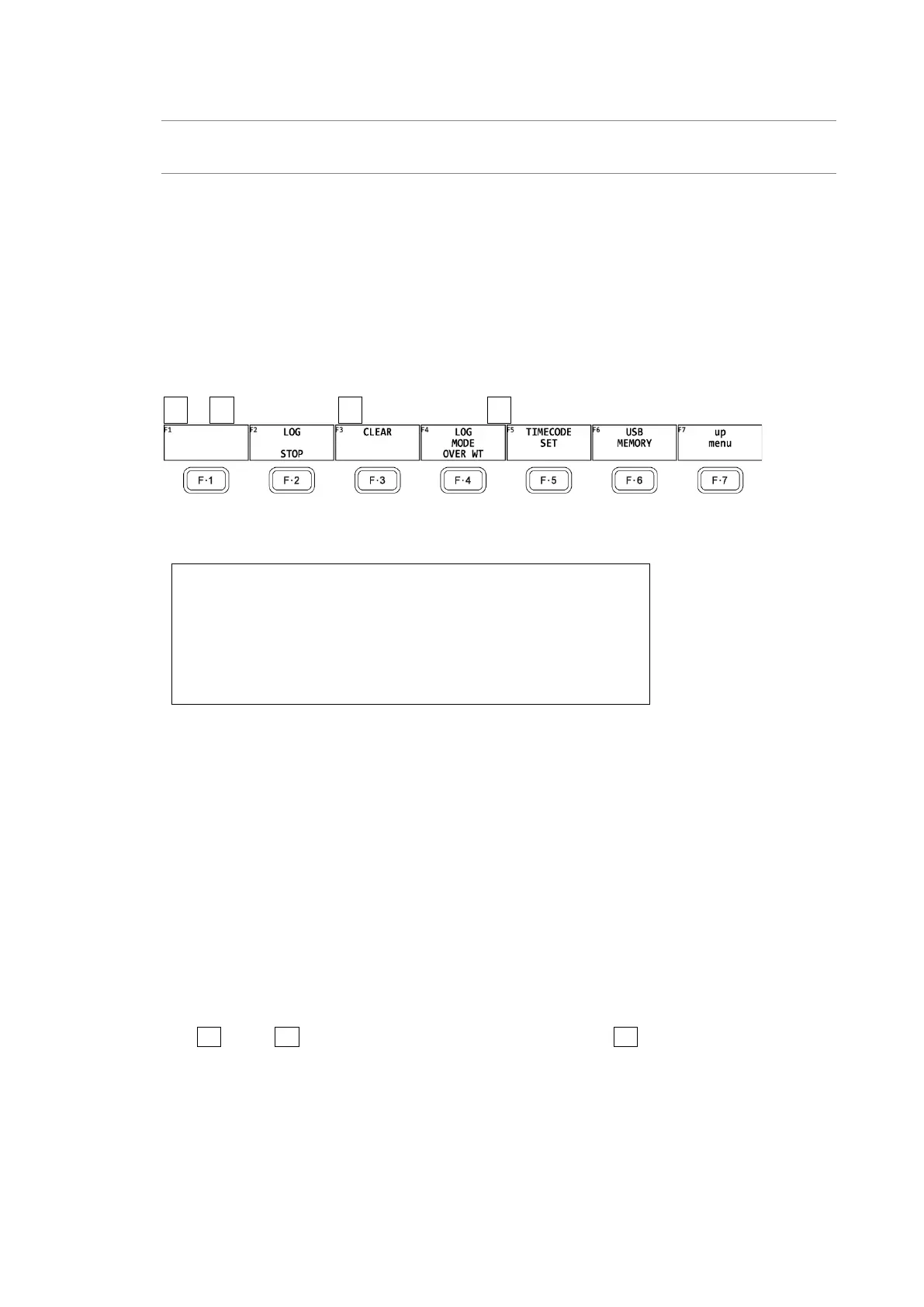
PIC → F•1 PIC CONFIG → F•4 SUPER IMPOSE → F•5 CS LOG →
Figure 13-16 CS LOG menu
Log screen
1. Generation Number
2. Time Code
3. Input channel
4. Closed caption format
5. Input format
6. Log Entry Contents
* Even if there are several of these units installed in the instrument, there is only one log file.
* The clear screen log can be recorded when the Japanese closed caption screen or the clear screen
log screen is displayed. Use the multi screen display or other means to keep these screens from
closing during measurement.
* If you rewind a VCR, reset the log buffer before starting the clear screen log. Use START/STOP of
F•2 LOG or F•6 CLEAR (Japanese closed caption screen) on the F•3 CLEAR, SUPER IMPOSE menu
to reset.
* The clear screen log recording period is approximately 83 minutes when the closed caption
changes every 2 seconds.
* Closed caption codes and decoded closed captions cannot be logged.



 To Next Page