16. Status Display
371
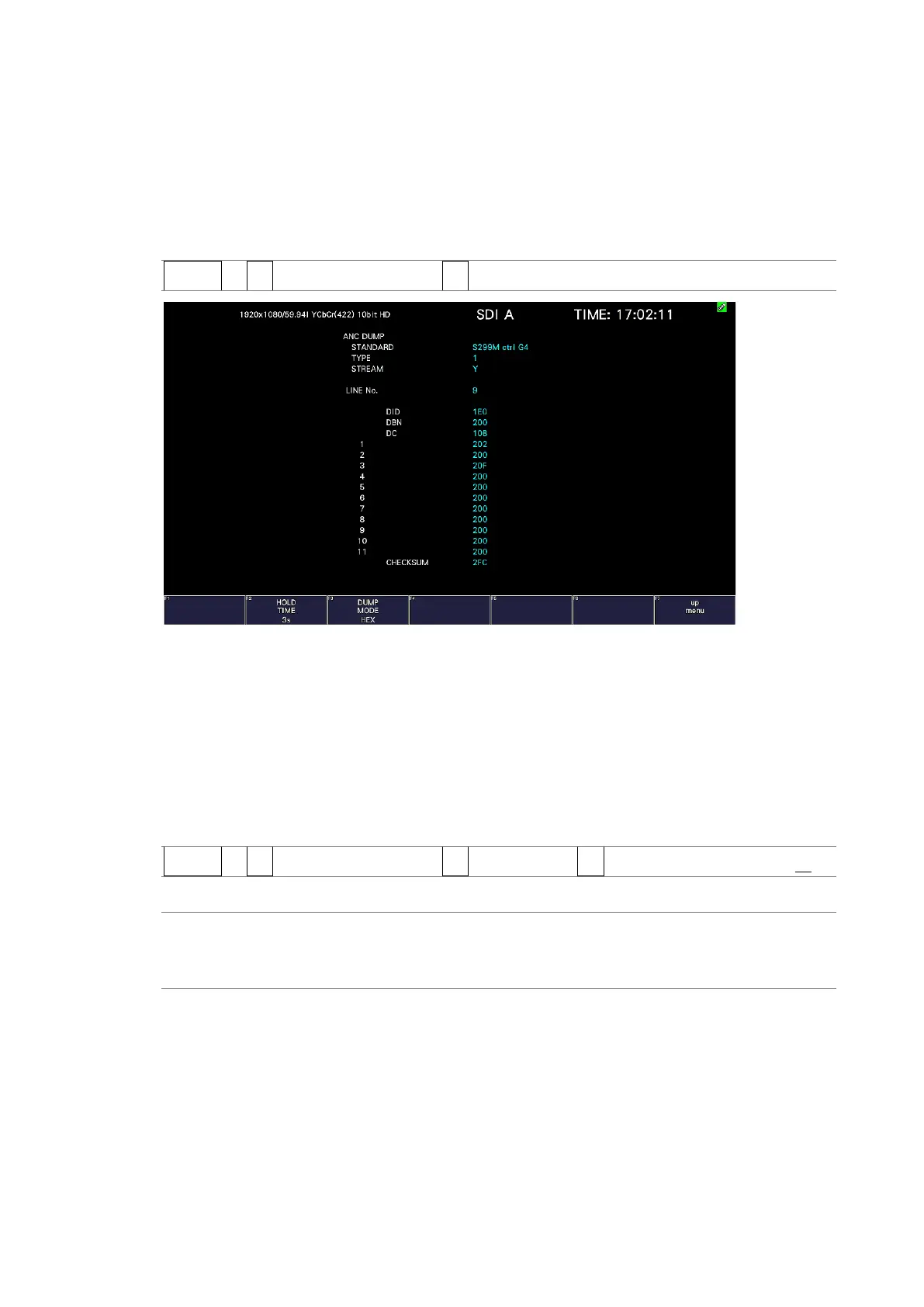
16.8.2 Displaying a Dump of Ancillary Data
To display a dump of the data that you have selected on the ancillary data display, follow the
procedure below.
By turning the function dial (F•D) to the right, you can scroll the screen to view all the data.
If you press the function dial (F•D), the cursor returns to the first data entry.
Procedure
STATUS → F•3 ANC DATA VIEWER → F•1 ANC DUMP
Figure 16-18 Ancillary dump screen
16.8.3 Updating the Dump Display
When the selected data is embedded in multiple lines, the line number that is displayed on
the ANC dump screen is switched at a regular interval. (However, the order in which the line
numbers are switched is irregular.)
To select the dump display update time, follow the procedure below.
Procedure
STATUS → F•3 ANC DATA VIEWER → F•1 ANC DUMP → F•2 HOLD TIME: HOLD / 1s / 3s
Settings
HOLD: The screen is not updated.
1s: The screen is updated once per second.
3s: The screen is updated once every 3 seconds.



 To Next Page