EasyManua.ls Logo

Leader LV5300A - Selecting the Triangle

Leader LV5300A
573 pages
Print Icon
To Next Page IconTo Next Page
To Previous Page IconTo Previous Page
Loading...
12. CIE Chromaticity Diagram Display (SER22)
241
12.1.2 Selecting the Triangle
To display up to three color triangles, follow the procedure below.
Procedure
VECTF•2 CIE DIAGRAM SCALE
F•2 TRIANGLE1: BT.601(525) / BT.601(625) / BT.709 / DCI / BT.2020 / OFF
F•3 TRIANGLE2: BT.601(525) / BT.601(625) / BT.709 / DCI / BT.2020 / OFF
F•4 USER TRIANGLE → F•1 TRIANGLE: 1 / 2 / OFF
The color triangle vertex coordinates are shown below.
u’v’ coordinates are calculated from the xy coordinates.
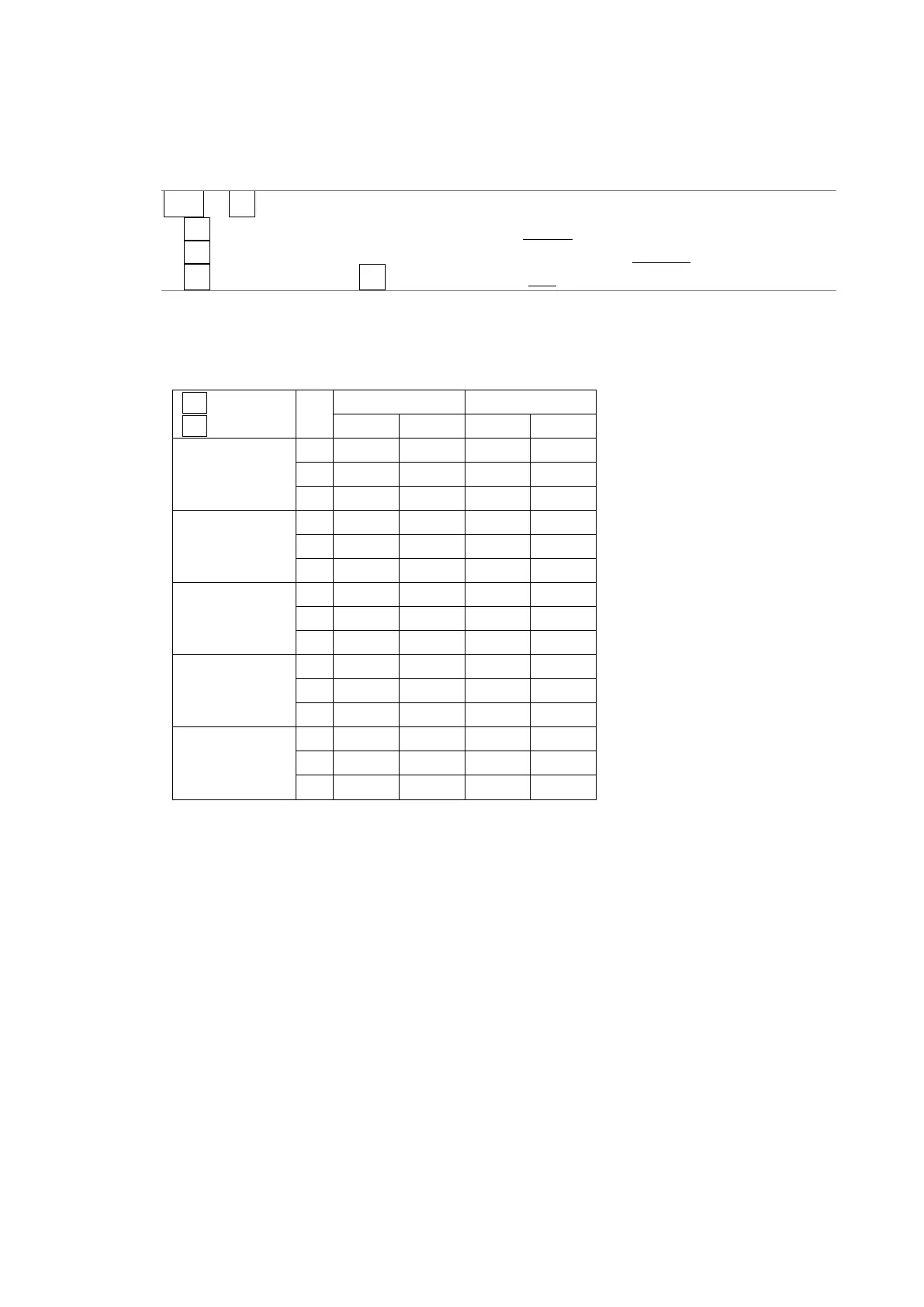
Table 12-1 Color triangle vertex coordinates

F•1 TRIANGLE1
F•2 TRIANGLE2
CIE1931
CIE1976
x
y
u'
v'
BT.601(525)
R
0.630
0.340
0.433
0.526
G
0.310
0.595
0.130
0.563
B
0.155
0.070
0.176
0.178
BT.601(625)
R
0.640
0.330
0.451
0.523
G
0.290
0.600
0.121
0.561
B
0.150
0.060
0.175
0.158
BT.709
R
0.640
0.330
0.451
0.523
G
0.300
0.600
0.125
0.563
B
0.150
0.060
0.175
0.158
DCI
R
0.680
0.320
0.496
0.526
G
0.265
0.690
0.099
0.578
B
0.150
0.060
0.175
0.158
BT.2020
R
0.708
0.292
0.557
0.517
G
0.170
0.797
0.056
0.587
B
0.131
0.046
0.159
0.126

Table of Contents

Other manuals for Leader LV5300A

Related product manuals