15. Audio Display
331
15.8.4 Displaying User Bits
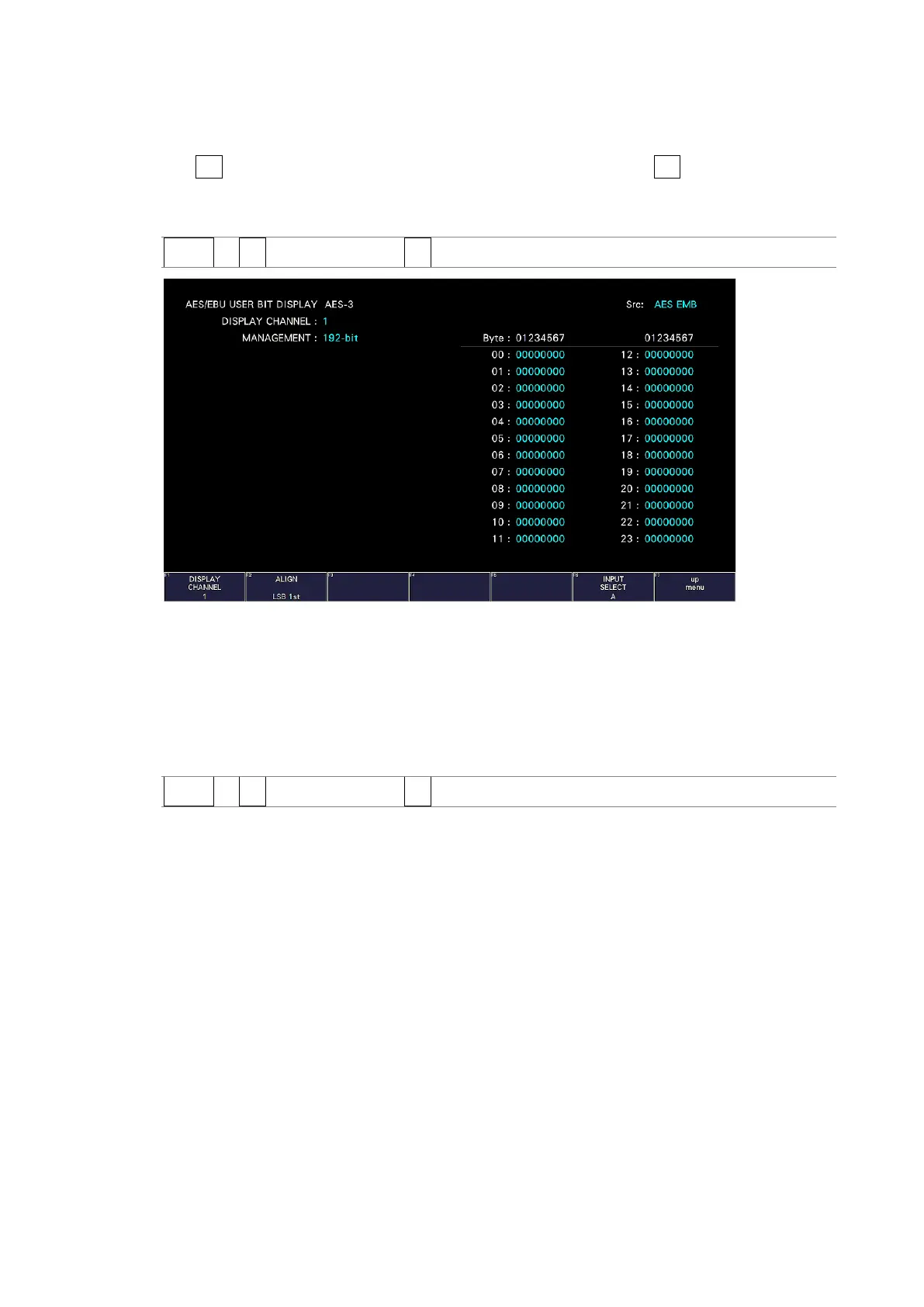
To display the user bits of the selected channel, follow the procedure below.
Use F•1 DISPLAY CHANNEL to select the channel. You can also use F•2 ALIGN to select the
bit order.
Procedure
AUDIO → F•3 STATUS SETUP → F•4 USER BIT
Figure 15-18 Displaying user bits
15.8.5 Resetting Errors
To reset the error counts that appear on the status display to 0, follow the procedure below.
Also, the Reset indication at the lower left of the screen will be reset to 00:00:00.
Procedure
AUDIO → F•3 STATUS SETUP → F•5 ERROR RESET



 To Next Page