6. BASIC OPERATION
117
6. Right-click or tap in the enhanced layout screen, and click or tap SAVE.
The measurement screen returns.
If you click or tap EXIT, all the changes that you made up to that point will be canceled.
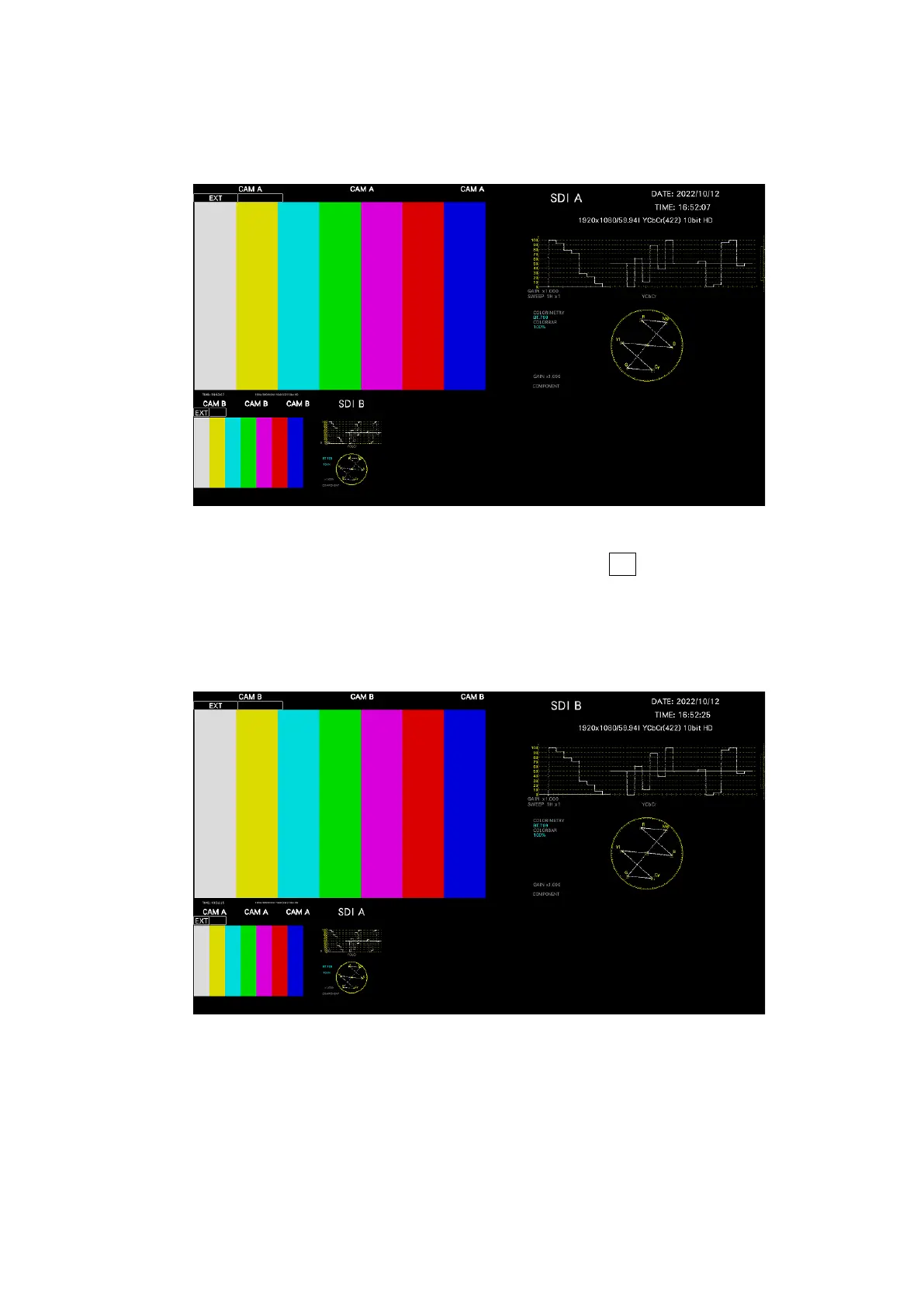
Figure 6-56 Enhanced layout (INPUT SELECT = A)
Items arranged on Main show the channels selected with F•6 INPUT SELECT on each
measurement screen. However, if you click a picture of Sub1, Sub2, or Sub3, the
channel that you click appears on Main.
For example, in the above figure, if you click the picture of Sub1 (Bch), Bch appears on
Main. (Sub1 shows channels other than the channel shown on Main.)
Figure 6-57 Enhanced layout (INPUT SELECT = B)



 To Next Page