6. BASIC OPERATION
116
• Arranging Items
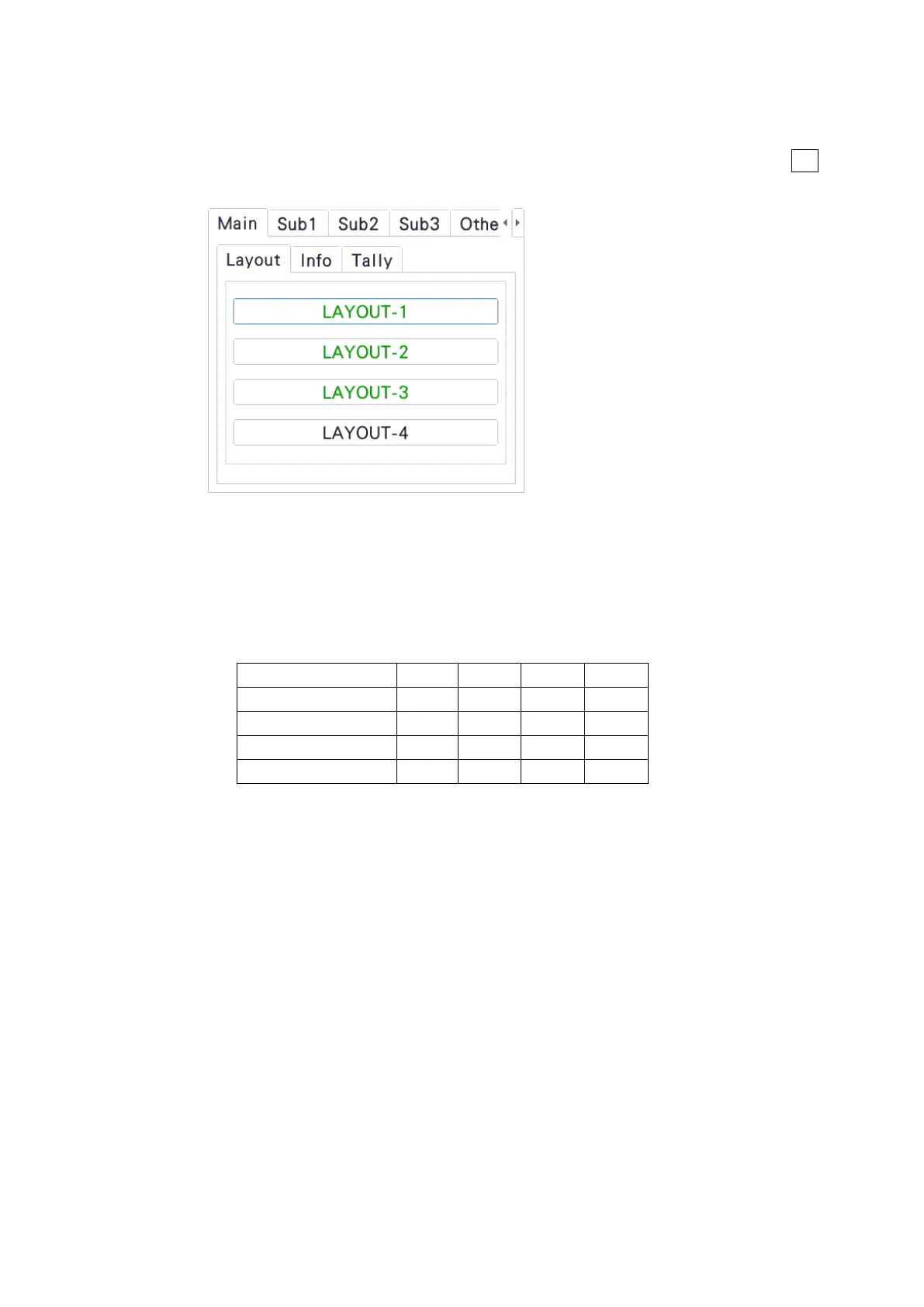
Arrange items on the Main, Sub1, Sub2, Sub3, and Other tabs.
Main, Sub1, Sub2, and Sub3 represent four channels. The channel selected with F•6
INPUT SELECT on each measurement screen is displayed in Main.
• Notes
• Arrange PICTURE items so they do not overlap.
• Arrange waveform display items (WFM, VECTOR) so they do not overlap.
• Arrange Main, Sub1, Sub2, and Sub3 according to the number of channels to be
used with the following combinations. Arrangements other than these combinations
are possible, but they will not be displayed correctly.



 To Next Page