6. BASIC OPERATION
115
4. Right-click in the measurement screen, and click ENHANCED LAYOUT.
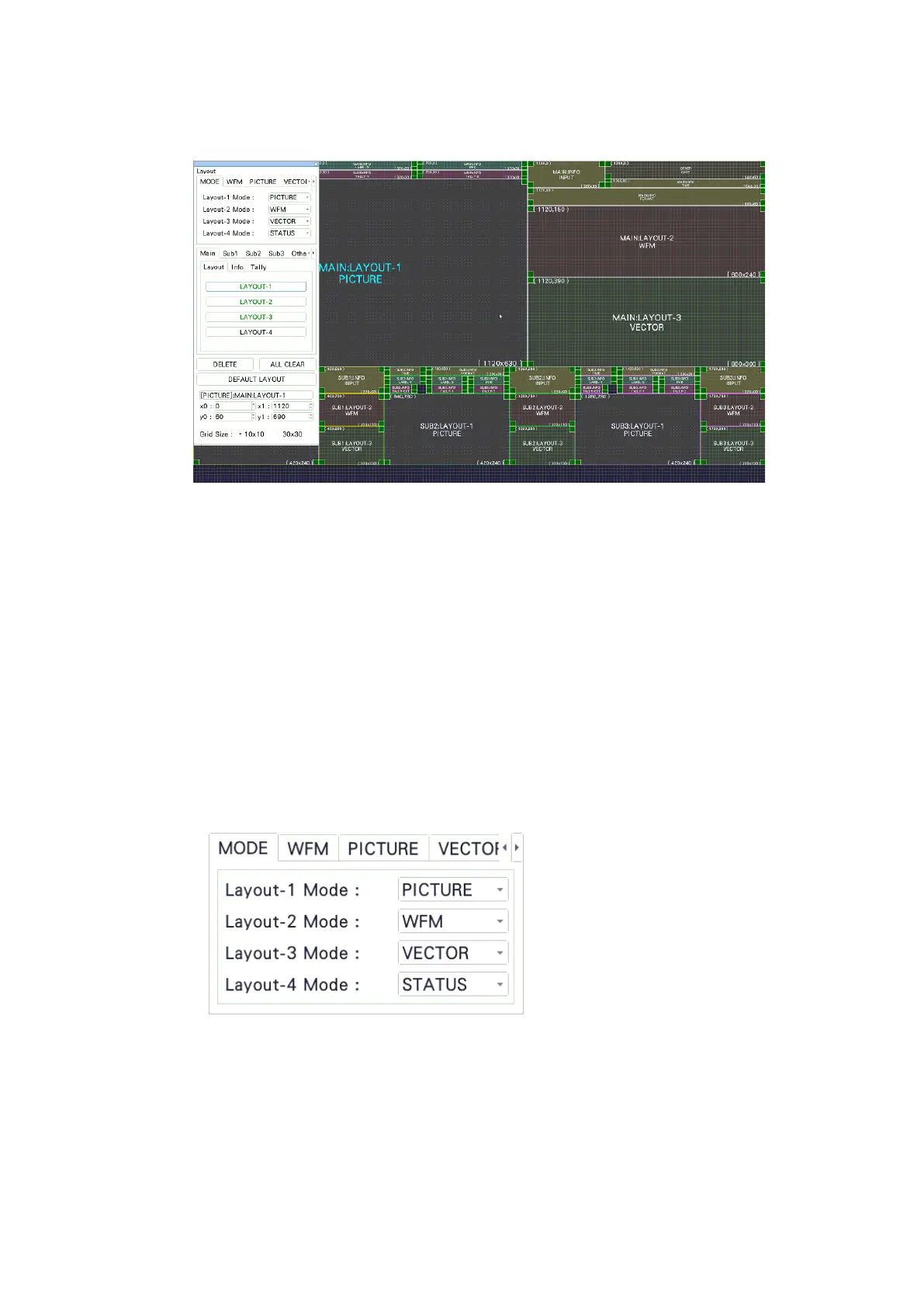
The enhanced layout screen appears.
Figure 6-55 Enhanced layout screen
5. Change the layout as necessary.
A default layout is initially stored in the main unit. Even after you change the layout, you
can return to the default layout by clicking DEFAULT LAYOUT.
To create a new layout after clearing the default layout, click ALL CLEAR.
The basic operation is the same as with the customized layout. See section 6.5.2,
“Layout Procedure.”
For details on the enhanced layout screen, see section 6.6.2, “Enhanced Layout Screen
Description.”
• Selecting the Measurement Mode
You can select up to four measurement modes. Assign measurement modes to
Layout-1 to Layout-4.



 To Next Page