8. CAPTURE FEATURE
172
5. Press F•5 DELETE FILE.
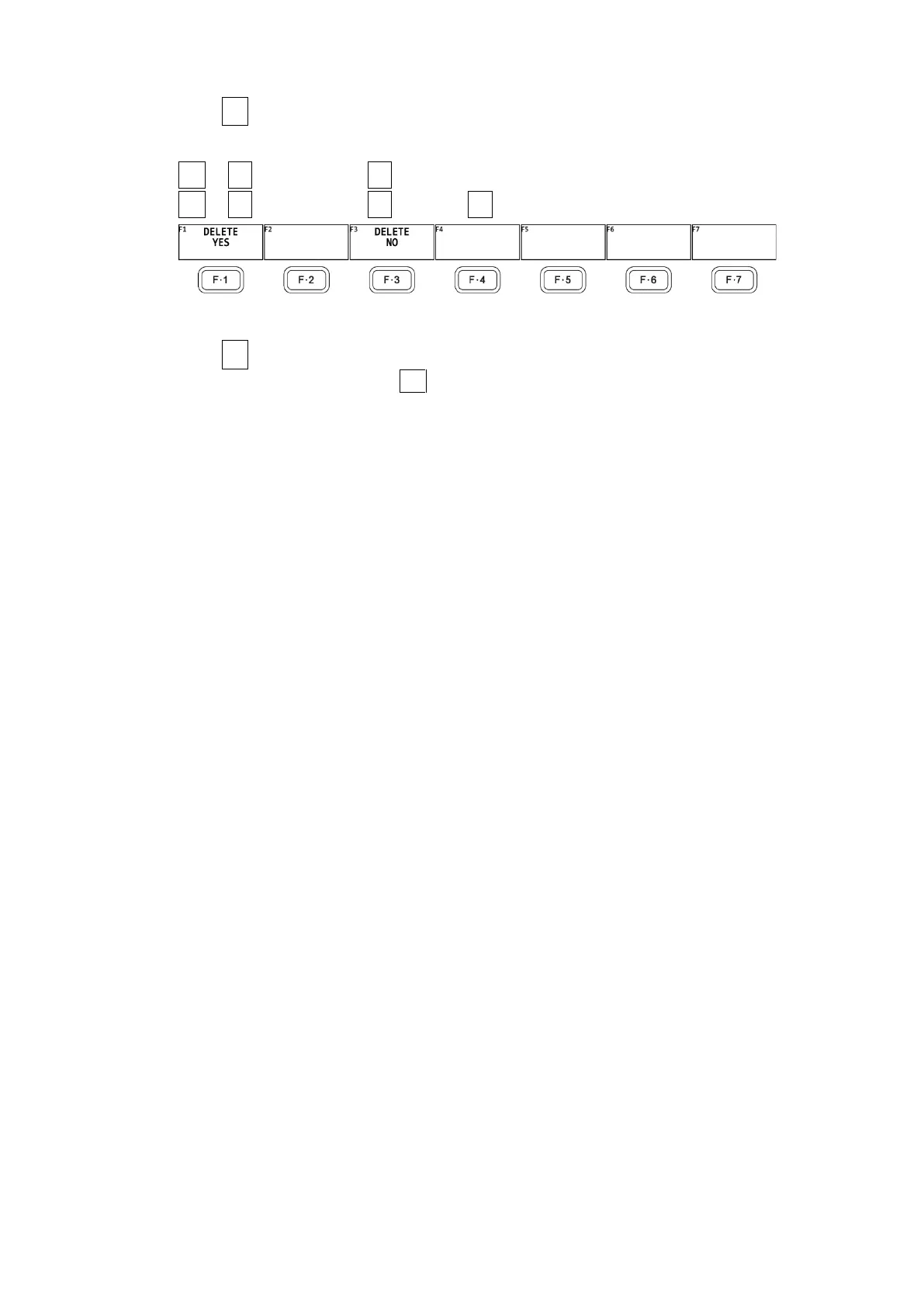
The DELETE FILE menu appears.
CAP → F•6 USB MEMORY → F•4 DELETE FILE →
CAP → F•6 USB MEMORY → F•5 RECALL → F•4 DELETE FILE →
Figure 8-4 DELETE FILE menu
6. Press F•1 DELETE YES.
To cancel the operation, press F•3 DELETE NO.



 To Next Page