19. Network Control
463
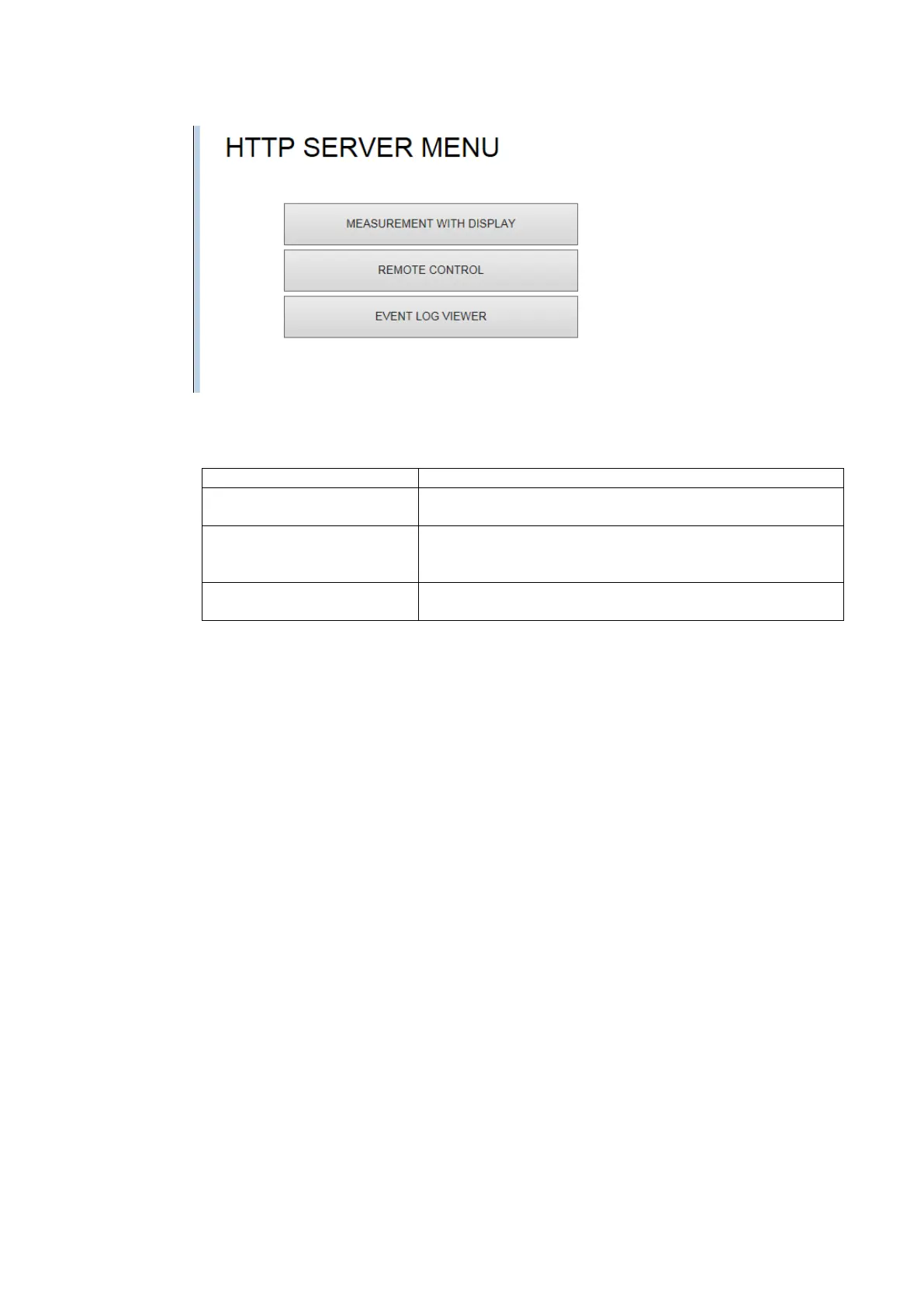
6. From the HTTP server menu, select the display mode.
Figure 19-6 HTTP server menu
Table 19-3 HTTP server menu description
A measurement screen and control buttons are displayed.
Only control buttons are displayed.
Select this mode when you want to control the instrument
while looking at its screen.
The event log is displayed.
The log can also be saved in text format.
If you select MEASUREMENT WITH DISPLAY, the measurement screen appears, but
responses to operations can take 4 to 10 seconds, and auto display updating is every 10
seconds.
If you select REMOTE CONTROL, a screen is not displayed, but the response time is
reduced to 2 to 3 seconds.
Select the mode that meets your needs.



 To Next Page