6. BASIC OPERATION
103
4 Select Item
Displays the selected item.
5 Display Mode / Style
Select the display format for simul mode.
Display Mode applies to the entire screen, Style applies to the selected item.
If Display Mode is not set to NORMAL or if the selected item is AUDIO or EYE, Style
cannot be selected.
If the selected item is VECTOR (5BAR), VECTOR (HIST), VECTOR (CIE), STATUS, or an
item on the Sub tab, you cannot set Style to MIX.
If Display Mode is not set to NORMAL and multiple channels are displayed in simul
mode, even if you place AUDIO or EYE items in the layout, “Not supported” will appear
and will not work.
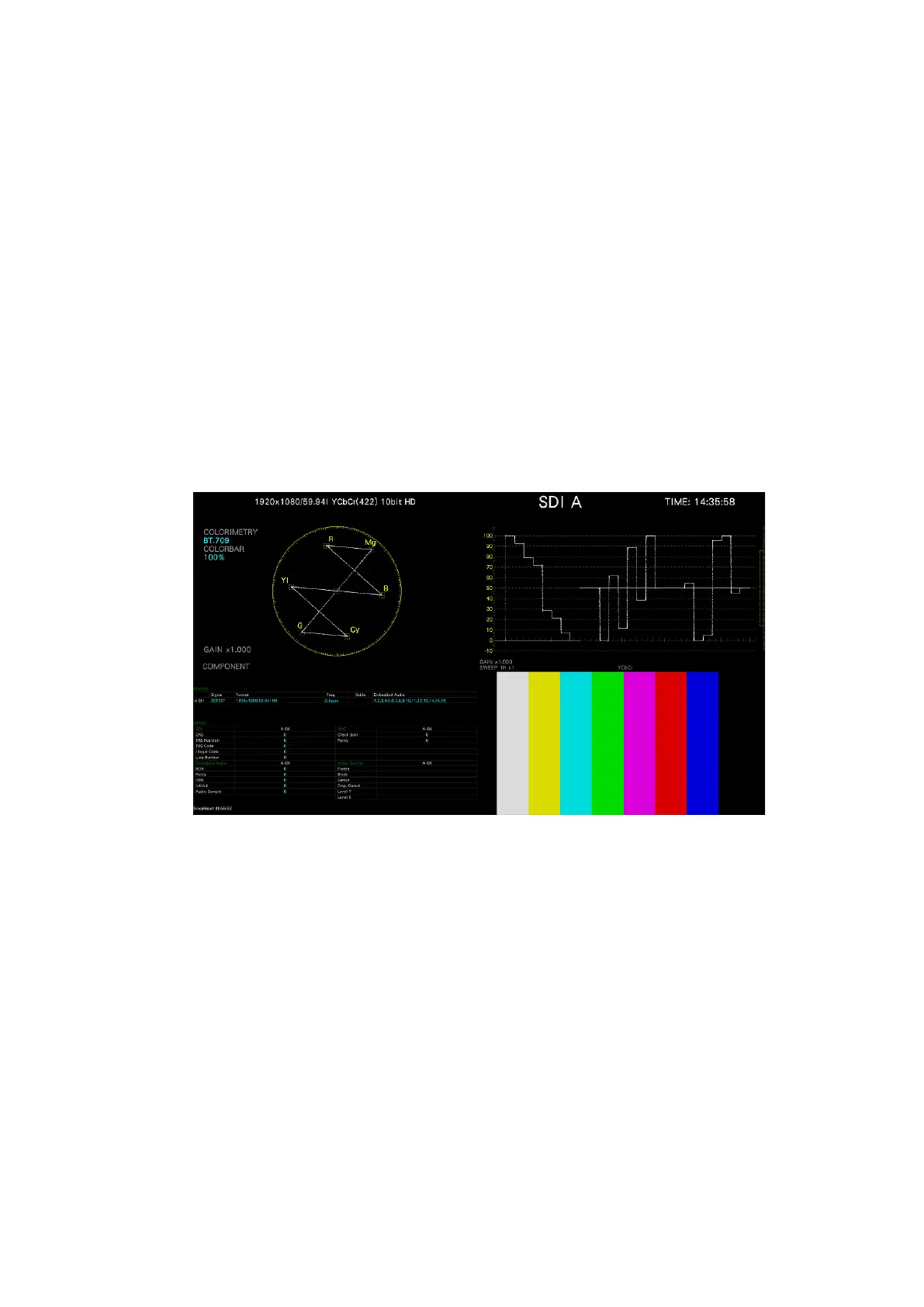
For example, if the following screens are displayed in single input mode and you change
to simul mode, the display changes depending on Display Mode as follows.
Figure 6-44 Single input mode



 To Next Page