13. Picture Screen
267
• Configuring the Closed Caption Checking Function
Carry out the procedure below to check whether a closed caption is displayed during the
closed caption prohibited time.
Procedure
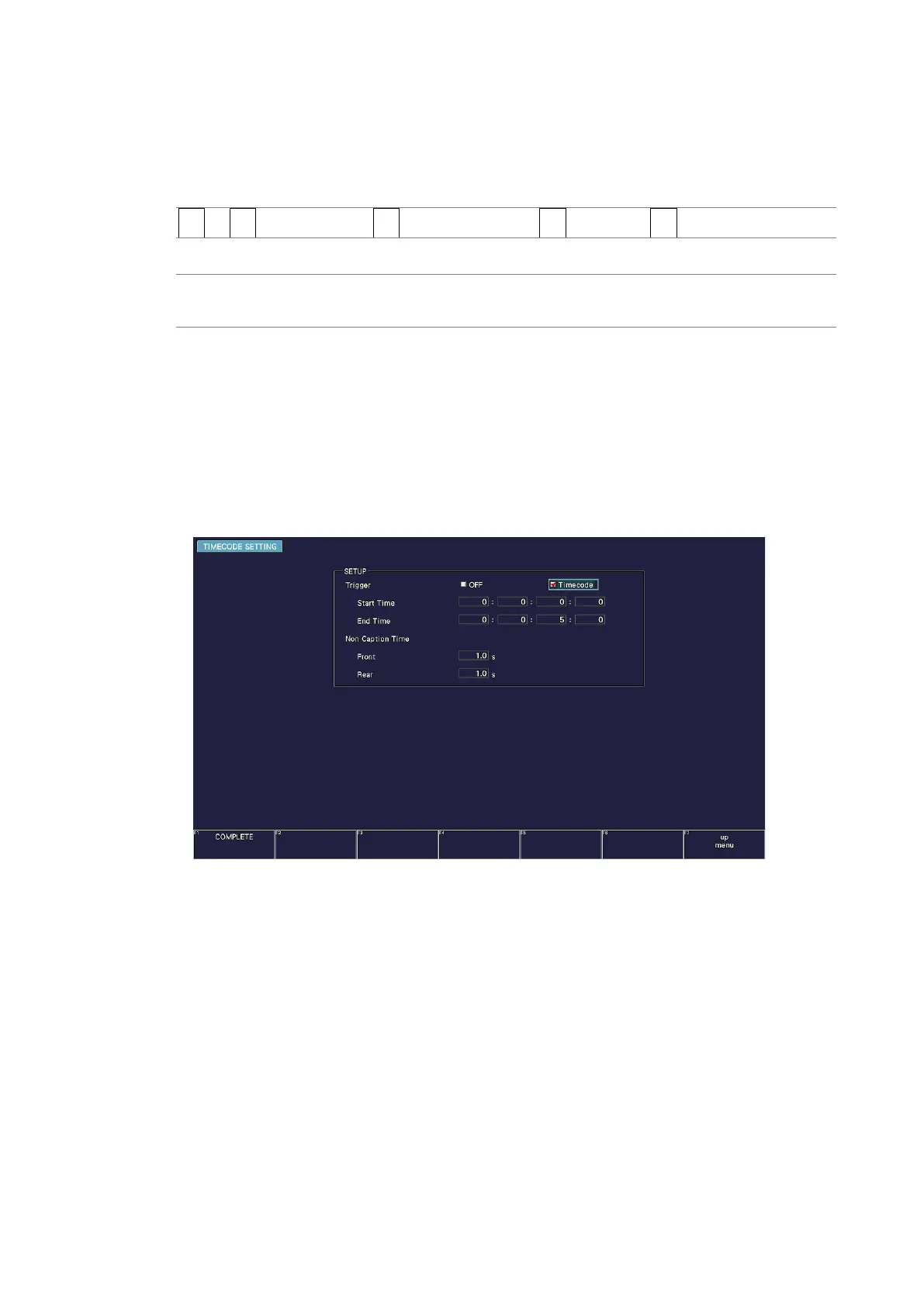
PIC → F•1 PIC CONFIG → F•5 SUPER IMPOSE → F•5 CS LOG → F•5 TIMECODE SET
Settings
OFF: Closed caption checking is disabled (log will be recorded).
Timecode: Closed caption checking is enabled.
• Start Time and End Time
If you select Timecode, set the check period to 4 s or longer using Start Time and End
Time. If Time Code on the SYS menu is set to Real Time, you cannot set the trigger.
• Non Caption Time
Under Non Caption Time, set the closed caption prohibited time. If closed captions are
displayed between Start Time and Front seconds after Start Time or between Rear
seconds before End Time to End Time, the check result will be NG.



 To Next Page