6. BASIC OPERATION
109
14 PICTURE - Tally Setup
Select whether to display tallies on the outer frame of the PICTURE item.
This setting applies to all PICTURE items and enhanced layout.
If this is set to on, TALLY-1 set on the TALLY tab or through the remote connector is
shown on the outside and TALLY-2 on the inside.
Figure 6-49 Tally display
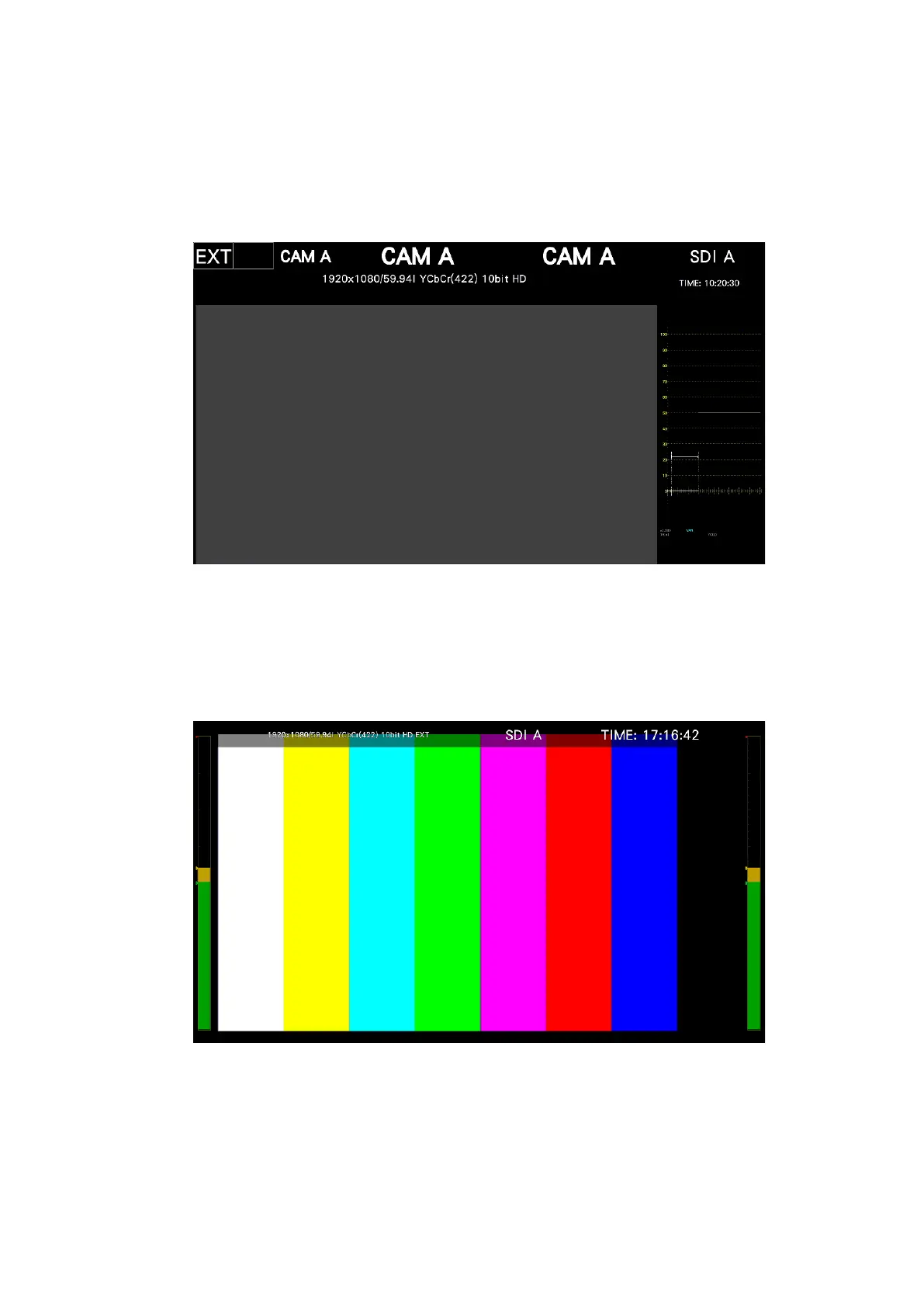
15 PICTURE - Audio Level
Select whether to display audio meters on both sides of the PICTURE item.
This setting applies to all PICTURE items.
If the AUDIO item is also displayed simultaneously, audio meters are not displayed.
Figure 6-50 Audio meter display



 To Next Page