6. BASIC OPERATION
120
• Input
Turns on and off the input signal display (e.g., SDI A).
If you set this to ON, you can show and hide it using the GENERAL SETUP tab of the
SYS menu.
• Frame
Turns on and off the frame display of PICTURE items.
• Background Transparent
Selects the transmittance of the background when the sub item is superimposed on a
picture.
When enabled, the transmittance is set to 100 %; when disabled, the transmittance is
set to 50 %.
You cannot set this option for a PICTURE item.
• Tally Setup
Select whether to display tallies on the outer frame of the PICTURE item.
See “14 PICTURE - Tally Setup” in section 6.5.3, “Layout Screen.”
• Audio Level
Select whether to display audio meters on both sides of the PICTURE item.
See “15 PICTURE - Audio Level” in section 6.5.3, “Layout Screen.”
5 Main / Sub1 / Sub2 / Sub3
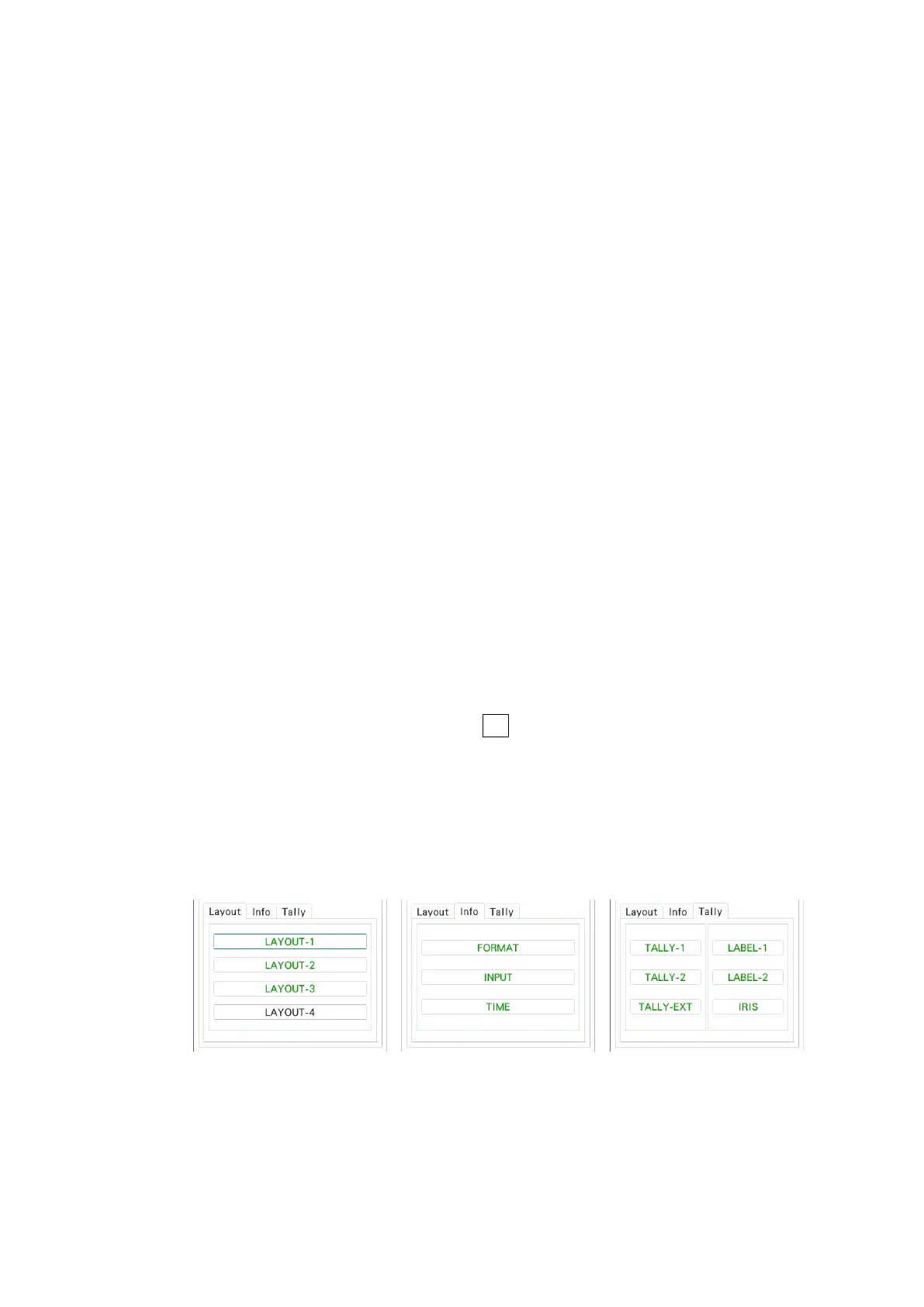
Main, Sub1, Sub2, and Sub3 represent four channels. For each channel, you arrange
items. (To arrange items for three channels, use the Main, Sub1, Sub2 combination. For
two channels, use the Main, Sub1 combination. For one channel, use Main.)
Main displays the channel selected with F•6 INPUT SELECT on each measurement
screen.
Sub1 to Sub3 show channels other than the channel shown on Main in the A, B, C, D
order.
Items are categorized into Layout, Info, and Tally.
Unarranged items are displayed with black characters. Clicking an item places the item.
Arranged items are displayed with green characters. Clicking an item selects the item.
• LAYOUT-1 to LAYOUT-4
Shows the measurement mode assigned on the MODE tab.



 To Next Page