P.6.16
SEL-411L Relay Protection Manual Date Code 20151029
PC Software
ACSELERATOR QuickSet Event Analysis
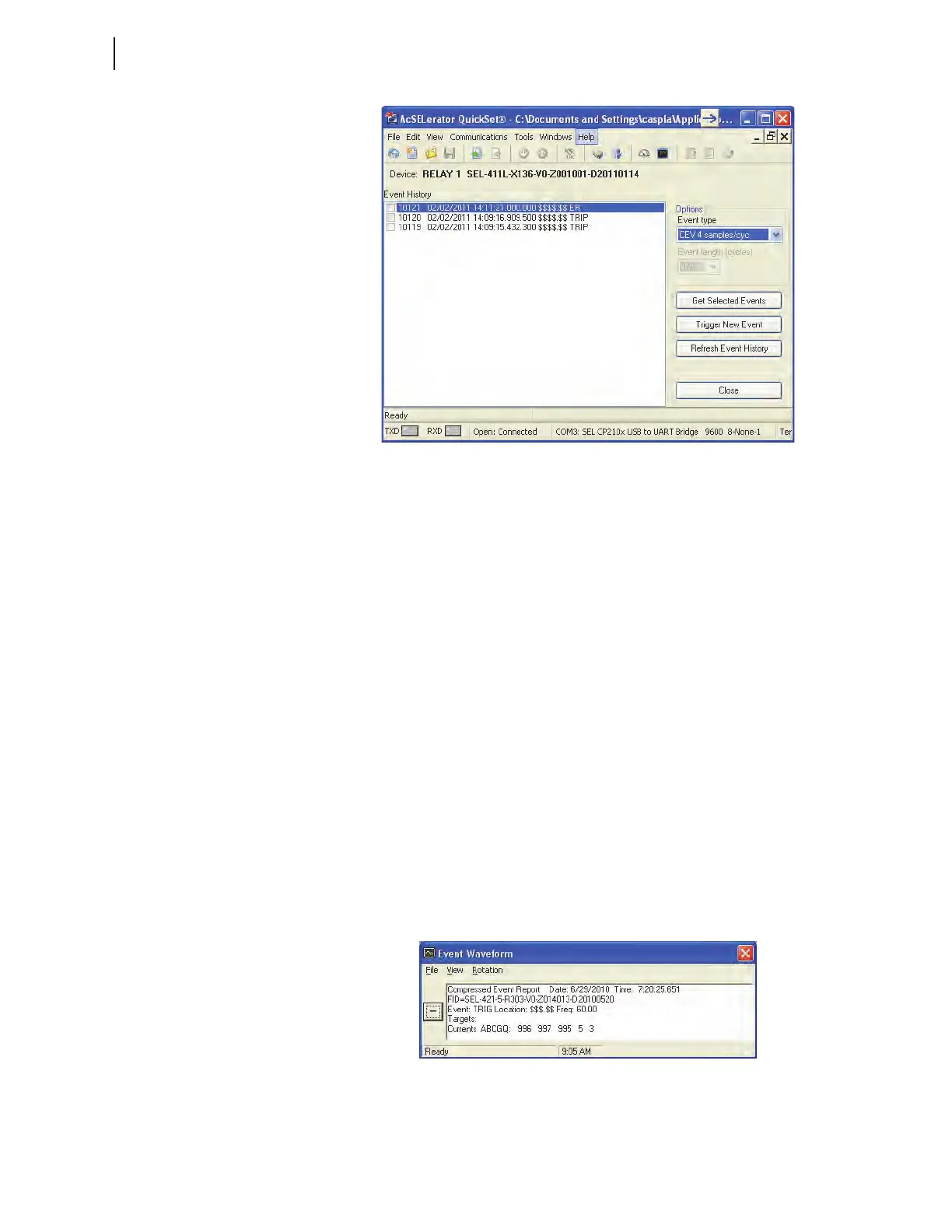
Figure 6.13 Retrieving an Event History
Get Event
Highlight the event you want to view and click the Get Selected Event button.
The Event Options dialog box allows selection of Event Type and Event
Length. When downloading is complete,
ACSELERATOR QuickSet asks for a
location to save the file on your computer. Select Tools > Events> View
Event Files and select an event file to view events saved on your computer.
ACSELERATOR QuickSet displays the Event Waveform dialog box and the
event oscillogram (similar to Figure 6.14 and Figure 6.15).
When viewing the event oscillogram, use keyboard function keys to measure
the time of oscillogram occurrences. These function keys and related
functions help in event analysis.
➤ <F2>: go to trigger
➤ <F3>: Cursor 1
➤ <F4>: Cursor 2
The display shows the time difference between Cursor 1 and Cursor 2.
To see high-accuracy time-stamp information on the event oscillogram, click
the Pref button at the bottom of the oscillogram and select Time (under Time
Units, Starting/Ending Row); click OK. Click on any point in a graph to
observe the Event Time in microseconds of that data point at the bottom of
the oscillogram.
Figure 6.14 Event Waveform Window



 To Next Page