P.13.10
SEL-411L Relay Protection Manual Date Code 20151029
Time-Synchronized Measurements
Configuring High-Accuracy Timekeeping
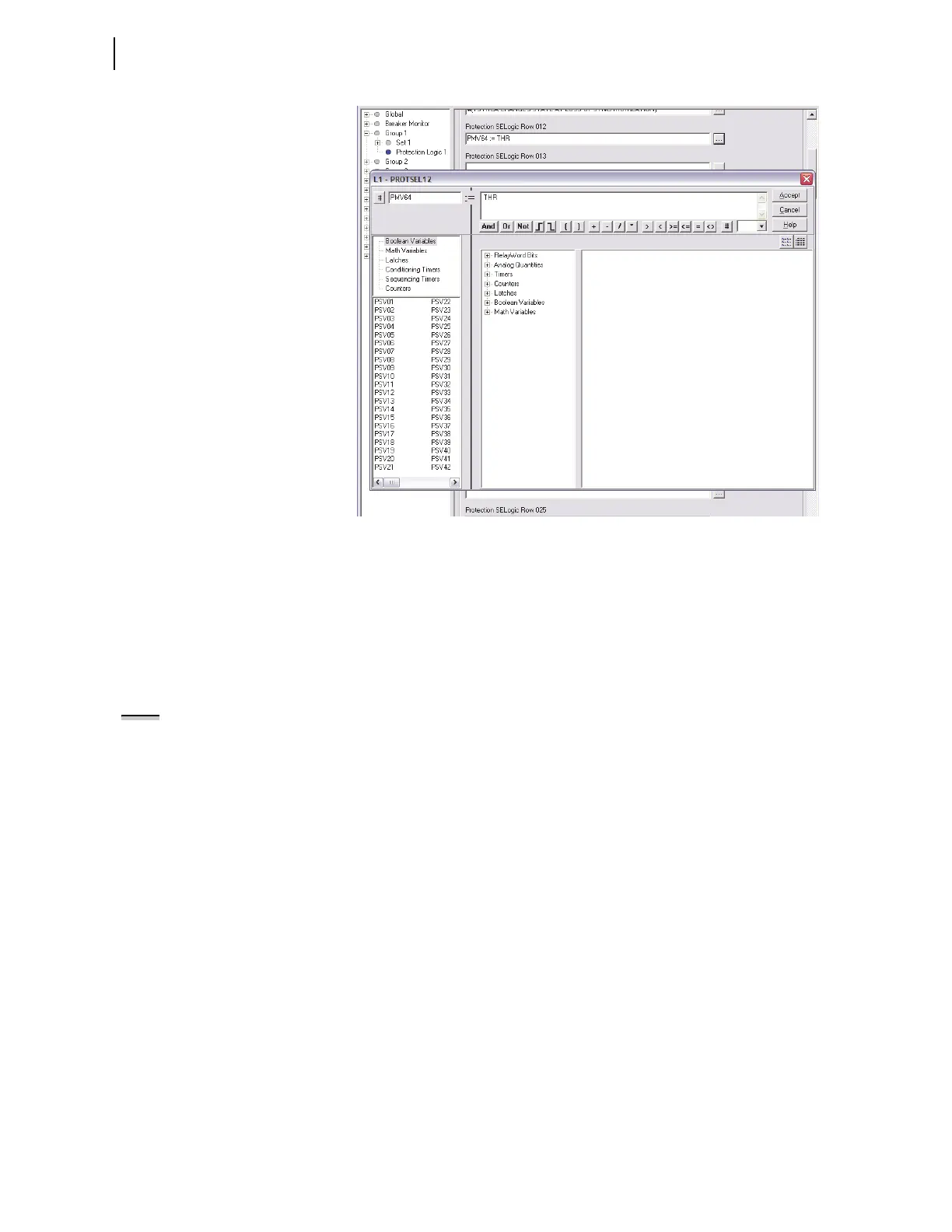
Figure 13.7 Setting PMV64 With the Expression Builder Dialog Box
Step 6. In a similar manner, build a free-form SELOGIC control
equation program in Protection Logic that causes protection
free-form SEL
OGIC control equation variable PSV02 to assert
to logical 1 at 12:00:30.005 p.m. Use the following
expressions:
PMV64 := THR # Clock hours
PMV63 := TMIN # Clock minutes
PMV62 := TSEC # Clock seconds
NOTE: In this example, the event
report trigger will occur between
12:30:00.002 and 12:30:00.005
because of the method of relay
protection logic processing.
PSV02 := (PMV64=12) AND (PMV63=00) AND (PMV62=30) # Set
PSV02 at 12:00:30
Step 7. Select settings.
a. Click the + mark next to Relay Configuration.
b. Click the Trip Logic and ER Trigger branch.
You will see the Trip Logic and ER Trigger Settings
dialog box.
Step 8. Click in the ER Event Report Trigger Equation (SEL
OGIC)
text box and add OR R_TRIG PSV02 to the end of elements
already in this SEL
OGIC control equation.
Step 9. Click File > Save to save the new settings in
ACSELERATOR
QuickSet.



 To Next Page