P.7.31
Date Code 20151029 Protection Manual SEL-411L Relay
Front-Panel Operations
Front-Panel Menus and Screens
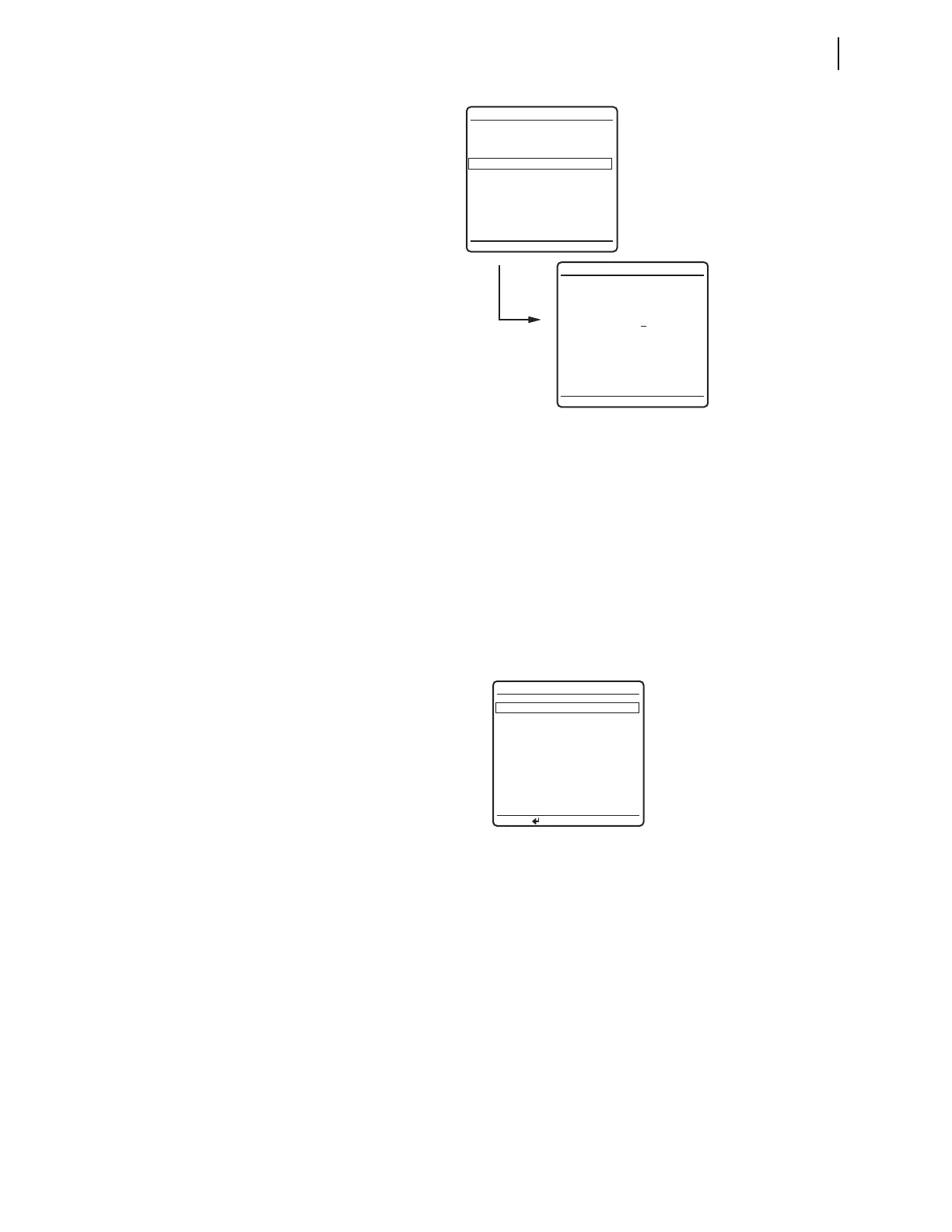
Figure 7.35 Changing the ACTIVE GROUP
DATE/TIME
Another submenu item of the SET/SHOW first screen (Figure 7.33) is the DATE/
TIME
screen shown in Figure 7.36. The relay generates date and time
information internally, or you can use external high-accuracy time modes with
time sources such as a GPS receiver.
Figure 7.36 is the relay date/time screen when a high accuracy source is in
use. Possible time sources, qqqqq, are listed in Table 13.2. If you use a high-
accuracy time source, edits are disabled, the
DATE/TIME display does not show
the highlight, and the screen does not show the help message on the bottom
line.
Figure 7.36 DATE/TIME Screen
When operating from a non-high-accuracy time source, you can use the front-
panel
DATE and TIME entry screens to set the date and time.
Figure 7.37 shows an example of these edit screens. Use the Left Arrow and
Right Arrow navigation pushbuttons to move the underscore cursor; use the Up
Arrow and Down Arrow navigation pushbuttons to increment or decrement each
date and time digit as appropriate to set the date and time. For a description of
the
LAST UPDATE SOURCE field, see Configuring High-Accuracy Timekeeping
on page P.13.1.
EDIT ACTIVE GROUP
ACTIVE GROUP = 3
NEW GROUP = 3
SET/SHOW
PORT
GLOBAL
GROUP
ACTIVE GROUP = 3
DATE/TIME
DATE/TIME
DATE 03/15/2001
PRESS TO EDIT DATE
(MM/DD/YYYY)
TIME 00:00:00
LAST UPDATE
SOURCE: qqqqq
CANNOT EDIT DATE OR
TIME DUE TO A HIGH
PRIORITY TIME SOURCE



 To Next Page