P.6.18
SEL-411L Relay Protection Manual Date Code 20151029
PC Software
ACSELERATOR QuickSet Event Analysis
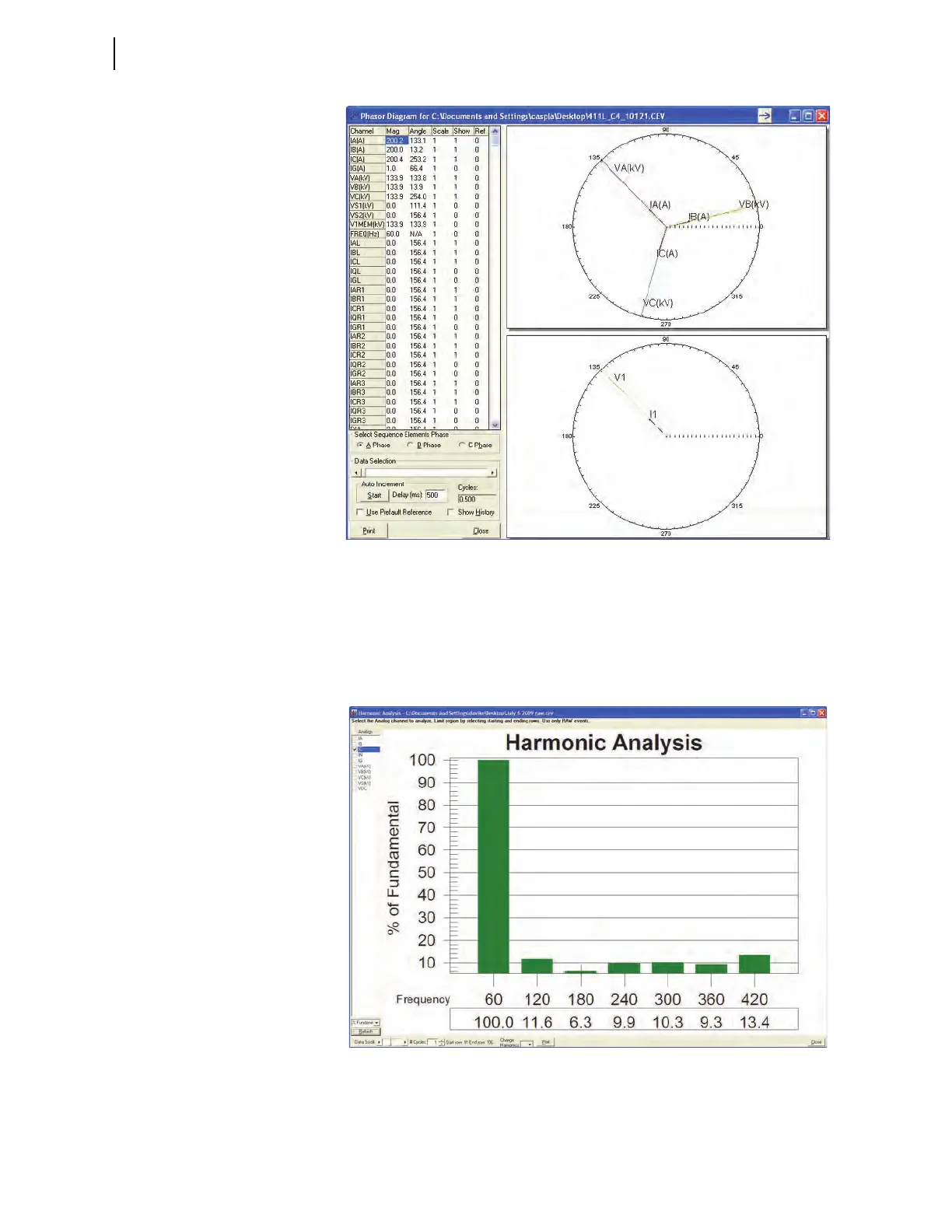
Figure 6.17 Sample Phasors Event Waveform Screen
ACSELERATOR QuickSet also presents a harmonic analysis of power system
data for raw data event captures. From the View menu, click Harmonic
Analysis. The window will be similar to Figure 6.18. On the left side of the
Harmonic Analysis screen, choose the relay voltage and current channels to
monitor for harmonic content. Click the arrows of the Data Scroll box or the #
Cycles box to change the data analysis range.
Figure 6.18 Sample Harmonic Analysis Event Waveform Screen
Click Summary Data on the View menu to see event summary information
and to confirm that you are viewing the correct event. Figure 6.19 shows a
sample
ACSELERATOR QuickSet Event Report Summary screen.



 To Next Page