P.12.27
Date Code 20151029 Protection Manual SEL-411L Relay
Bay Control
ACSELERATOR QuickSet SEL-5030 Software Bay Control Screens
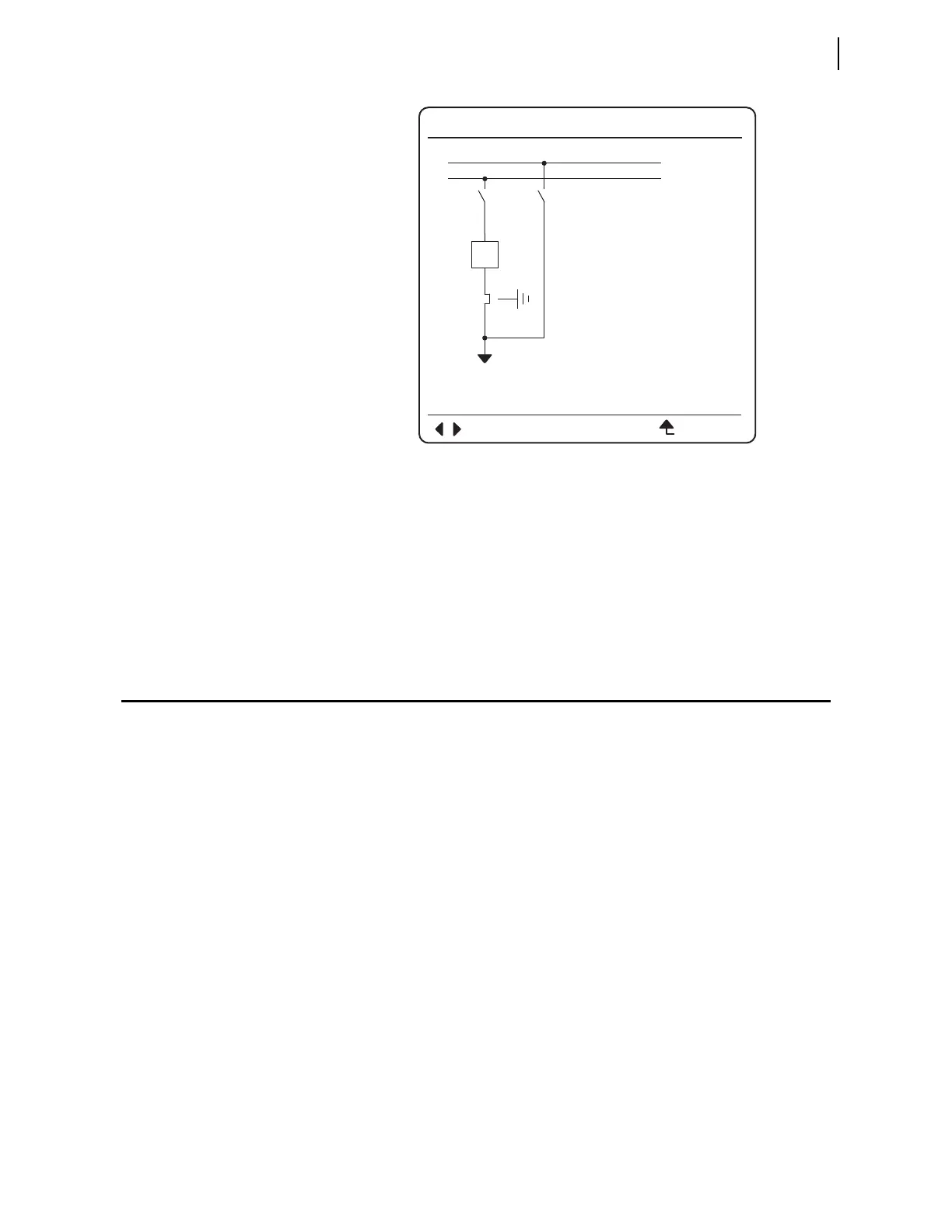
Figure 12.16 Bay Control One-Line Diagram With Three-Position Disconnect
Closed In-Line
The relay does not include any default bay mimic screens with three-position
disconnects, but a few are available through our
ACSELERATOR QuickSet
software program that you use to set the relay. Should your application require
different bay mimic screens with three-position disconnects, contact SEL and
we will provide you with the applicable screens at no charge.
ACSELERATOR QuickSet SEL-5030 Software Bay
Control Screens
ACSELERATOR QuickSet provides an easy and intuitive way to configure and
set the bay control function. This section shows the
ACSELERATOR QuickSet
screens and settings by means of the example application shown in
Figure 12.17.
Choice of Screens
There are 25 screens available in the relay that will suit most applications.
However, if you need different screen(s), please contact your SEL
representative, to order your customized screen(s).
Double Bus, Single
Breaker Bay Without
Ground Switch
In Figure 12.17 the bay has a double busbar with one disconnect switch
connected to each busbar.
BAYNAME
ESCNAVIG
I:9999A
V:99999kV
P:99999MW
Q:99999MV
BUS 1
SW3
SW4
BK1
SW1 SW2
BUS 2



 To Next Page