P.2.35
Date Code 20151029 Protection Manual SEL-411L Relay
Installation
Connection
To provide remote alarm status indication, connect the b contact of an output
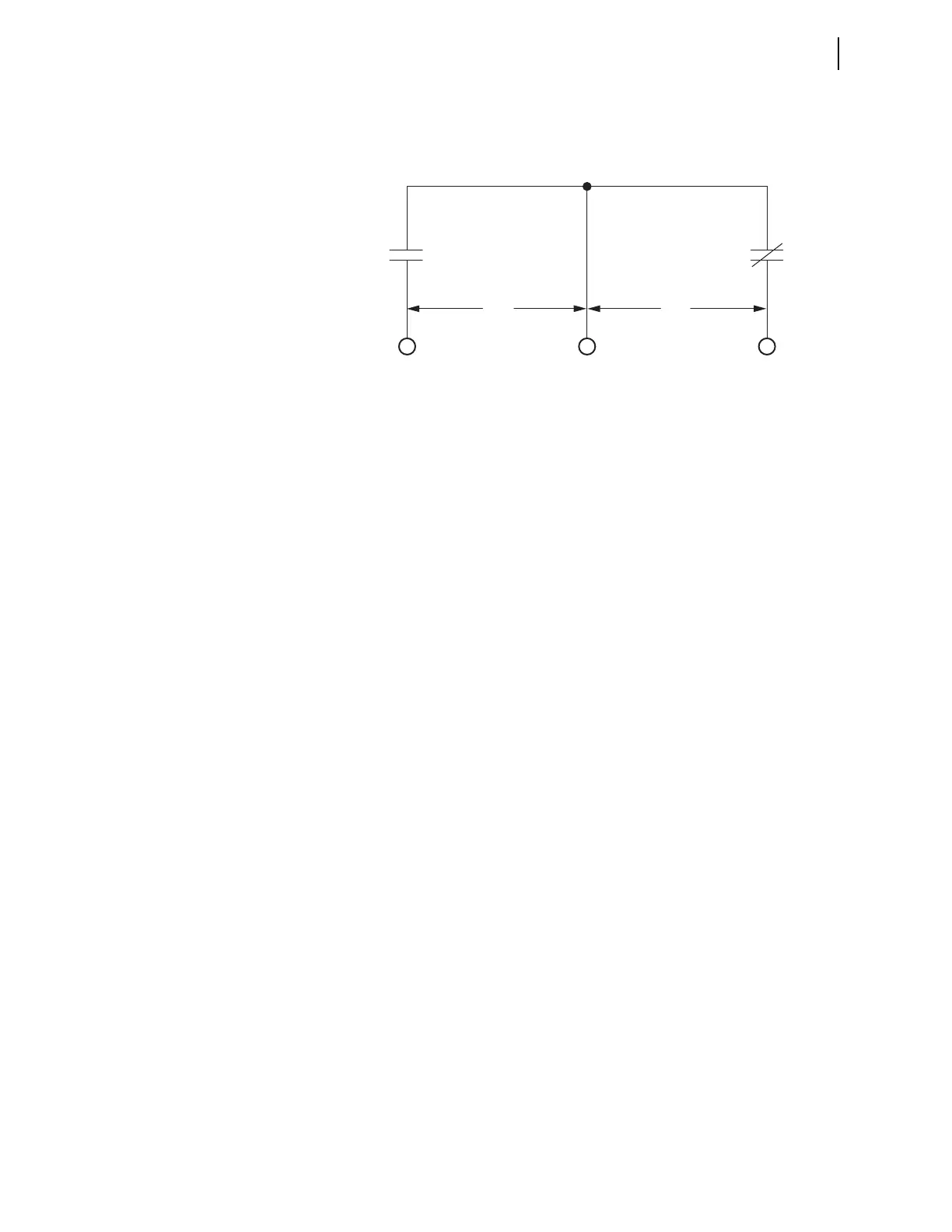
contact to your control system remote alarm input. Figure 2.30 shows the
configuration of the a and b contacts of control output OUT208, using INT2 as
an example.
Figure 2.30 Control Output OUT208 (INT2)
Program OUT208 to respond to NOT HALARM by entering the following
SEL
OGIC
®
control equation with a communications terminal, with
ACSELERATOR QuickSet.
OUT208 := NOT HALARM
When the relay is operating normally, the NOT HALARM signal is at
logical 1 and the b contacts of control output OUT208 are open.
When a status warning condition occurs, the relay pulses the NOT HALARM
signal to logical 0 and the b contacts of OUT208 close momentarily to
indicate an alarm condition.
For a status failure, the relay disables all control outputs and the OUT208 b
contacts close to trigger an alarm. Also, when relay power is off, the
OUT208 b contacts close to generate a power-off alarm. See Relay Self-Tests
on page P.11.38 for information on relay self-tests.
The relay pulses the SALARM Relay Word bit for software programmed
conditions; these conditions include settings changes, access level changes,
and alarming after three unsuccessful password entry attempts.
The relay also pulses the BADPASS Relay Word bit after three unsuccessful
password entry attempts.
You can add the software alarm SALARM to the alarm output by entering the
following SEL
OGIC control equation.
OUT208 := NOT (HALARM OR SALARM)
Tripping and Closing Outputs
To assign the control outputs for tripping and closing, see Setting Outputs for
Tripping and Closing on page P.10.24. In addition, you can use the SET O
command (see SET on page P.15.45 for more details). You can also use the
front panel to set and verify operation of the outputs (see Set/Show on
page P.7.28).
N/O
N/C
COUT208 OUT208
ab
(connect alarm here)



 To Next Page