P.11.19
Date Code 20151029 Protection Manual SEL-411L Relay
Testing and Troubleshooting
Checking Relay Operation
If you see no error message, the new settings are loaded
in the relay.
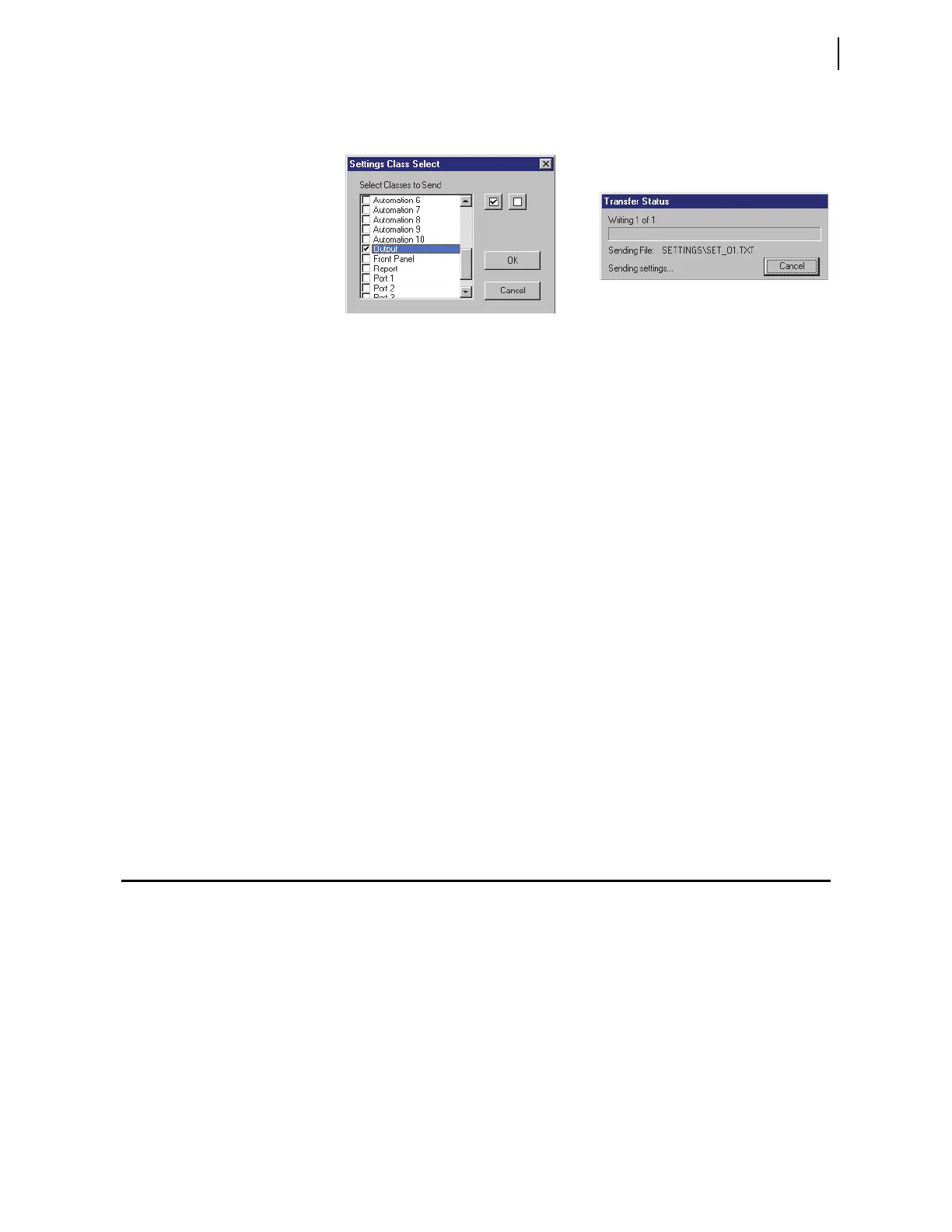
Figure 11.9 Uploading Output Settings to the Relay
Step 6. Connect an indicating device to OUT205 on the relay rear
panel.
A VOM multi-tester on a low resistance scale can indicate an
OUT205 control output closure.
Step 7. Connect a test source to the relay.
a. Set the current output of a test source to zero output
level.
b. Connect a single-phase current output of the test source
to the IAW analog input.
Step 8. Increase the current source to produce a current magnitude
greater than 10.00 A secondary in the relay (to test the
element).
When the 50P1 element picks up, the relay changes the 50P1
Relay Word bit to logical 1 and closes the output contacts of
control output OUT205.
The indicating device operates.
Testing With SER
You can set the relay to generate a report from the SER to test relay elements;
include the element that you want to test in the SER Points and Aliases list.
Set aliases for the element name, set state, and clear state in the relay SER to
simplify reading the SER report. See Sequential Events Recorder (SER) on
page P.8.31 for complete information on the SER.
Checking Relay Operation
The relay comes to you with all functions fully checked and calibrated so that
the relay operates correctly and accurately. You can perform tests on the relay
to verify proper relay operation, but you do not need to test every relay
element, timer, and function in this evaluation. The following checks are
valuable for confirming proper relay connections and operation.
➤ AC connection check (metering)
➤ Commissioning tests
➤ Functional tests
➤ Element verification



 To Next Page