P.6.5
Date Code 20151029 Protection Manual SEL-411L Relay
PC Software
ACSELERATOR QuickSet Terminal
ACSELERATOR QuickSet Terminal
Terminal Window
The terminal window is an ASCII interface with the relay. This is a basic
terminal emulation. Many third-party terminal emulation programs are
available with file transfer encoding schemes.
Open the terminal window by either clicking Communications > Terminal,
clicking on the Terminal icon on the toolbar, or by pressing <Ctrl+T>.
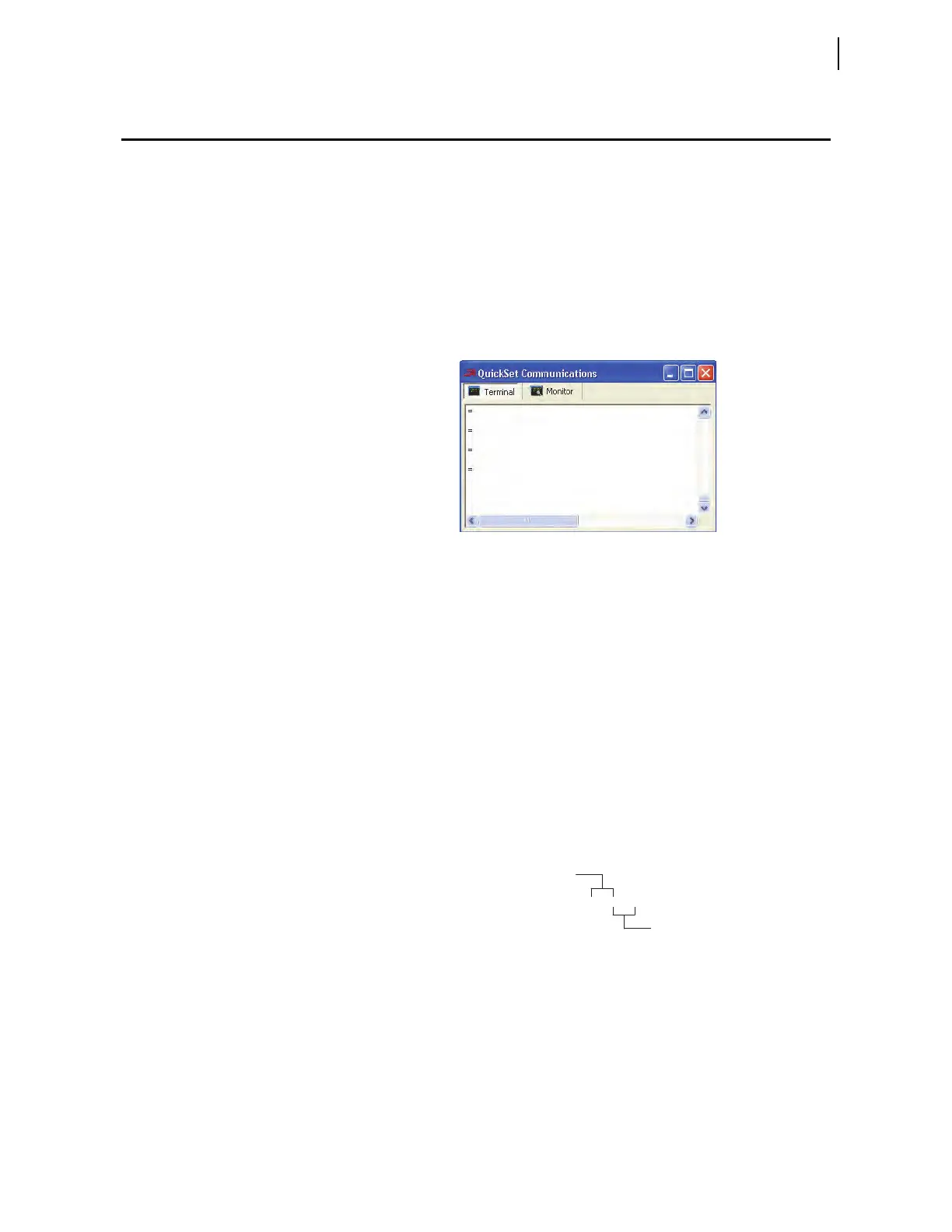
Verify proper communications with the relay by opening a terminal window,
pressing <Enter> a few times, and verifying that an
= (equal) prompt is
received, as shown in Figure 6.1. If a prompt is not received, verify proper
setup.
Figure 6.1 Terminal Prompt
Terminal Logging
If the Terminal Logging item in the Communications menu is selected,
ACSELERATOR QuickSet records all communications between the relay and
the PC in a log file.
Drivers
Enter Access Level 1 and issue the STA command to view the Firmware
Identification (FID) string.
Locate and record the Z-number in the FID string. It will look similar to
Figure 6.2. The first portion of the Z-number (Z001xxx, for example)
determines the
ACSELERATOR QuickSet relay settings driver version when
you are creating or editing relay settings files. The later portion of the Z
number (Zxxx001, for example) determines the HMI version number. These
numbers are used by the applications to ensure proper interaction between the
relay and
ACSELERATOR QuickSet. The use of the driver version will be
discussed in more detail later in this section.
Figure 6.2 ACSELERATOR QuickSet
Driver Information in the FID String
ACSELERATOR QuickSet reads the latter portion of the Z-number to determine
the correct HMI to display when you select the menu. See Open the
ACSELERATOR QuickSet HMI for instructions.
FID = SEL-411L-R100-V0-Z001001-D20110418
HMI Version Number
Relay Settings Version Number



 To Next Page