P.7.19
Date Code 20151029 Protection Manual SEL-411L Relay
Front-Panel Operations
Front-Panel Menus and Screens
The front-panel event buffer size is 100 summaries. The relay numbers
summary events in order from 10000–42767 and displays the most recent
summaries on the LCD.
You can view summary event reports from the relay front-panel display by
selecting
EVENTS from the MAIN MENU. The relay presents the Events Menu as
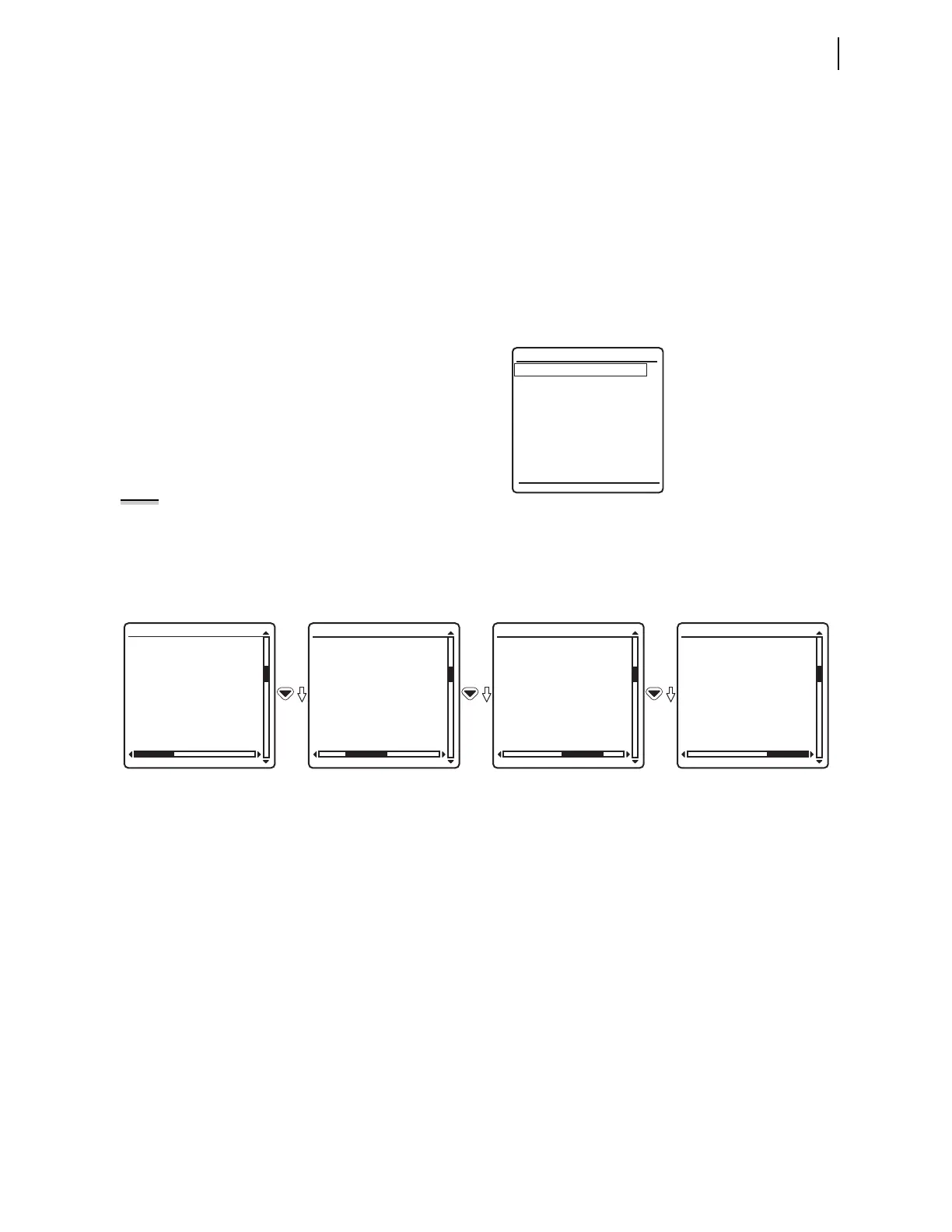
shown in Figure 7.21. Select
Event Summary from the Events Menu to view
event summary data. Figure 7.22 shows sample
Event Summary screens for a
phase-to-phase-to-ground fault. Use the Right Arrow and Left Arrow pushbuttons
to show each of the summary screens for the event. Event reports can also be
viewed via a front-panel automatic message (Front-Panel Automatic
Messages) or programmable front-panel operator control pushbutton (Front-
Panel Operator Control Pushbuttons).
Figure 7.21 Events Menu Screen
The horizontal scroll bar indicates that you can view other event 10002
screens. Use the Up Arrow and Down Arrow pushbuttons to move among the
events in the summary buffer. Press ESC to return to the
Events Menu and ESC
again to return to the
MAIN MENU.
Figure 7.22 EVENT SUMMARY Screens
SER
The Sequential Events Recorder records state changes of user-programmable
Relay Word bits. State changes are time-tagged for future analysis of relay
operations during an event. See Sequential Events Recorder (SER) on
page P.8.31 for more information on SER events. To view SER events from
the front panel, select
EVENTS from the MAIN MENU and SER Events from the
Events Menu as shown in Figure 7.23. SER events are also viewable using
programmable front-panel operator-control pushbuttons; see Front-Panel
Operations.
Figure 7.23 illustrates the
SER Events display screen. Data reported in this
screen for each event are the SER number, SER Point Alias Name, Asserted or
Deasserted state, and the Date and Time of the event. When in the
SER Events
screen, three SER records are displayed. Using the navigation pushbuttons,
the most recent 200 SER events are viewable on the front-panel display. The
topmost event is the most recent event and the bottommost event is the oldest.
The upper right of the screen displays the number of the SER events currently
being viewed. If a new event occurs while viewing the SER events, the display
does not update with the new event automatically. To include the new SER
Event Summary
SER Events
Events Menu
03/15/2001 GROUP 1
00:00:05.387
EVENT: 87A
LOCATION: 60.23
FREQ: 60.54
SHOT: 110=03PO=0
BK1: OPEN
BK2: OPEN
EVENT SUMMARY 10002
TARGETS:
COMM
ZONE 2
PHASE B
PHASE C
GROUND
50
EVENT SUMMARY 10002
TARGETS:
COMM
ZONE 2
PHASE B
PHASE C
GROUND
50
EVENT SUMMARY 10002
FAULT QUANTITIES
(PU)
87IA = 1.31 0.7°
87IB = 1.13 -123.4°
87IC = 1.13 124.7°
87Q = 2.31 -0.5°
87G = 3.32
EVENT SUMMARY 10002
NOTE: The relay displays the
traveling wave information in the
LOCATION field if the fault location
method (FLM) is traveling wave (TW).
If FLM is not TW, then the relay
displays the results of the impedance-
based fault location calculations.



 To Next Page