P.7.34
SEL-411L Relay Protection Manual Date Code 20151029
Front-Panel Operations
Front-Panel Menus and Screens
NOTE: The LCD DISPLAY TEST does
NOT reset the front-panel LED targets.
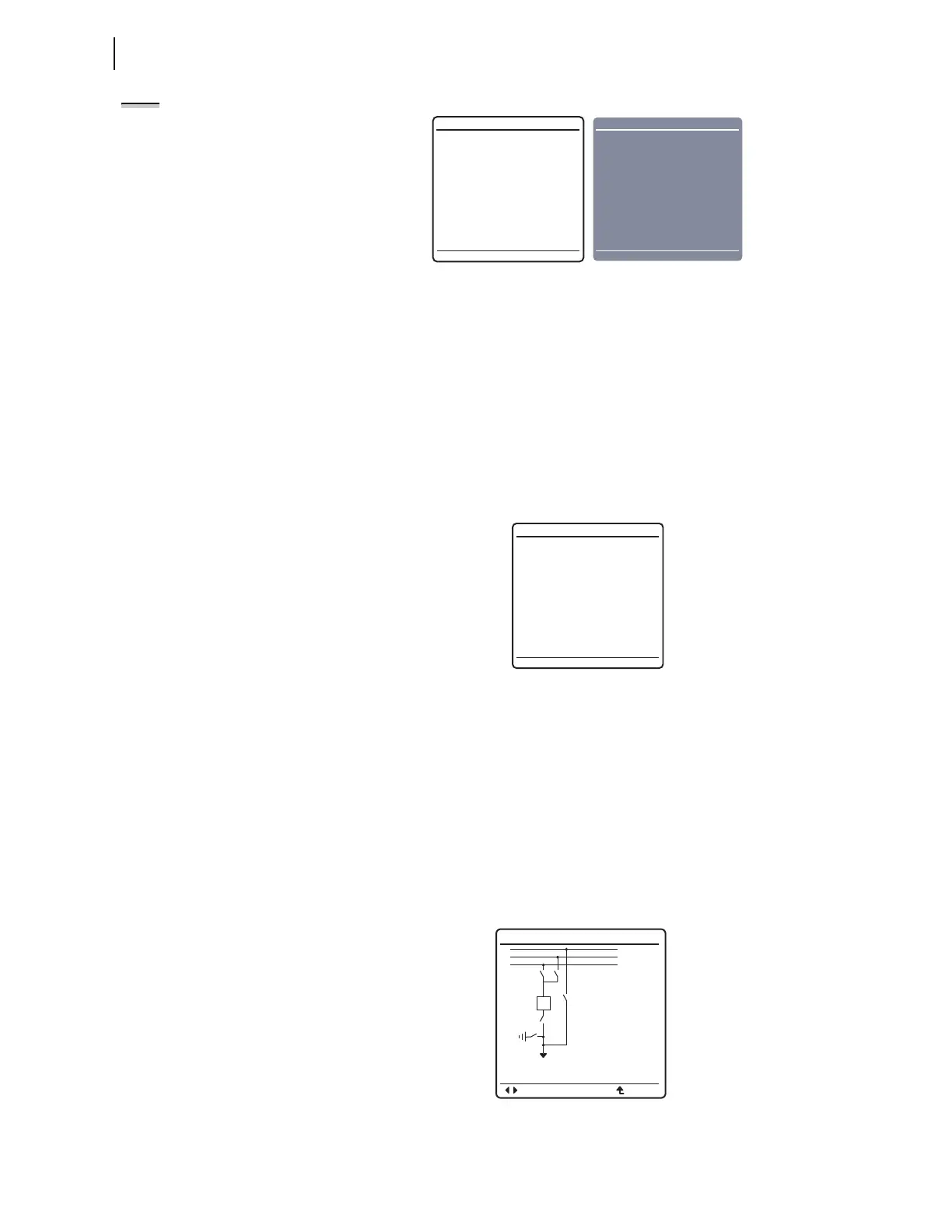
Figure 7.40 DISPLAY TEST Screens
Reset Access Level
The relay uses various passwords to control access to front-panel functions.
As you progress through these menus, the relay detects the existing password
level and prompts you for valid passwords before allowing you access to
levels greater than Access Level 1 (see Password). When you want to return
the front-panel to the lowest access level (Access Level 1), highlight
RESET
ACCESS LEVEL
item on the MAIN MENU. Pressing ENT momentarily displays the
screen of Figure 7.41 and places the front panel at Access Level 1.
The relay automatically resets the access level to Access Level 1 upon front-
panel timeout (setting FP_TO is not set to OFF). Use this feature to reduce the
front-panel access level before the timeout occurs.
Figure 7.41 RESET ACCESS LEVEL Screen
One-Line Diagram
This option from the front-panel MAIN MENU displays the one-line diagram that
has been selected in the Bay settings class. From this screen, disconnect
switch open and close operations, as well as breaker open and close operations
can be performed. This screen also displays labels for the different apparatus
in the bay configuration and Analog Quantity metering values. The one-line
diagram, display labels, and Analog Quantities are settable in the Bay class
settings; see Bay Settings on page P.5.26 for these settings. See Figure 7.42
for an illustration of the one-line diagram.
For navigation and control operations in the one-line diagram screen, see
Section 12: Bay Control.
Figure 7.42 One-Line Diagram Screen
DISPLAY TEST
All LEDs should
be lit.
DISPLAY TEST
All LEDs should
be lit.
RESET ACCESS LEVEL
Front panel access
level reset.
BAYNAME
ESCNAVIG
ANALOGS
I:9999A
V:999kV
F:99.9Hz
P:999MV
Q:999MVR
BUS 1
Dis 4
Dis 5
Bkr 1
Dis 3
Dis 1
Dis 2
BUS 2
BUS T



 To Next Page