P.7.35
Date Code 20151029 Protection Manual SEL-411L Relay
Front-Panel Operations
Front-Panel Automatic Messages
Front-Panel Automatic Messages
The relay automatically displays alert messages. Any message generated
because of an alert condition takes precedence over the normal
ROTATING
DISPLAY
and the MAIN MENU. Alert conditions include these significant events:
➤ Alarm Point assertions
➤ Event reports and trips (user defined)
➤ Status warnings
➤ Status failures
In order to display event reports automatically from the
ROTATING DISPLAY,
you must set front-panel setting DISP_ER to Y. Front-panel setting TYPE_ER
allows the user to define which types of event reports will be automatically
displayed from the normal
ROTATING DISPLAY; ALL will display all event
types described in Table 8.7 and TRIP will display only the event types that
include the assertion of the TRIP Relay Word bit.
For alarm point assertions, qualified event reports (including trip events), and
status warnings, the relay displays the corresponding full-screen automatic
message, only if the front-panel display is in the time-out or standby condition
(the relay is scrolling through the default display points/enabled metering
screens of the
ROTATING DISPLAY or is displaying the MAIN MENU). When a
status warning, alarm, or event is triggered, the relay full-screen presentation
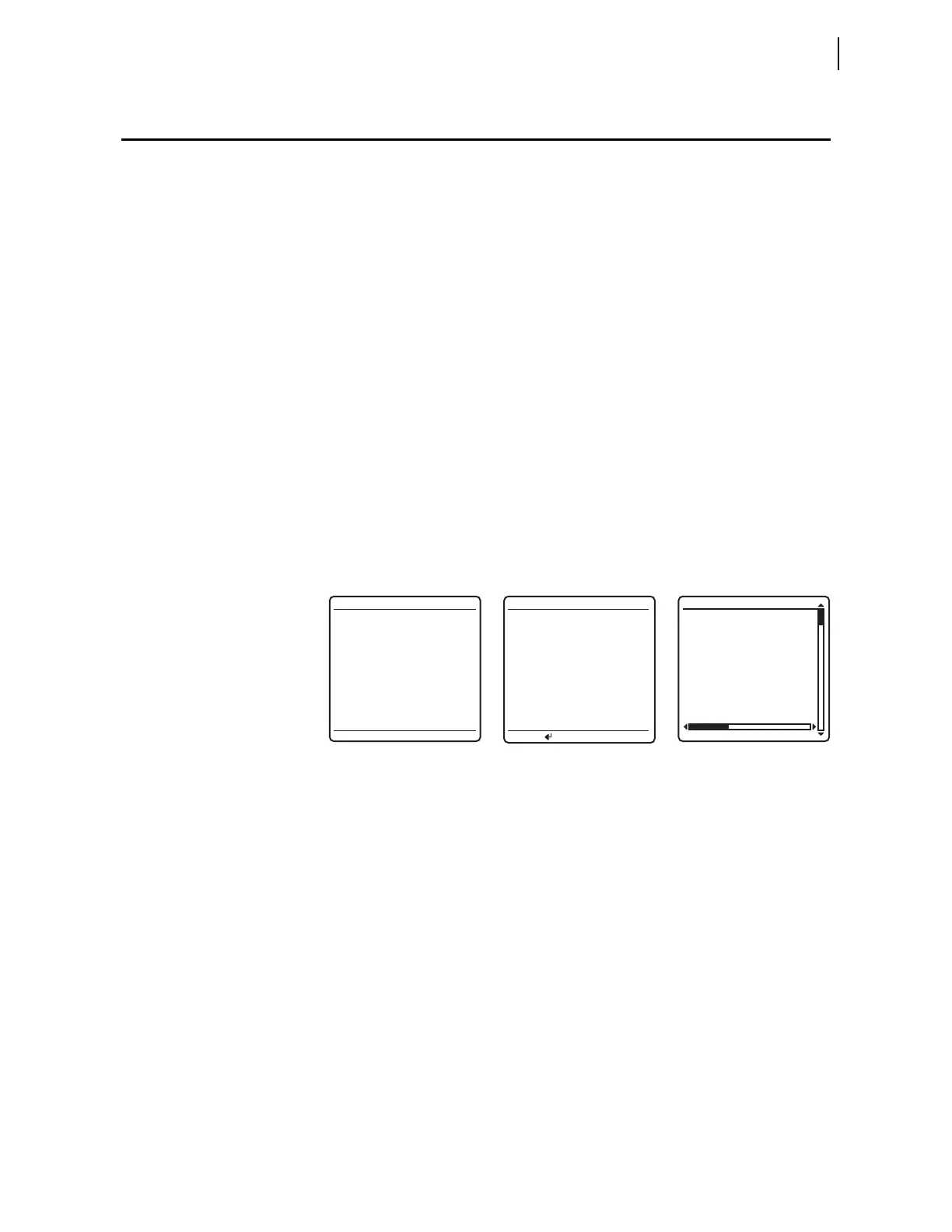
is similar to the screens of Figure 7.43.
Figure 7.43 Sample Status Warning, Alarm Point Assertion, and Trip EVENT
SUMMARY Screens
If you are on site using the front panel in menus and screens other than the
MAIN MENU and a status warning occurs, alarm point asserts, or an event report
triggers, the relay shows automatic messages at the bottom of the active screen
in the message area.
For example, the message area shows
RELAY STATUS WARNING for a status
warning. Figure 7.44 is an example of a status warning notification that
appears in the message area of a
LOCAL CONTROL (local bit) screen. If an alarm
point asserts while you are using a front-panel screen, the message area
notification reads:
ALARM EVENT. If a trip event occurs while you are using a
front-panel screen, the message area notification reads
RELAY EVENT. When
you repeatedly press ESC (as if returning to the
MAIN MENU) during this warning
or trip alert situation, the relay displays the corresponding full-screen
automatic message concerning the warning or trip in place of the
MAIN MENU.
If the front-panel display is at the
MAIN MENU and a status warning occurs, the
full-screen warning replaces the
MAIN MENU. After you view the warning,
alarm, or trip screen, pressing ESC returns the LCD to the
MAIN MENU.
03/15/11 GROUP 1
00:00:05.387
EVENT: BCG T
LOCATION: 48.47
FREQ: 60.00
SHOT: 1P=0 3P=1
BK1 OPEN
BK2 CLOSED
EVENT SUMMARY 10002
RELAY STATUS
SEL-411L-R101-V0-
Z001001-D20110315
S/N=0001001234
RELAY ENABLED
TEMPERATURE WARNING
*Circuit BK1 SF6 Gas
ALARM POINTS
Press to acknldge



 To Next Page