P.6.8
SEL-411L Relay Protection Manual Date Code 20151029
PC Software
ACSELERATOR QuickSet HMI
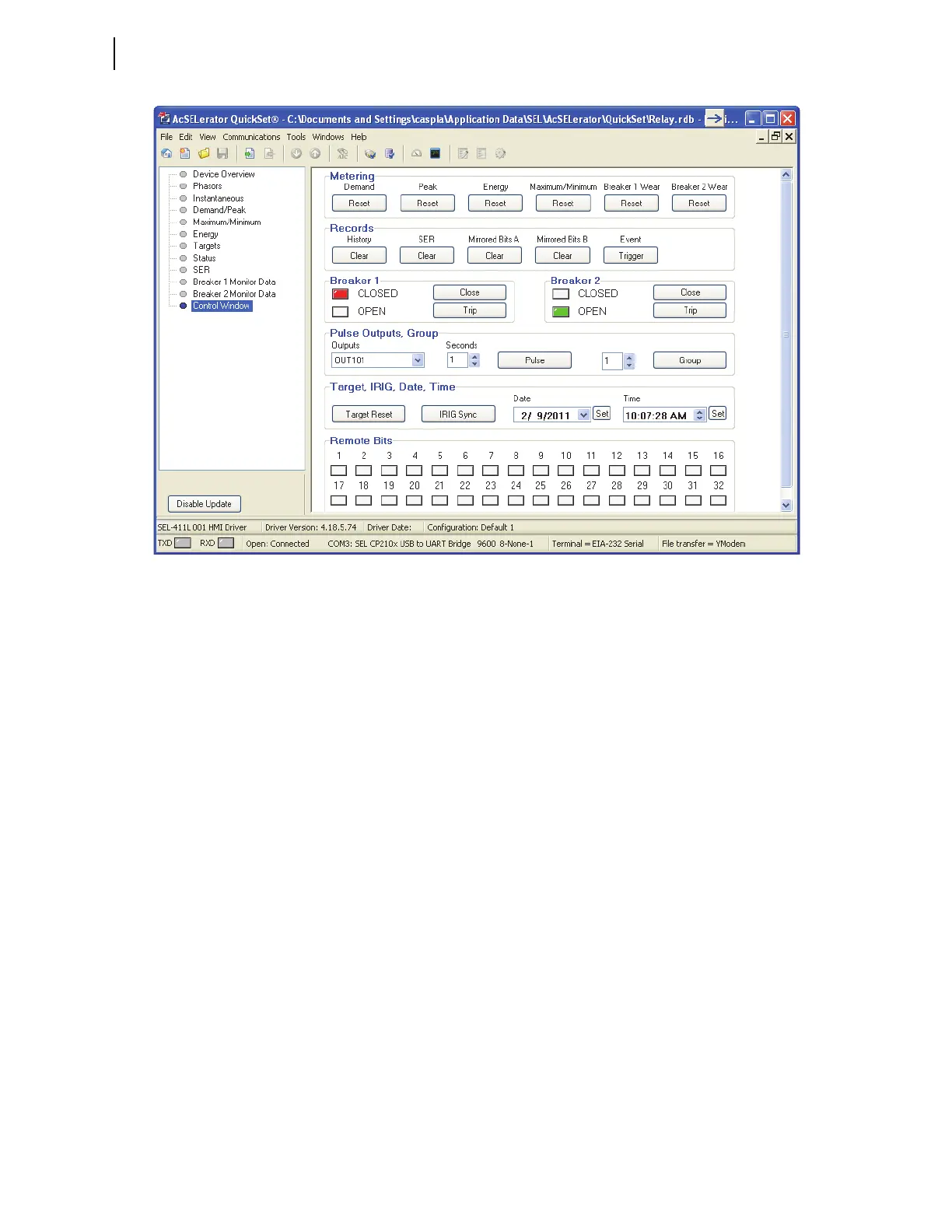
Figure 6.4 Control Window
Other HMI Branches
The remaining HMI branches display metering, targets, status, reporting, and
monitoring information.
HMI Configurations
Customized Device Overviews can be saved as HMI Configurations. To save
the current configuration, select Tools > HMI > Save Configuration to save
the configuration under the current name, or Tools > HMI > Save
Configuration As to specify a configuration name.
HMI configurations are identified by relay type and a configuration name. To
use an existing configuration, select Tools > HMI > Select Configuration. To
view available configurations, select Tools > HMI > Manage
Configurations. To make an existing configuration the default configuration
for a given relay type, select the configuration in the Manage Configurations
window, select Edit, and select the Default check box.



 To Next Page