P.7.22
SEL-411L Relay Protection Manual Date Code 20151029
Front-Panel Operations
Front-Panel Menus and Screens
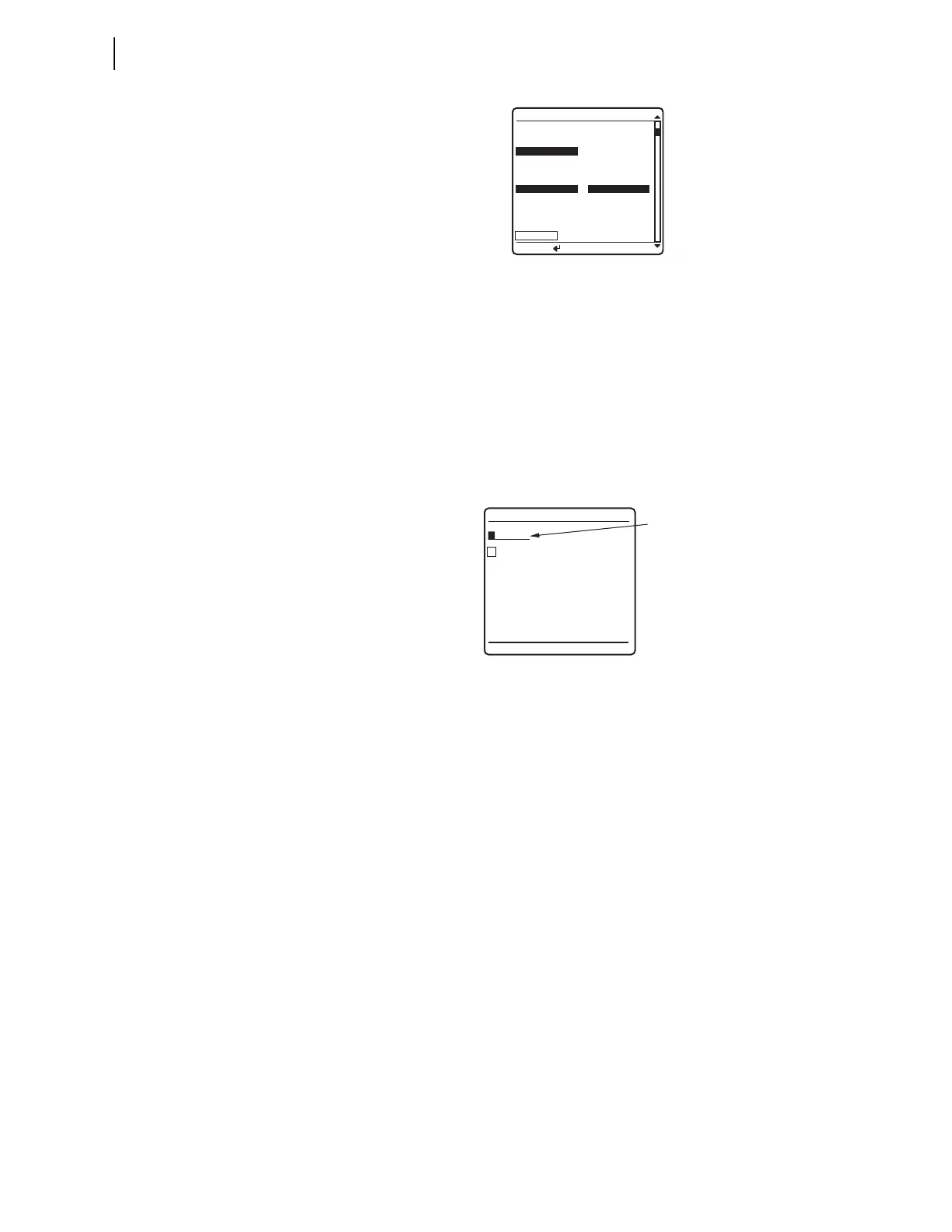
Figure 7.26 RELAY ELEMENTS Screen
When you move item by item through the Relay Word bit table, pressing the
Up Arrow or Down Arrow pushbuttons shows each previous or next screen in
turn.
Accelerated navigation occurs when you press and hold the Up Arrow or Down
Arrow pushbuttons. Holding the Up Arrow or Down Arrow pushbuttons repeats the
regular pushbutton action at 2 rows every second for the first 10 rows.
Continue pressing the Up Arrow or Down Arrow pushbutton to cause the relay
screen scrolling to accelerate to 20 rows per second. When you are scrolling
up in accelerated scrolling, scrolling will stop at the first relay elements
screen. When you are scrolling down, scrolling will stop at the last screen.
Figure 7.27 ELEMENT SEARCH Screen
Search mode allows you to find a specific relay target element quickly.
Figure 7.27 shows the menu screen that the relay displays when you select the
SEARCH option of the RELAY ELEMENTS initial menu.
When you first enter this search menu, the block cursor is at the beginning of
the element name field and the highlight box in the alphanumeric field is
around the letter
A. Use the navigation pushbuttons to move through the
alphanumeric characters. If the highlight is on one of the characters, pressing
ENT enters the character at the block cursor location in the element name field.
Next, the block cursor moves automatically to the character placeholder to the
right. If the block cursor was already at the first character position on the left,
the block cursor remains at the end of the name field. To backspace the cursor
in the element name field, move the highlight to
BACKSPACE and press ENT.
When you have finished entering an element name, move the highlight to
ACCEPT and press ENT. At any time, pressing ESC returns the display to the
RELAY ELEMENTS screen.
If the highlight is on
ACCEPT, the relay finds the matching relay element when
you press ENT. The relay first searches for alias names, seeking an exact match.
If the relay does not find an exact alias name match, it searches for an exact
primitive name match. If there is no exact primitive name match, the relay
initiates a partial alias name string search, followed by a partial primitive
name string search. If the relay finds no match, the screen displays an error
message and stays in the
ELEMENT SEARCH screen. If the relay finds a match,
the screen displays the element row containing the matching element.
ROW 28 ROW 29
* *
51S2R =1 *
51S2T =0 *
51S2 =0 *
* *
51S1R =1 51S3R =1
51S1T =0 51S3T =0
51S1 =0 51S3 =0
SEARCH
RELAY ELEMENTS
Press to search
A B C D E F
G H I J K L
M N O P Q R
S T U V W X
Y Z 0 1 2 3
4 5 6 7 8 9
_
ACCEPT BACKSPACE
ELEMENT SEARCH
Element
Name
Field



 To Next Page