P.12.36
SEL-411L Relay Protection Manual Date Code 20151029
Bay Control
ACSELERATOR QuickSet SEL-5030 Software Bay Control Screens
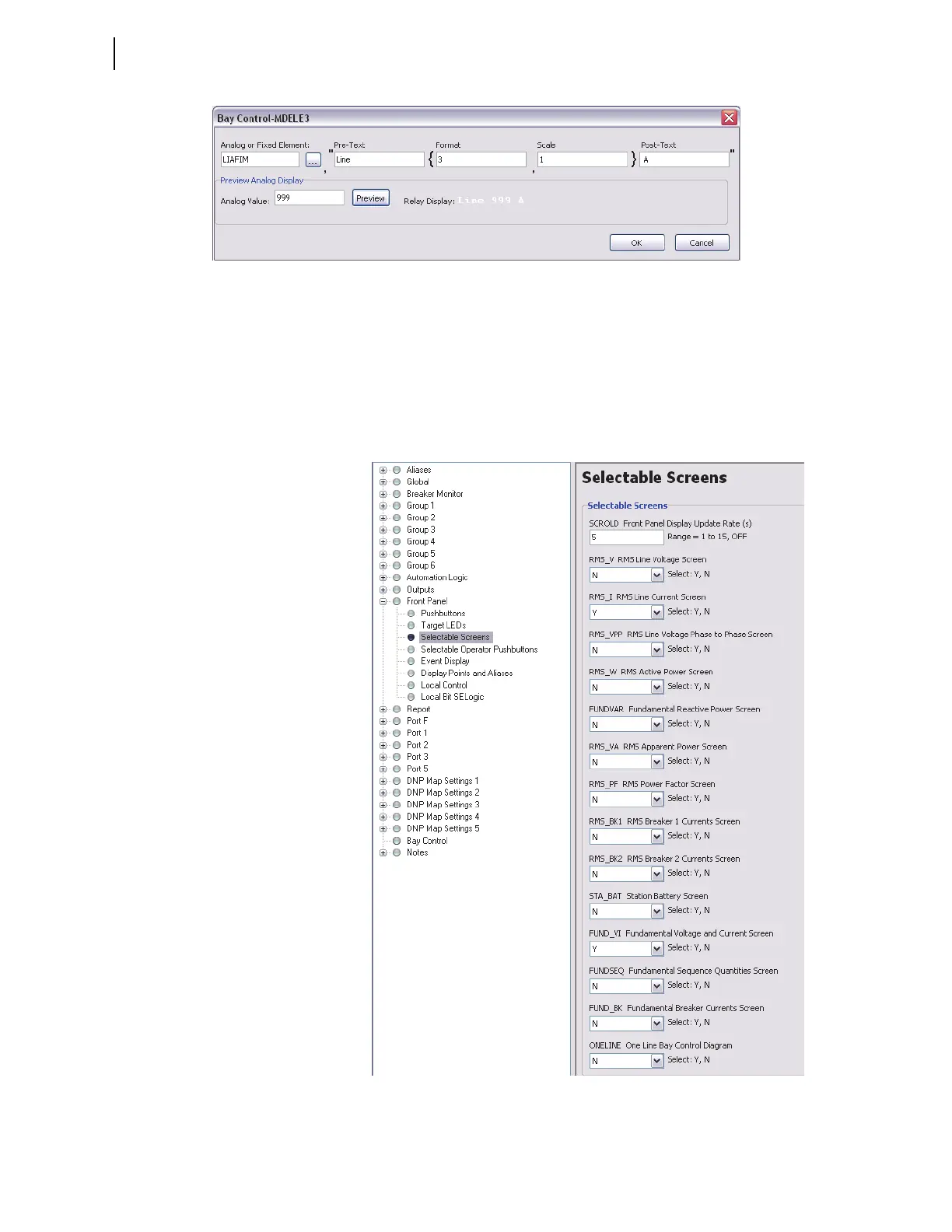
Figure 12.27 Analog Quantity Expression MDELE3
Do not enter values for the other analog quantities.
Front-Panel Settings
Selectable Screens for the Front-Panel Rotating Display
You can include the bay control screen in the rotating display. Set
ONELINE = Y (found under Front Panel settings), selectable screens, as
shown in Figure 12.28.
Figure 12.28 Bay Control Screen Selected for Rotating Display



 To Next Page