P.7.5
Date Code 20151029 Protection Manual SEL-411L Relay
Front-Panel Operations
Front-Panel Layout
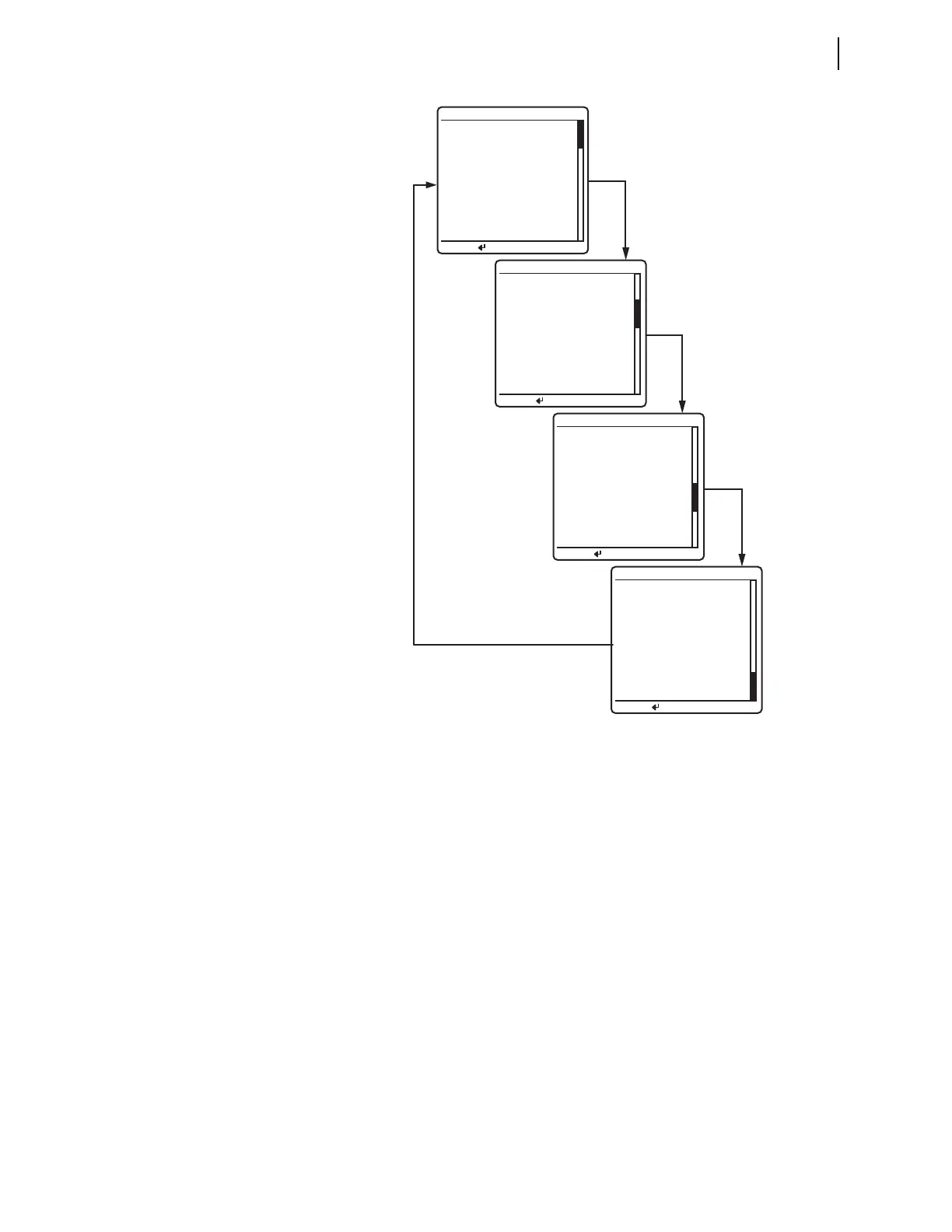
Figure 7.4 Sample ROTATING DISPLAY
The active alarm points are the first screens in the ROTATING DISPLAY (see
Alarm Points). Each alarm points screen shows as many as eleven alarm
conditions. The relay can present a maximum of six alarm points screens.
The active display points are the next screens in the
ROTATING DISPLAY (see
Display Points). Each display points screen shows as many as 11 enabled
display points. (With 96 display points, the relay can present a maximum of 9
display points screens.) If a display point does not have text to display, the
screen space for that display point is maintained.
Autoscrolling Mode
Autoscrolling mode shows each screen for a user-settable period of time.
Front-panel setting SCROLD defines the period of time each screen is shown.
When you first apply power to the relay, the LCD shows the autoscrolling
ROTATING DISPLAY. With SCROLD := OFF the screen remains on the first
screen in the rotating display order, automatic rotation of additional screens is
disabled.
The autoscrolling
ROTATING DISPLAY also appears after a front-panel
inactivity time out (see Front-Panel Inactivity Time Out). The relay retrieves
data prior to displaying each new screen. The relay does not update screen
*Circuit BK1 SF6 Gas
ROTATING DISPLAY
Press for menu
Circuit Breaker 1
--Closed--
ROTATING DISPLAY
Press for menu
Circuit BK1 SF6 Gas
--Alarm--
Circuit Breaker 2
A PH= 119.6 A pri
SF6 ALARM
Line Current (A) RMS
IA =
119.6
IB =
119.7
IC =
119.5
FREQ = 60.00 Hz
ROTATING DISPLAY
Press for menu
Line Quantities FUND
ROTATING DISPLAY
Press for menu
Voltage (kV)
VA = 130.4 + 6°
VB = 130.3 -114°
VC = 130.5 -126°
Current (A)
IA = 119.6 35°
IB = 119.7 -95°
IC = 119.5 155°
FREQ = 60.00 Hz



 To Next Page