P.11.16
SEL-411L Relay Protection Manual Date Code 20151029
Testing and Troubleshooting
Test Methods
View Relay Elements With the Front-Panel LCD
You can use the front-panel display and navigation pushbuttons to check
Relay Word bit elements.
This procedure uses the 50P1 Phase Instantaneous Overcurrent element. Use
the factory defaults for the pickup level (Table 11.7). For more information on
the 50P elements, see Instantaneous Line Overcurrent Elements on
page P.3.200.
Step 1. Display the
MAIN MENU.
Step 1. If the relay LCD is in the
ROTATING DISPLAY, press the ENT
pushbutton to display the
MAIN MENU similar to that in
Figure 11.7.
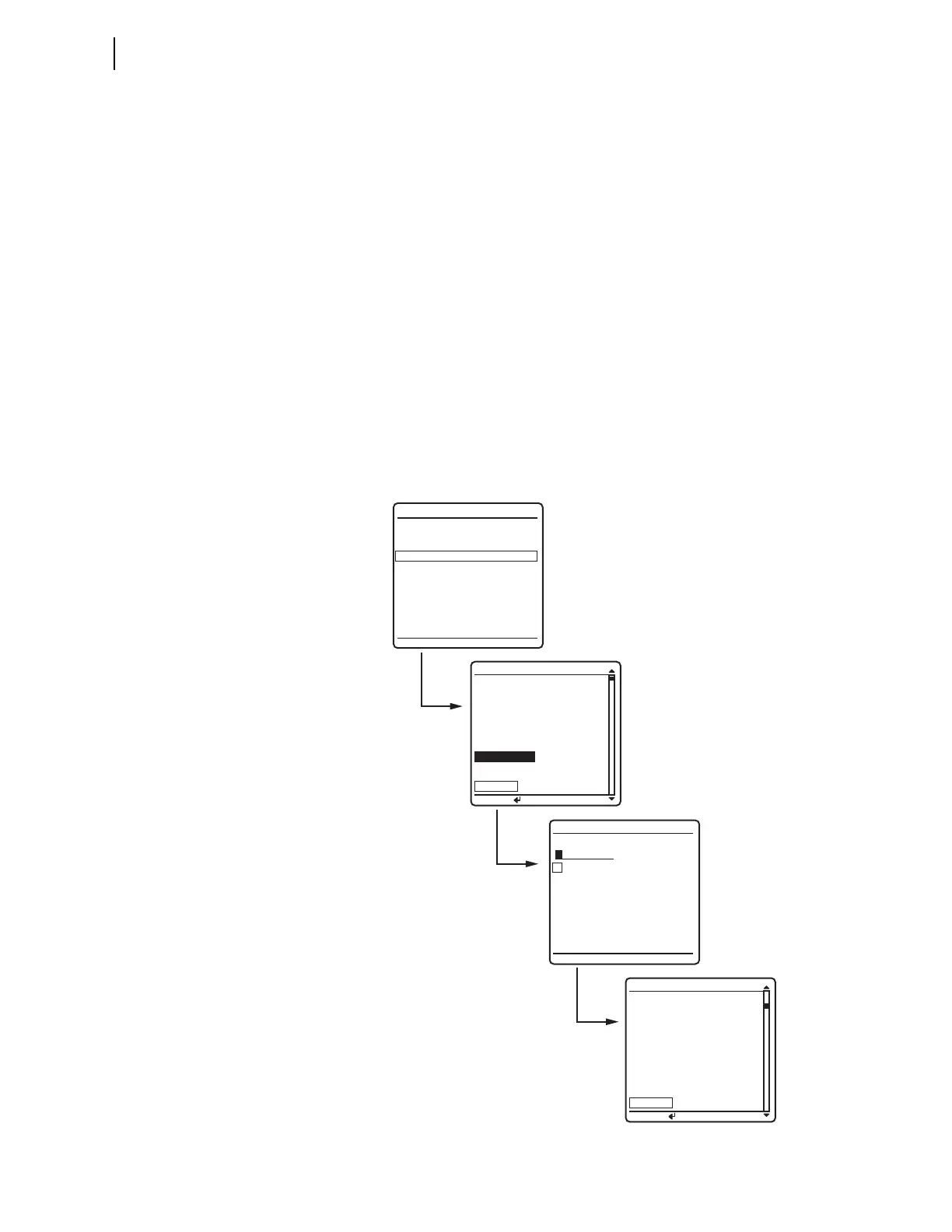
Step 2. Press the Down Arrow navigation pushbutton to highlight the
RELAY ELEMENTS action item (see the first screen of
Figure 11.7).
Step 3. Press the ENT pushbutton.
You will see a
RELAY ELEMENTS screen (similar to the second
screen of Figure 11.7).
Figure 11.7 Viewing Relay Word Bits From the Front-Panel LCD
ELEMENT SEARCH
A B C D E F
G H I J K L
M N O P Q R
S T U V W X
Y Z 0 1 2 3
4 5 6 7 8 9
-
ACCEPT BACKSPACE
METER
EVENTS
BREAKER MONITOR
RELAY ELEMENTS
LOCAL CONTROL
SET/SHOW
RELAY STATUS
VIEW CONFIGURATION
DISPLAY TEST
RESET ACCESS LEVEL
MAIN MENU
PRESS to search
RELAY ELEMENTS
SEARCH
PRESS to search
RELAY ELEMENTS
SEARCH
ROW 30 ROW 31
* =0 67P4 =0
BSYNBK2=0 67P3 =0
SLOW2 =0 67P2 =0
FAST2 =0 67P1 =0
25A2BK2=0 50P4 =0
25A1BK2=0 50P3 =0
25W2BK2=0 50P2 =0
25W1BK2=0 50P1 =0
ROW 0 ROW 1
*
=0 TLED_8 =0
*
=0 TLED_7 =0
* =0 TLED_6 =0
* =0 TLED_5 =0
* =0 TLED_4 =0
* =0 TLED_3 =0
TRIPLED=0 TLED_2 =0
RLY_EN =1 TLED_1 =0



 To Next Page