P.12.29
Date Code 20151029 Protection Manual SEL-411L Relay
Bay Control
ACSELERATOR QuickSet SEL-5030 Software Bay Control Screens
Bay Name
There are 20 characters available for the bay name, so use descriptive names
such as OCEANVIEW FEEDER. This name appears on all the control
screens to identify the feeder bay, thus avoiding confusion during operation.
Local
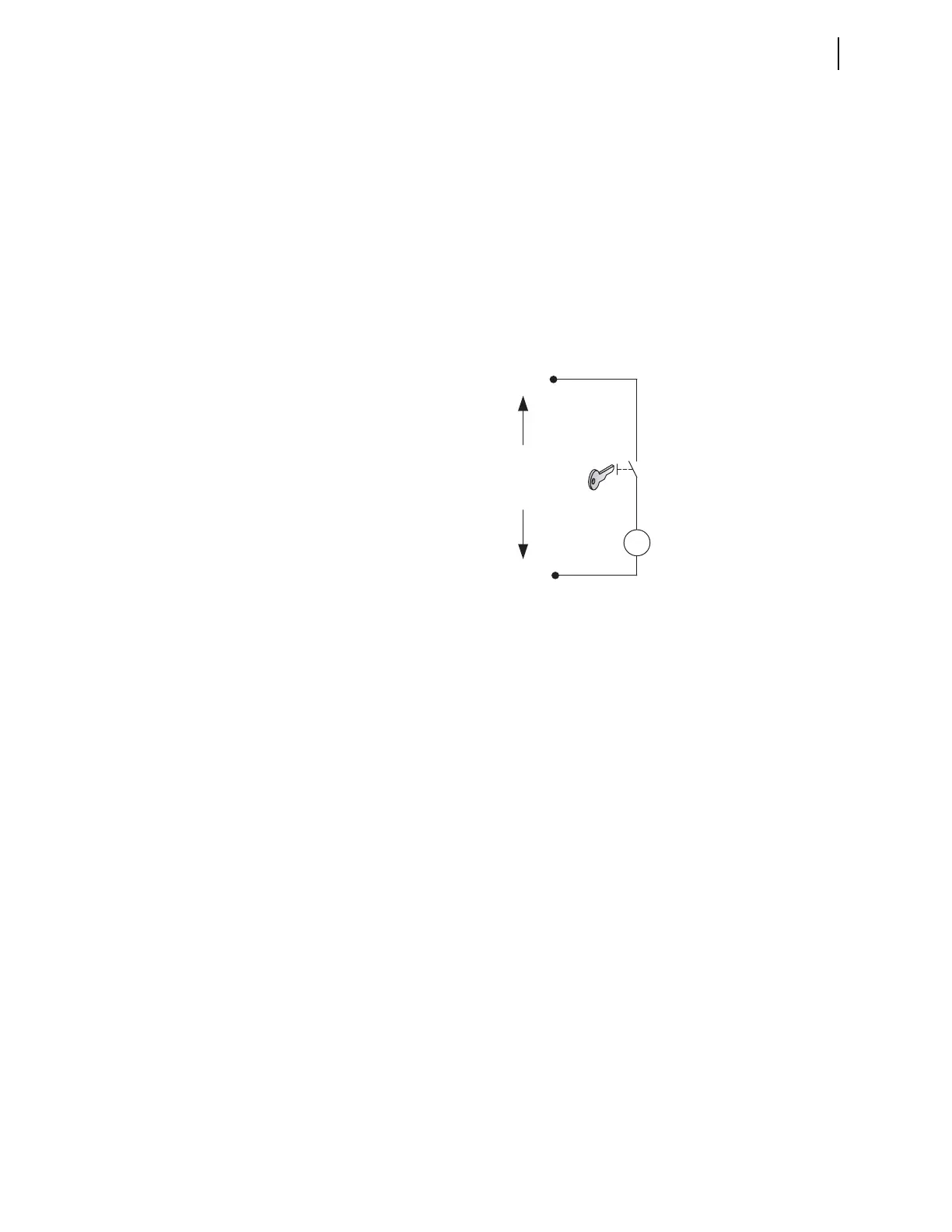
The LOCAL SELOGIC control equation manages local and remote control of
the disconnect switch. This example illustrates how the relay input contact
IN207 can accommodate existing bay controls that use a key to manually
change from remote to local control. The key switch is made to actuate a
contact when the key is turned, as shown in Figure 12.19. With the contact of
the switch wired to the relay input, the key switch provides local and remote
control. Make the following setting to enable LOCAL control when IN207 is
asserted.
LOCAL := IN207
Figure 12.19 Illustration of Local and Remote Control Logic With Key Control
Bus Names
To enter the busbar names, disconnect information, breaker information, or
analog information, click on the appropriate box, which causes a dialog box to
appear. Figure 12.20 shows a dialog box for the busbar name. Enter the name
of the busbar, e.g., 123 Bus No 1, and click OK.
-
+
Rated Relay
DC Input Voltage
Contact closed = Local control
Contact open = Remote control
Relay
IN207



 To Next Page