P.B.5
Date Code 20151029 Protection Manual SEL-411L Relay
Firmware Upgrade Instructions
Upgrade Procedure
with Design Template. The Firmware Loader will suggest a
name for the settings, but the suggested name can be modified
as desired.
If Save events was selected, the Event History window will
open to allow the events to be saved. See the PC Software
section of the relay instruction manual for more information.
Step 7. If you use the Breaker Wear Monitor, click the Terminal button
in the lower left portion of the Firmware Loader to open the
terminal window. From the Access Level 1 prompt, issue the
BRE command and record the internal and external trip
counters, internal and external trip currents for each phase, and
breaker wear percentages for each phase.
Step 8. Enable Terminal Logging capture (see the PC Software section
of the relay instruction manual) and issue the following
commands to save stored data. It is possible for these data to be
lost during the firmware upgrade process.
a. MET E—accumulated energy metering
b. MET D—demand and peak demand
c. MET M—maximum/minimum metering
d. COMM A and COMM B—M
IRRORED BITS
®
communications logs
e. PROFILE—Load Profile
f. SER—Sequential Events Report
EStart SELBOOT
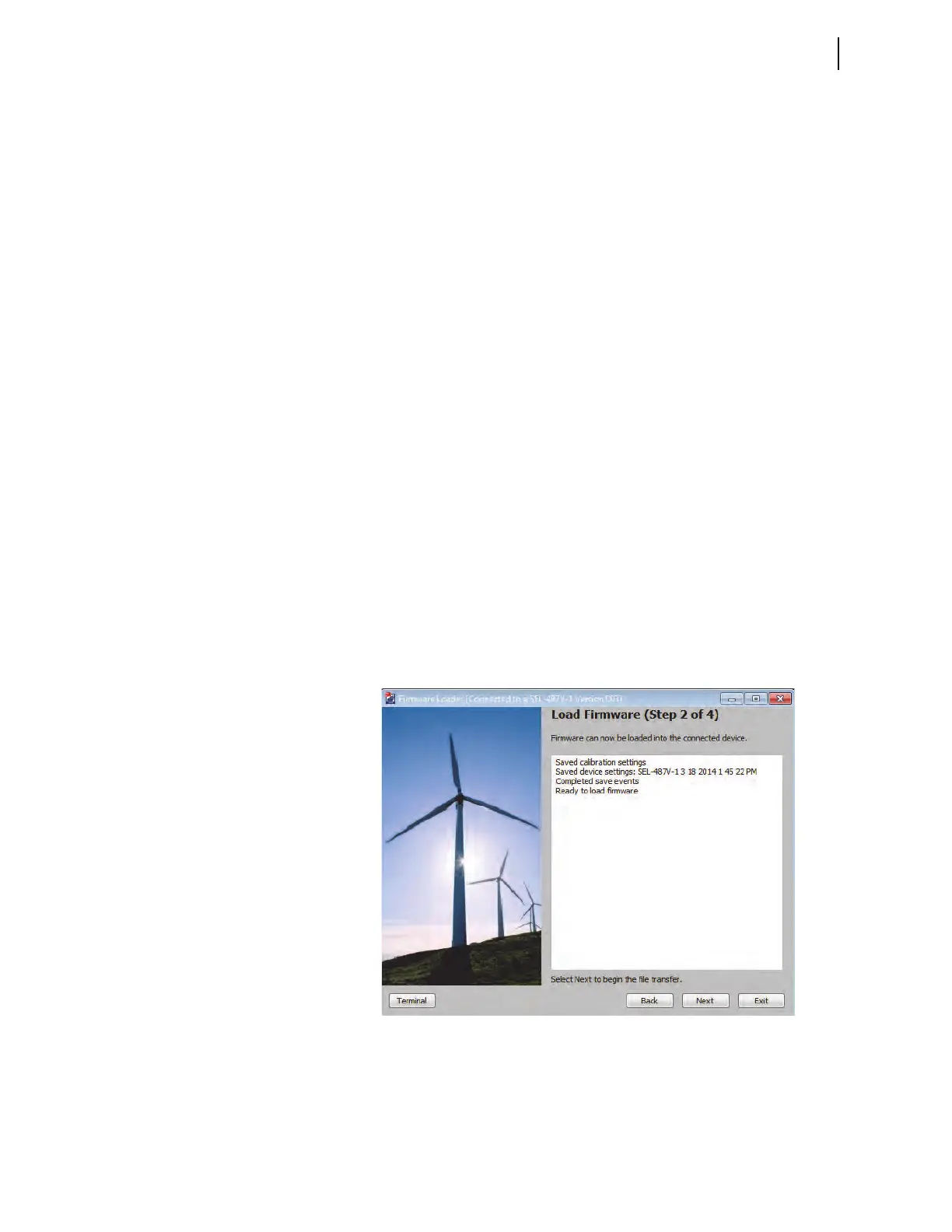
In the Step 2 of 4 window of the Firmware Loader, click Next to disable the
relay and enter SEL
BOOT (See Figure 3).
Figure 3 Load Firmware (Step 2 of 4)
F Maximize Port Data Rate
This step is performed automatically by the software.



 To Next Page