P.B.7
Date Code 20151029 Protection Manual SEL-411L Relay
Firmware Upgrade Instructions
Upgrade Procedure
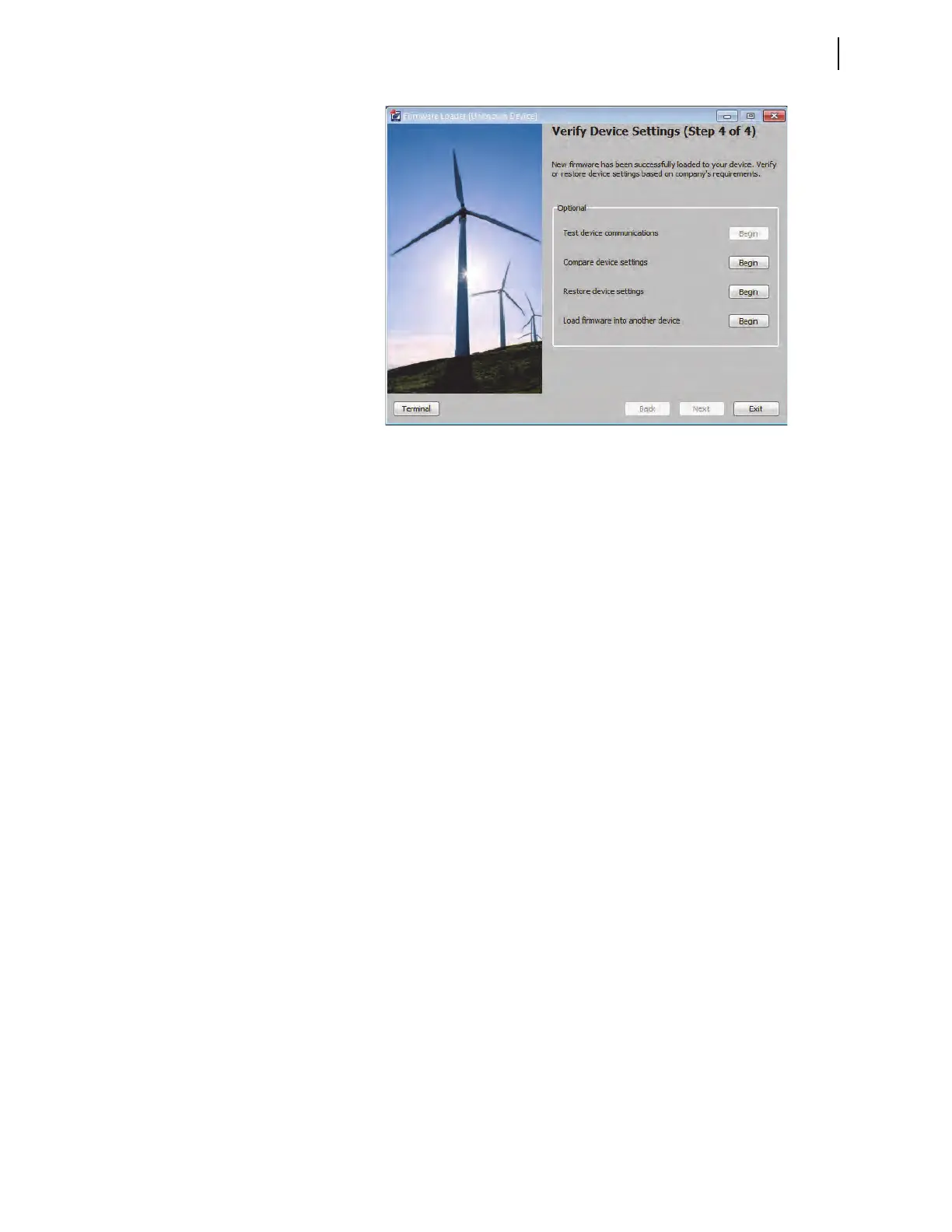
Figure B.3 Verify Device Settings (Step 4 of 4)
J Return Relay to Service
Step 1. Open the terminal window using the Terminal button in the
lower left portion of the Firmware Loader.
Step 2. Use the ACC command with the associated password to enter
Access Level 1.
Step 3. Issue the ID command and compare the firmware revision
(Rnnn) displayed in the FID string against the number from the
firmware envelope label. If the numbers match, proceed to Step 5.
Step 4. For a mismatch between a displayed FID and the firmware
envelope label, reattempt the upgrade or contact SEL for assistance.
Step 5. If you use the Breaker Wear Monitor, type BRE <Enter> to
check the data to see if the relay retained breaker wear data
through the upgrade procedure. If the relay did not retain these
data, use the BRE W command to reload the percent contact
wear values recorded in Save Settings and Other Data.
Step 6. Apply current and voltage signals to the relay.
Step 7. Type MET <Enter> or use the
ACSELERATOR QuickSet HMI
to verify that the current and voltage signals are correct.
Step 8. Use the TRI and EVE/CEV commands or Tools > Events >
Get Events menu in
ACSELERATOR QuickSet to verify that the
magnitudes of the current and voltage signals you applied to
the relay match those displayed in the event report. If these
values do not match, check the relay settings and wiring.
Step 9. Autoconfigure the SEL communications processor port if you
have an SEL communications processor connected to the relay.
This step reestablishes automatic data collection between the
SEL communications processor and the relay. Failure to
perform this step can result in automatic data collection failure
when cycling communications processor power.
Step 10. Follow your company procedures for returning a relay to service.



 To Next Page