Copier D014/D015/D078/D079
SM 1-13 D014/D015/D078/D079
Installation
Do not touch [B], [C], or [D] at this time. These items are removed after you
remove the faceplate.
To prevent damage to the ITB, never turn down lever [D] to pull out the drawer
unit until after you have removed the rod with the red tag and wire [B].
The drawer must remain inside the machine until after the developer is
installed in the developer cartridges of the PCUs.
The rod is removed after the faceplate is removed.
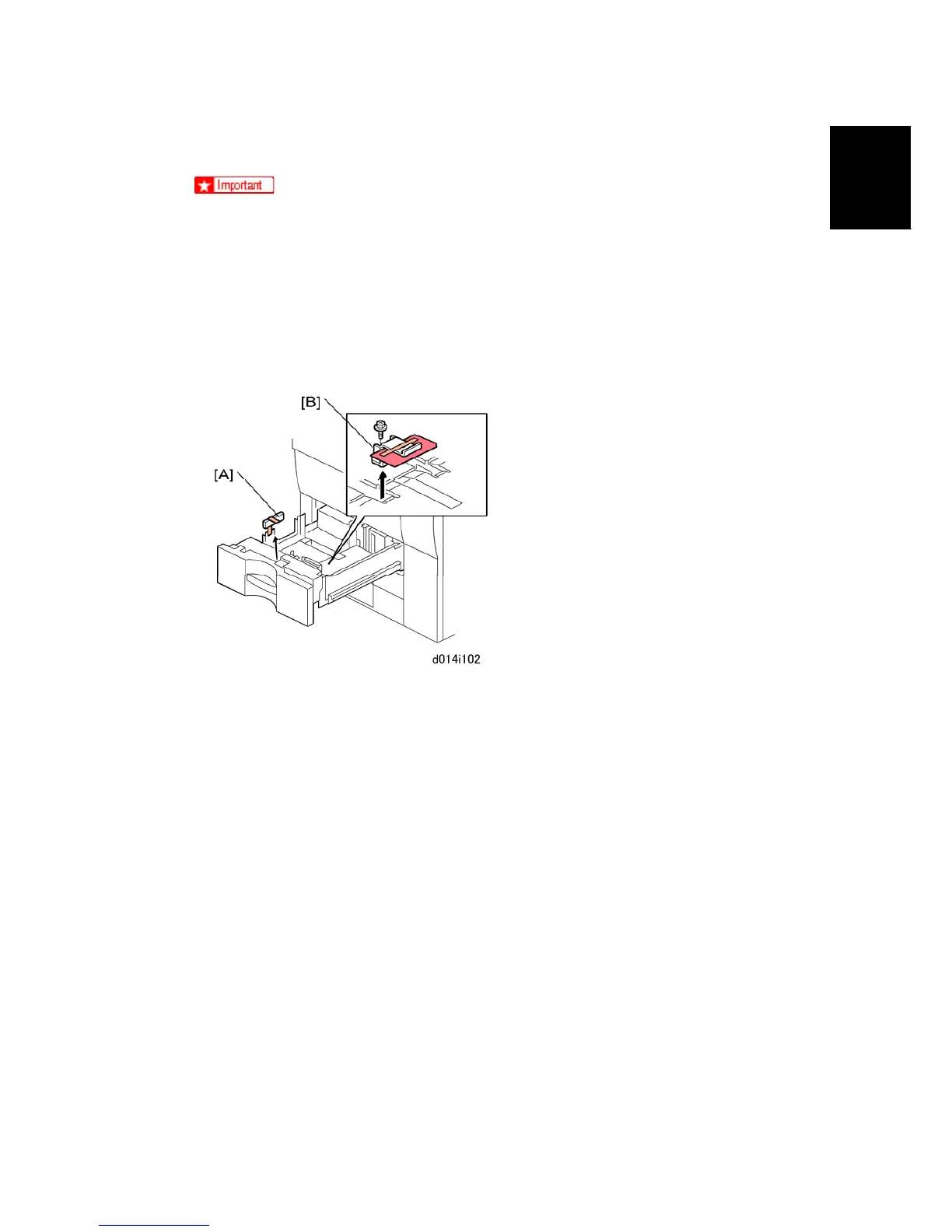
3. From Tray 1 remove:
[A]: Block, tape
[B]: Retainer, tag, wire ( x 1)
4. Remove all retainers and accessories from Tray 2, Tray 3.



 To Next Page