Boards
D014/D015/D078/D079 3-114 SM
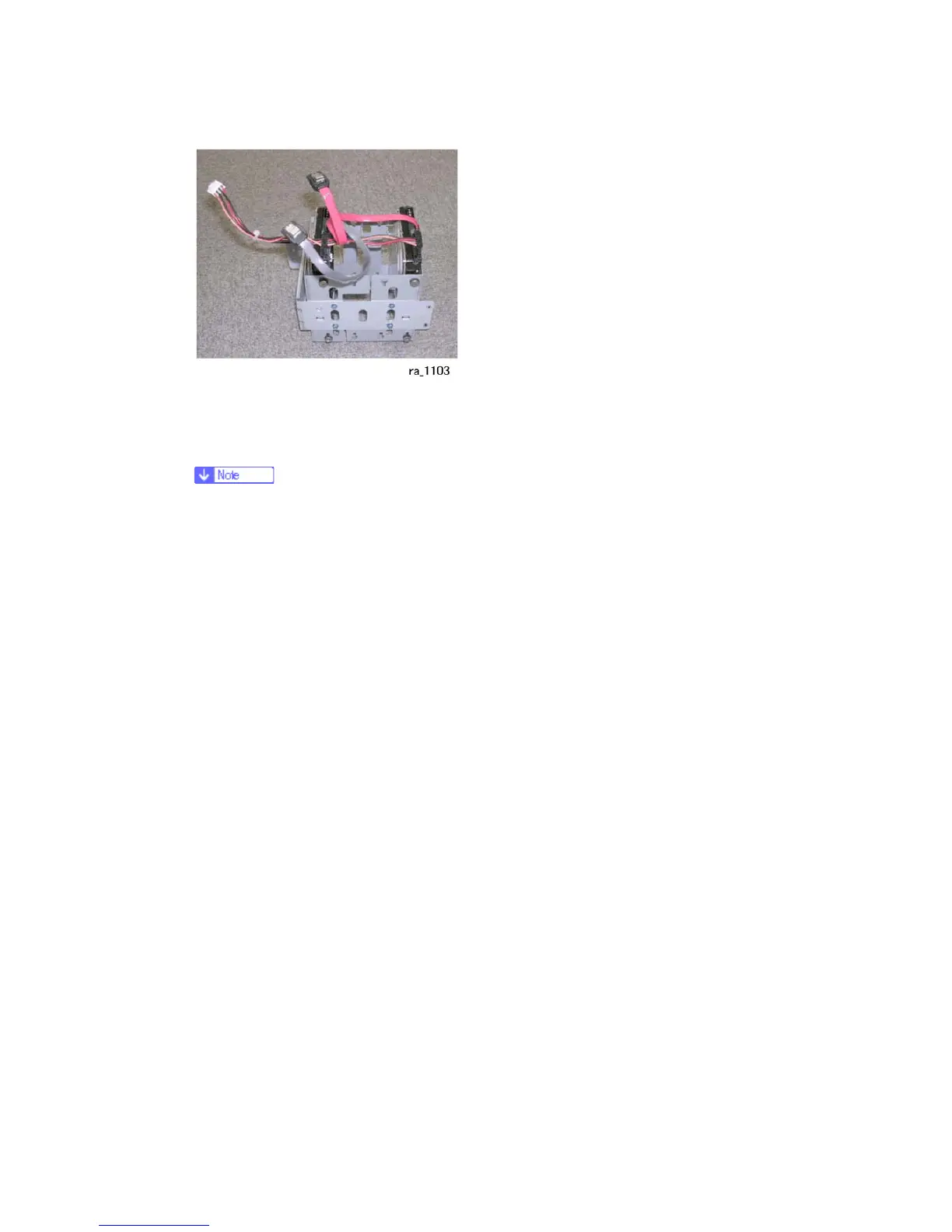
3. Install the new HDD unit.
4. Reassemble the machine.
5. Enter the SP mode and do SP5832-1 to format the hard disks.
Formatting the hard disks is recommended, even if they have already been
formatted.
6. Do SP5853-1 to download the fixed stamps from the ROM to the HDD.
7. Cycle the machine power off/on to enable the fixed stamps for use.
After installing the new HDD unit
1. Do SP5832-001 to format the hard disk.
2. Do SP5853-001 to copy the preset stamp data from the firmware to the hard disk.
3. Do SP5846-052 to copy back the address book to the hard disk from the SD card to
which you have already copied the address book data if possible.
4. Turn the main power switch off/on.
Disposal of HDD Units
Never remove an HDD unit from the work site without the consent of the client.
If the customer has any concerns about the security of any information on the HDD,
the HDD must remain with the customer for disposal or safe keeping.
The HDD may contain proprietary or classified (Confidential, Secret) information.
Specifically, the HDD contains document server documents and data stored in
temporary files created automatically during copy job sorting and jam recovery. Such
data is stored on the HDD in a special format so it cannot normally be read but can be
recovered with illegal methods.
Reinstallation
Explain to the customer that the following information stored on the HDD is lost when
the HDD is replaced: document server documents, fixed stamps, document server



 To Next Page