MFP Controller Options
D014/D015/D078/D079 1-182 SM
1.18.18 COPY DATA SECURITY UNIT TYPE F (B829)
Accessories
Check the accessories and their quantities against the table below.
Description Qt'y
1. Copy Data Security Type F PCB 1
Turn the machine off and disconnect its power cord from the power source.
1. Remove
Rear upper cover
Controller box cover
2. Touch a metal surface to discharge any static electricity from your hands.
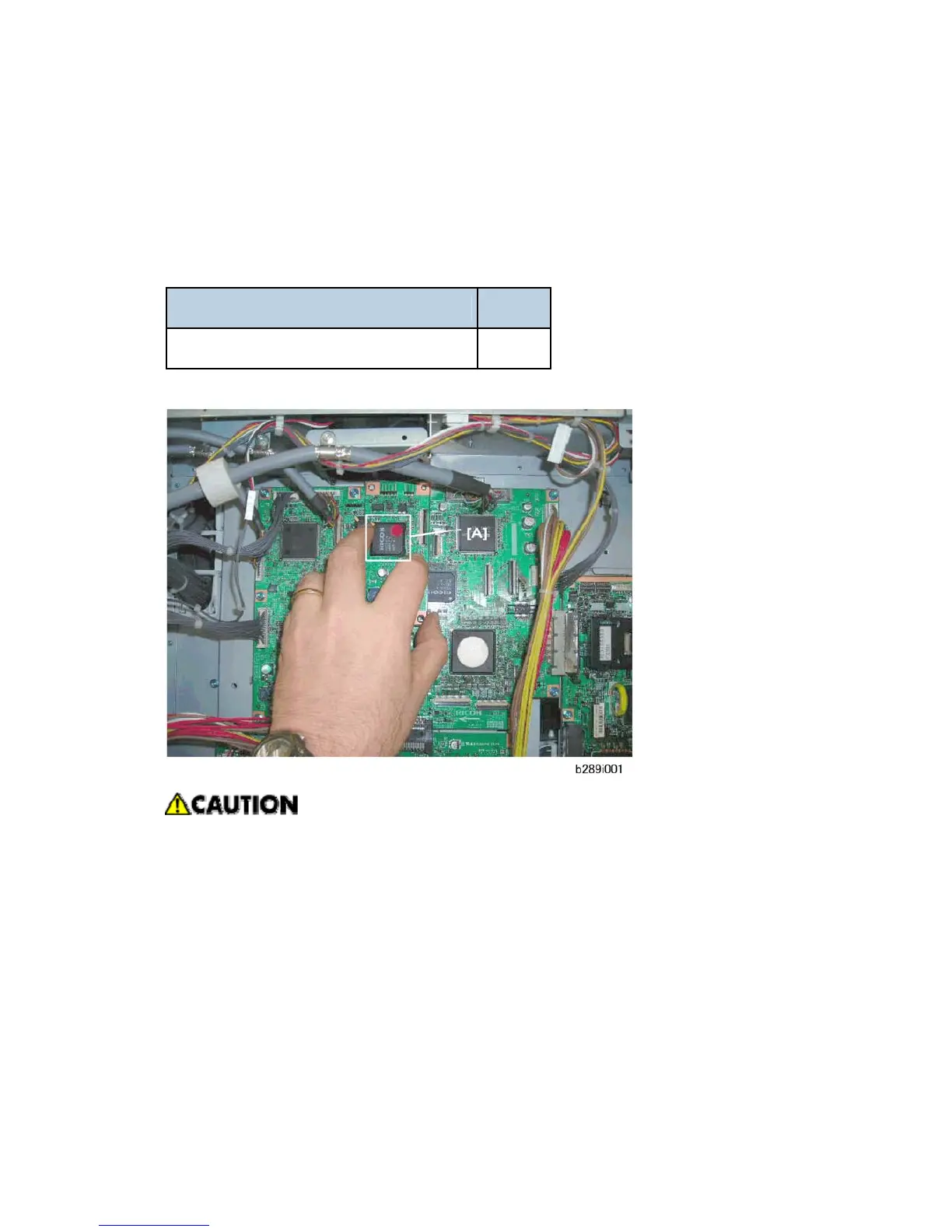
3. Push the connector on the underside of the Copy Data Security PCB [A] into its slot on
the IPU.
4. Carefully fasten the Copy Data Security PCB to the IPU ( x2).



 To Next Page