REPLACEMENT AND ADJUSTMENT
SM 17 B830
Finisher
B830
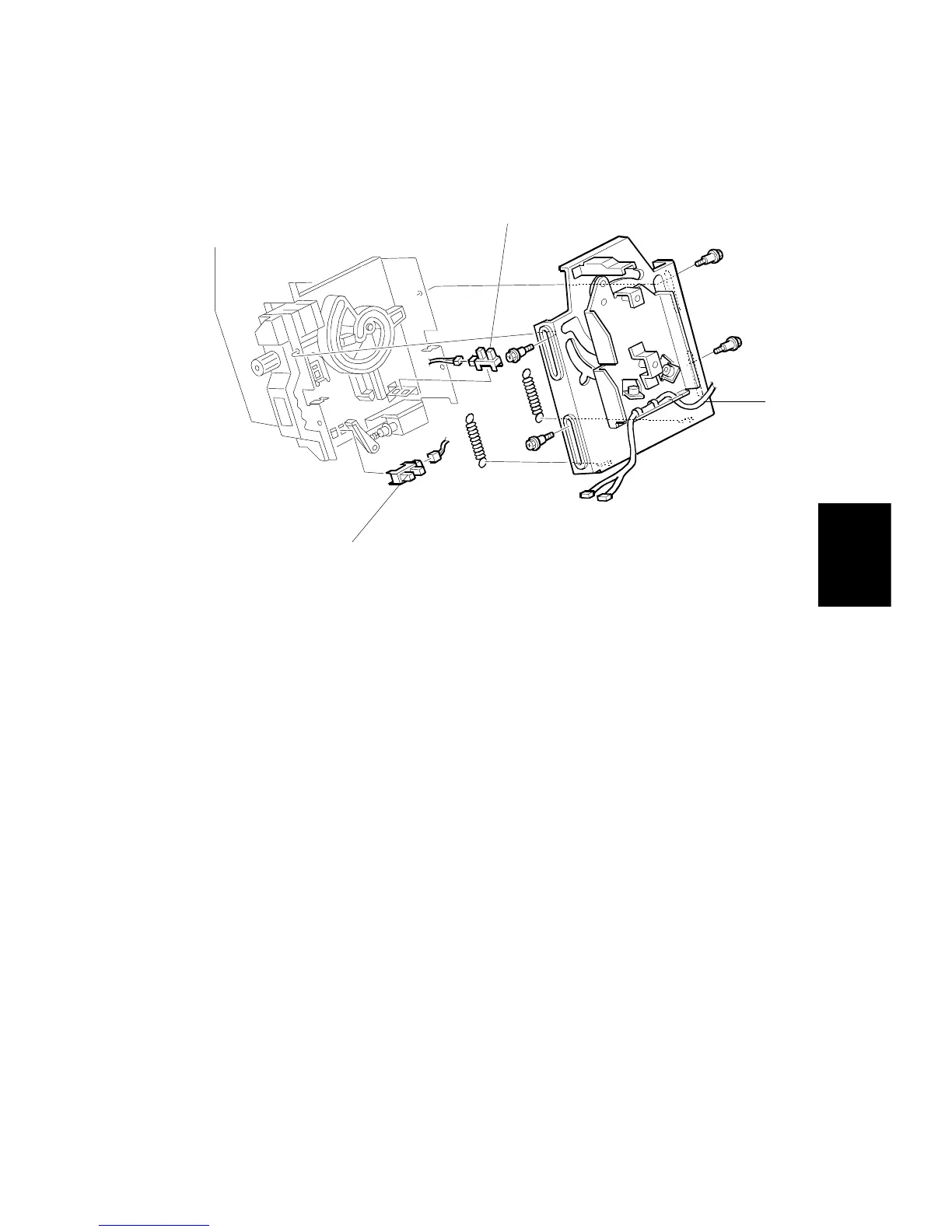
1.4.8 STAPLER ROTATION HP AND STAPLER RETURN SENSORS
1. Remove the stapler unit. (See next page.)
2. Remove the stapler mount bracket [A] (
x 4) (Springs x 2).
3. Replace the stapler rotation HP sensor [B] (
x 1).
4. Replace the stapler return sensor [C] (
x 1).



 To Next Page