Common Procedures
SM 3 D350
D350
RT4000
A3/12 x 18
LCT
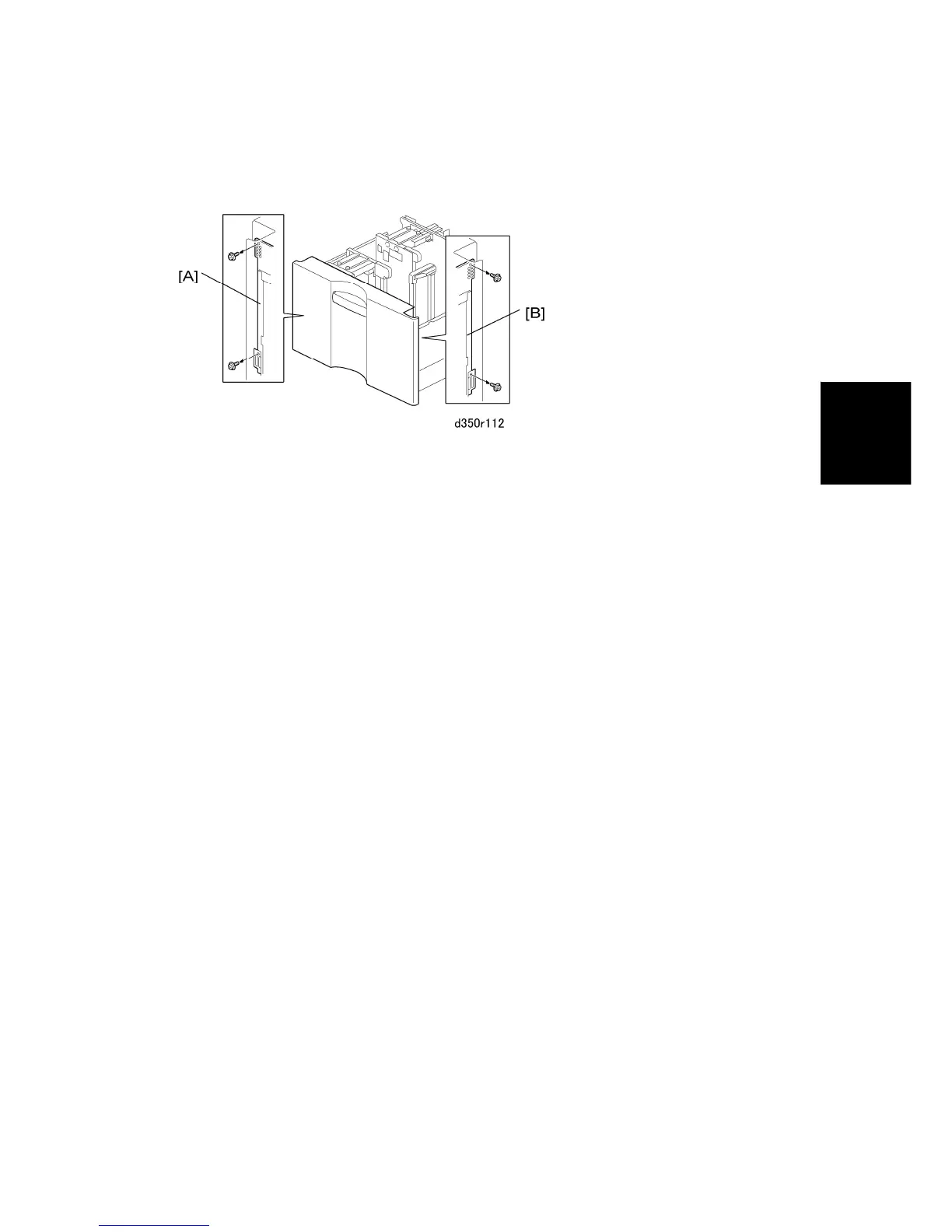
1.1.3 SIDE REGISTRATION ADJUSTMENT
The side-to-side registration for this LCIT can be adjusted with SP1003-8.
However, if punched hole positions are not aligned on paper fed from this LCIT, you can
first adjust the side registration by changing the tray cover position as described below, and
then adjust the side registration of the image with the SP1003-8 (Side-to-Side Reg: WIDE
LCT).
1. Pull out the tray.
2. Change the screw positions at both the right [A] and left [B] sides as shown.
Adjustment range: 0±2.0 mm, Step: 0.5 mm



 To Next Page