MFP Controller Options
D014/D015/D078/D079 1-170 SM
1.18.13 POSTSCRIPT3 D378
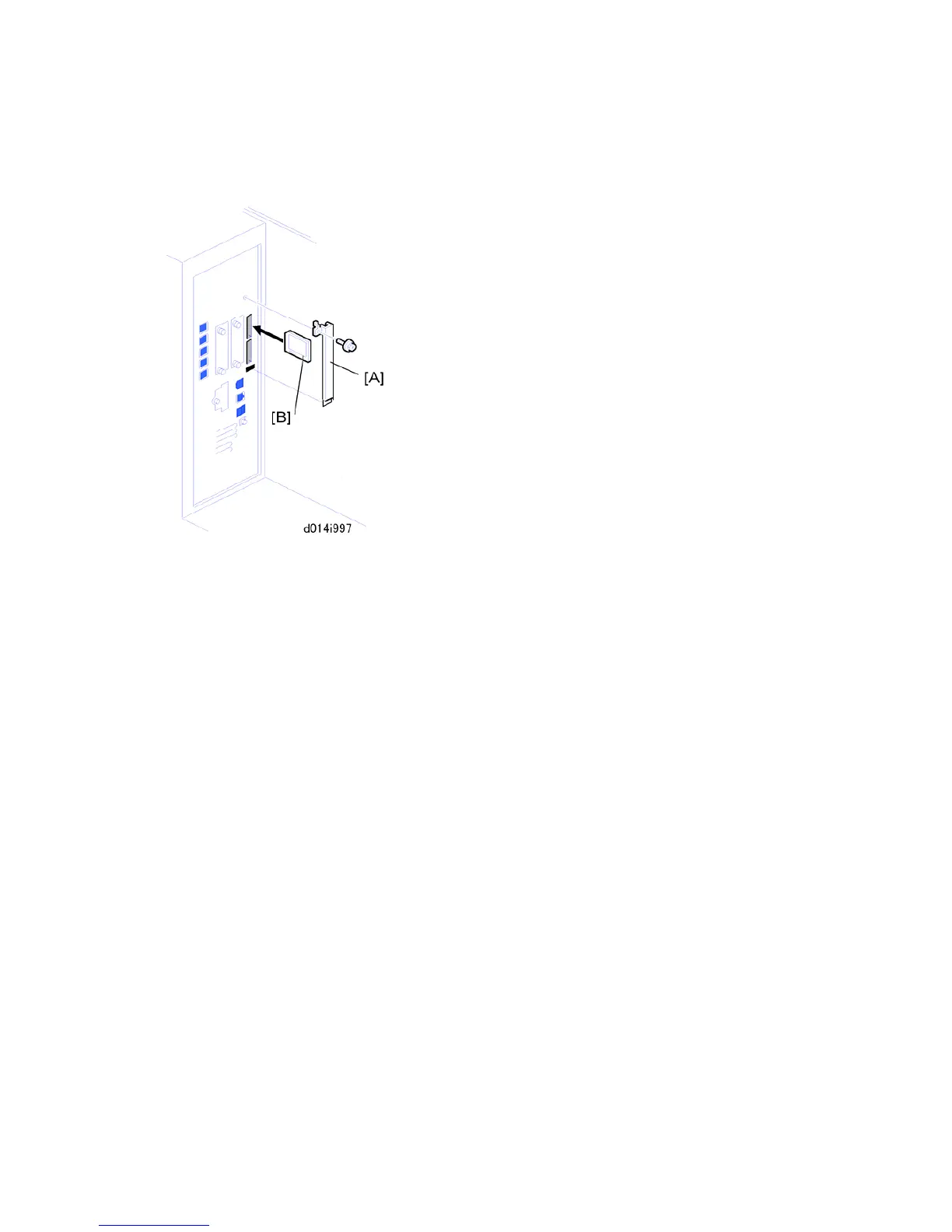
1. Remove the slot cover [A] ( x1).
2. Put the PostScript3 SD card [B] in SD card the upper slot.
Only one SD card slot is available for applications provided on SD cards.
If the customer wants to use two or more applications from SD cards, the
applications must be moved to a single SD card. (See "Moving Applications to One
SD Card" in this section.)
The PostScript3 application and fonts cannot be moved to another SD card.
However, other applications can be moved onto the PostScript3 SD card.



 To Next Page